
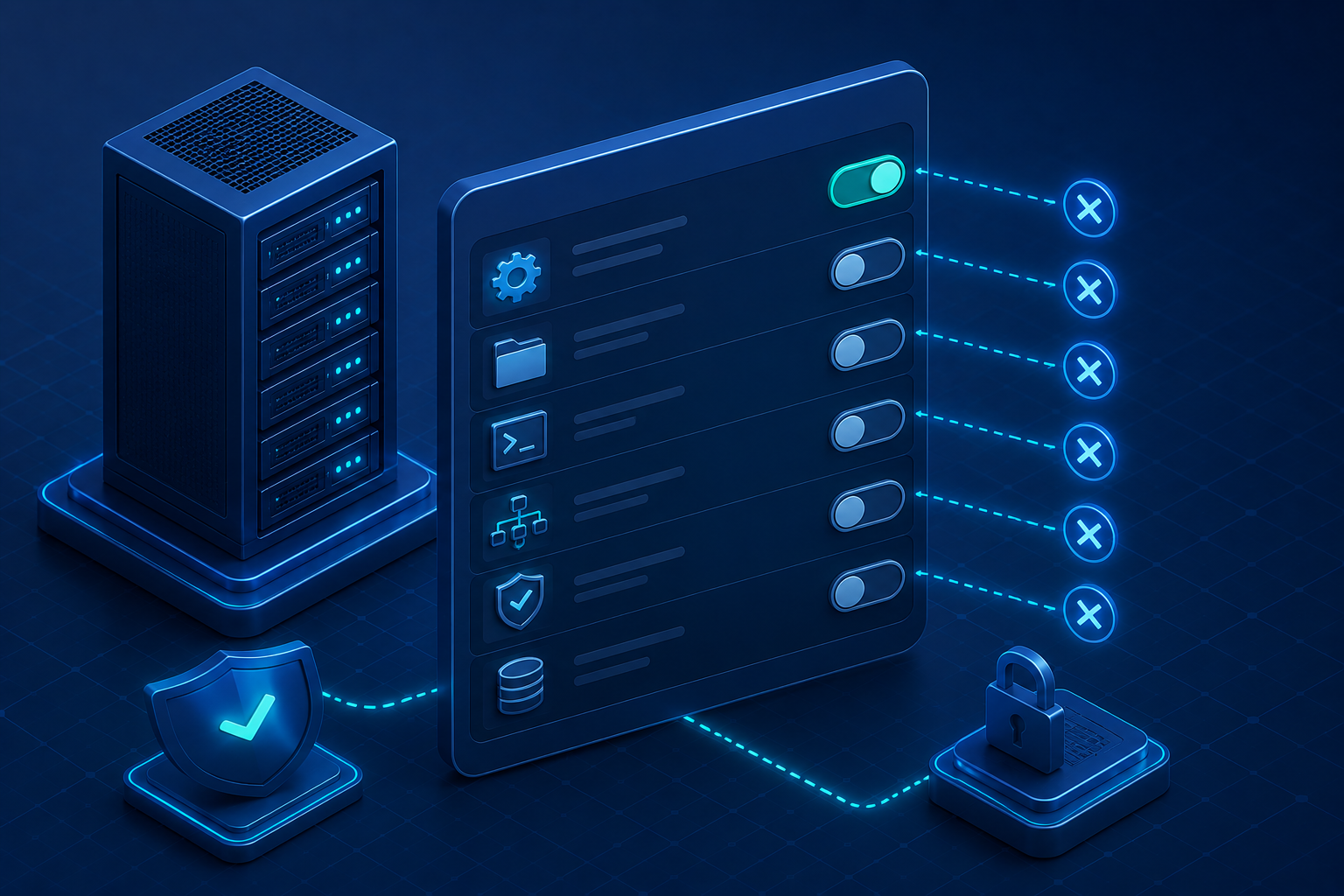

Unnecessary features enabled security is a critical part of protecting modern infrastructure from unnecessary cyber risks. At Secure Coding Practices, we frequently conduct security assessments that reveal expanded attack surfaces caused by default software installations.
Administrative interfaces, sample applications, debug tools, and auxiliary services are often left enabled long after deployment, creating opportunities for attackers to gain unauthorized access. These overlooked components increase maintenance complexity and expose systems to avoidable vulnerabilities.
By identifying and disabling features that are not essential to production, organizations can significantly reduce their attack surface, improve operational security, and build a stronger foundation for secure, resilient deployments.
What Are the Key Security Lessons from Unnecessary Enabled Features?
Leaving unnecessary services enabled increases your attack surface and creates avoidable security risks, making feature hardening an essential part of every secure deployment.
- Disable services, APIs, and sample applications that are not required in production.
- Review enabled features regularly to reduce attack surface and prevent configuration drift.
- Automate hardening policies so secure configurations are applied consistently across every deployment.
How Does Unnecessary Features Enabled Security Reduce Your Attack Surface?
Default installations often enable services that increase the risk of exploitation without providing any business value. Administrative interfaces and management APIs are frequent targets for automated discovery tools scanning your network.
Every active service requires updates, monitoring, and security patching to remain protected against emerging threats. Disabling unused features is the fastest way to shrink your attack surface and limit potential lateral movement.
Feature management should be an integrated part of your deployment workflow rather than a post-deployment checklist. We recommend reviewing our full analysis on Common Security Misconfigurations to understand how these defaults create wider systemic risks.
Why Are Enabled Services Hidden Security Risks?
When vendors package software, they often prioritize convenience over security. Many installations enable APIs, listeners, management portals, and sample applications by default. Although useful during setup, these components frequently remain active long after deployment.
Common examples include:
- Public management interfaces
- Enabled debug services
- Sample applications and demo pages
- Unused APIs and network listeners
- Administrative portals exposed to the internet
Each enabled feature represents another potential entry point. In our security assessments, we frequently discover forgotten management tools and debugging services that attackers can exploit to gain unauthorized access.
Every active component requires monitoring, patching, and ongoing maintenance. If a feature does not directly support your production environment, disabling it is one of the fastest ways to reduce your attack surface.
Why Doesn’t “Default” Mean “Secure”?
Many engineering teams operate under the assumption that factory settings are vetted for security. That is rarely the case. Factory defaults are designed for interoperability and convenience. They are almost never configured with the principle of least privilege in mind.
If you are currently deploying software without reviewing its default service configurations, you are likely inheriting misconfigurations. Moving beyond “out-of-the-box” configurations is the first step toward a hardened infrastructure. You must intentionally select which features remain active and which ones should be disabled before your code hits production.
What Security Risks Do Auxiliary Services Create?
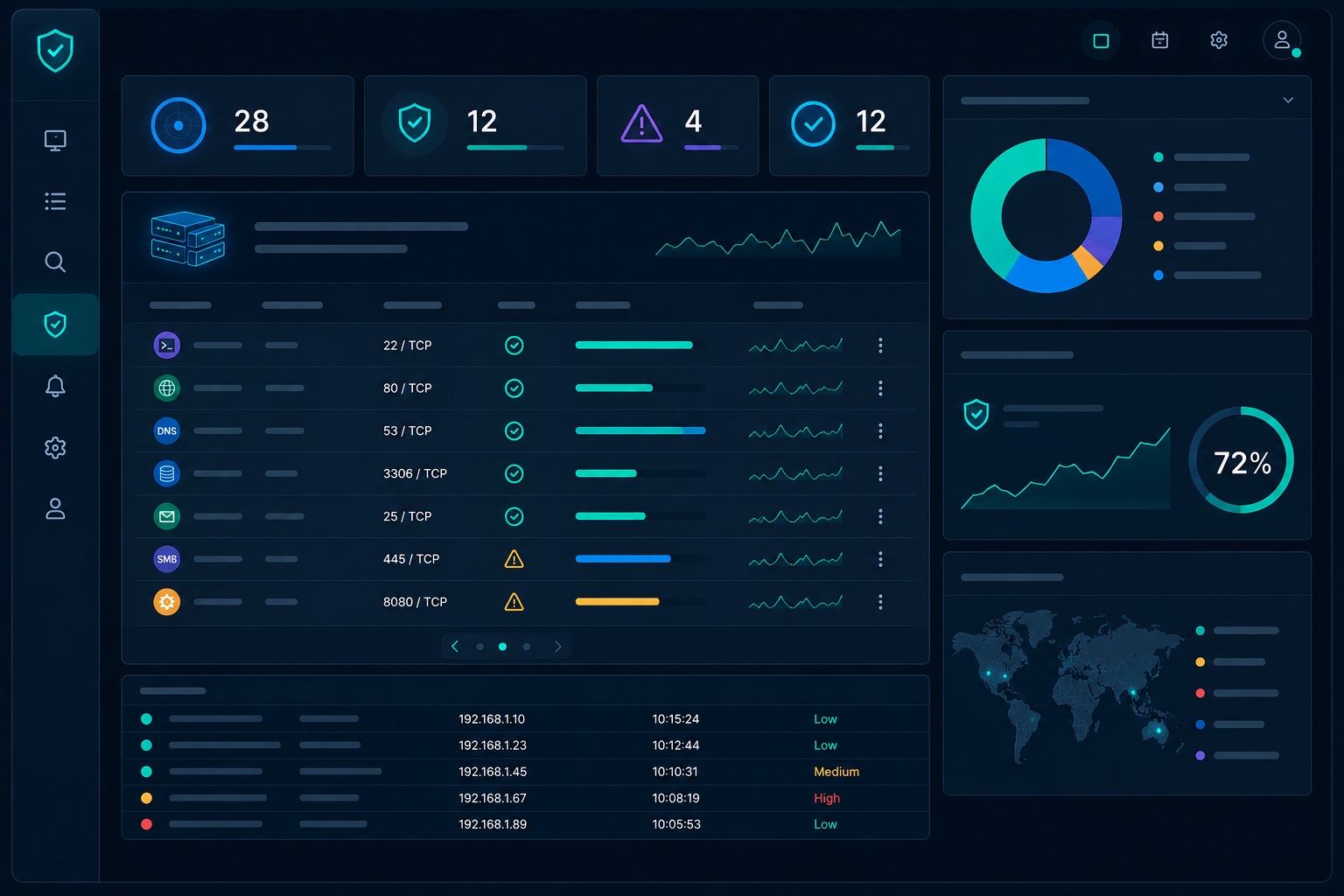
Vendors often ship software with a wide array of auxiliary services, listeners, and APIs enabled by default. They design these for maximum compatibility, ensuring that new users can get started immediately. However, each active service is a potential entry point.
In our experience, teams often focus heavily on their core application logic while completely ignoring the background processes bundled with their platform. These auxiliary services often run with high privileges. If an attacker discovers a vulnerability in a forgotten management API or a test script, they can quickly pivot to the core system.
We often discover debug modes or management portals that were never intended for production use. If these are reachable from the network, they act as a playground for unauthorized access.
How Should You Evaluate Feature Exposure in Your Stack?
You must treat every enabled feature as a liability. If your application does not rely on a specific service, you should deactivate it immediately.
This is where the principle of least functionality comes into play. By running only the components absolutely required for your business logic, you shrink your attack surface. If you are currently struggling with debugging errors that expose system details, it is often a sign that other misconfigurations are lurking in your settings.
| Feature Type | Security Risk | Recommended Action |
|---|---|---|
| Management APIs | Unauthorized access | Disable or restrict to internal IP |
| Debug Mode | Information leakage | Set to OFF in production |
| Sample Apps | Known vulnerability entry points | Remove entirely |
| Auxiliary Services | Unnecessary exposure | Disable and monitor |
“Configure devices to perform only the functions that are required. Disable unnecessary services and ports to ensure the device is not doing more than it needs to.” – National Cyber Security Centre (NCSC) UK
By systematically reviewing these areas, your development team can move from a default-trust model to a secure-by-design infrastructure. This approach significantly reduces the probability of a successful breach.
How Does Automation Strengthen Your Hardening Lifecycle?
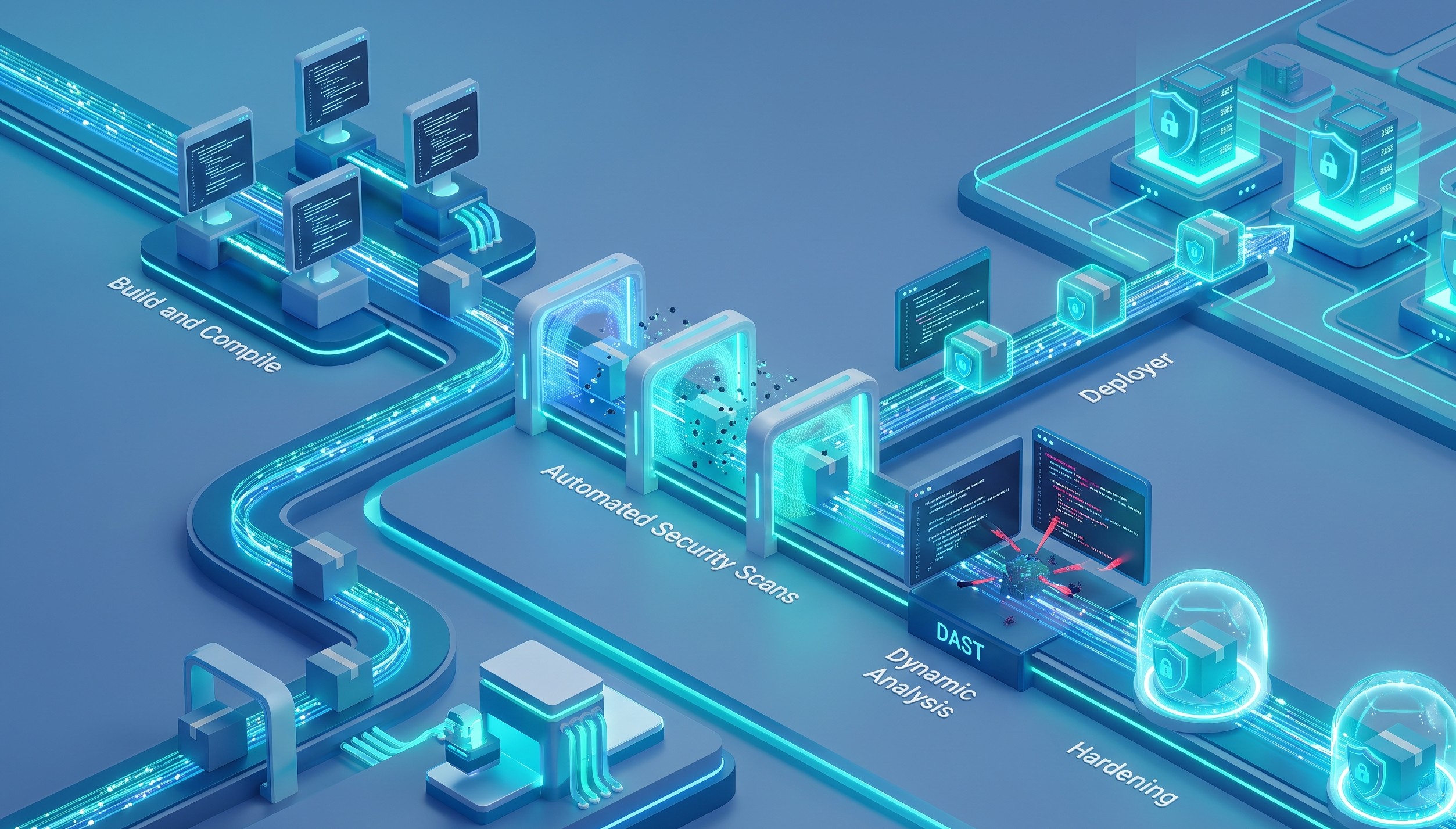
System hardening is not a one-time configuration change. It requires reducing the attack surface by disabling all unnecessary services, protocols, and ports across your entire environment.
We teach our students that automation is the only way to maintain this security posture at scale. If you rely on manual checks, configuration drift will eventually create vulnerabilities in your stack.
As outlined by the CIS Benchmarks:
“Restrict management interfaces to trusted networks and disable unnecessary services and protocols to reduce the attack surface and mitigate potential exploitation vectors.” – National Security Agency (NSA)
What Should Be Included in a Feature Management Checklist?
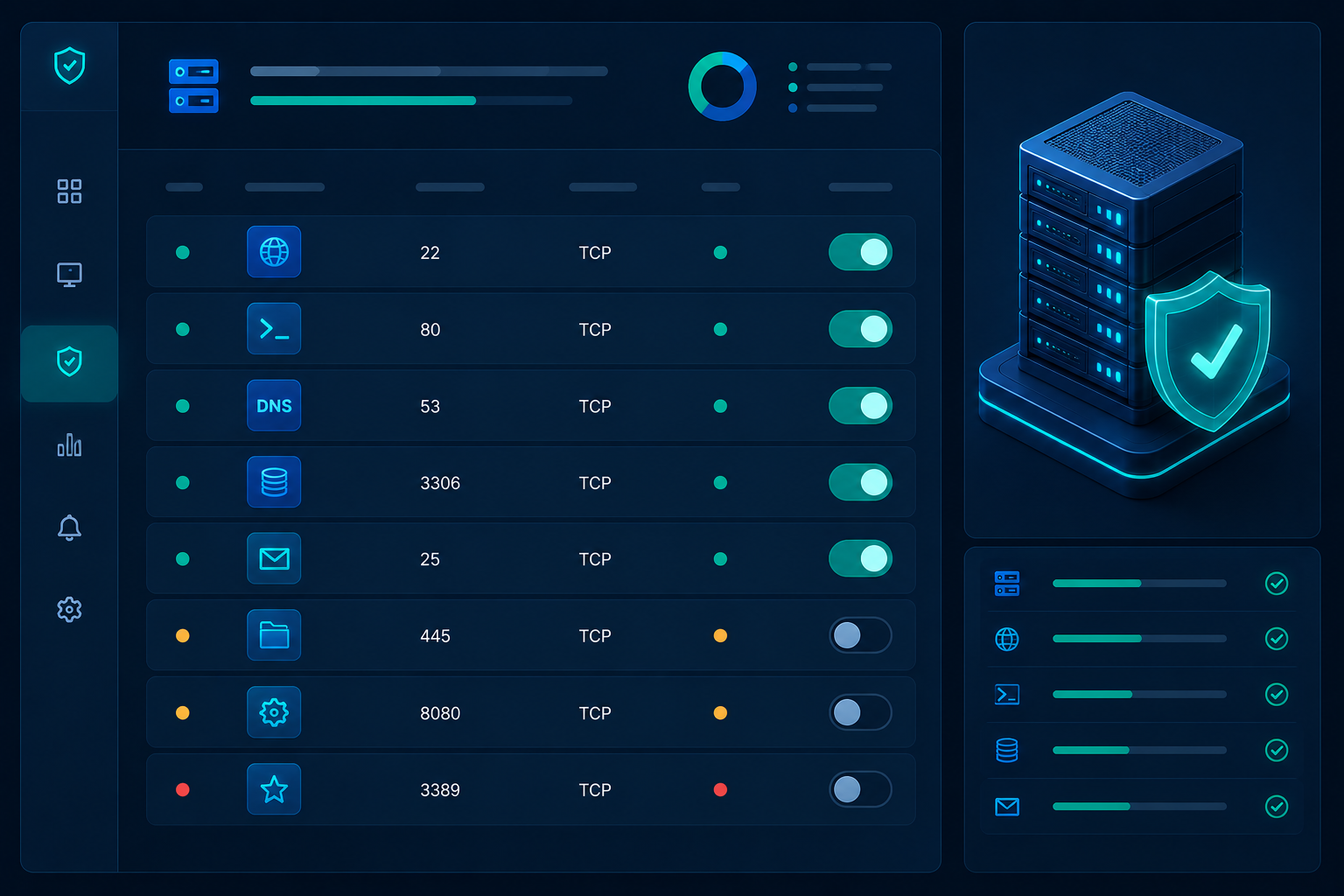
- Audit Active Services: List every listening port and API endpoint in your production environment.
- Disable Unused Components: Remove any service that does not directly support your core business logic.
- Restrict Access: If a service must remain active, ensure it is firewalled and accessible only from trusted internal networks.
- Monitor Configurations: Implement automated scanners that alert your team when a new service is enabled or a port is opened.
- Review Dependencies: Regularly check third-party libraries for auxiliary features that may have been bundled during installation.
Effective feature management requires more than just a one-time audit; it must be treated as a dynamic operational standard. By embedding these checks into your recurring infrastructure reviews, you ensure that security compliance evolves alongside your application’s functionality.
What Does the Hardening Lifecycle Look Like?
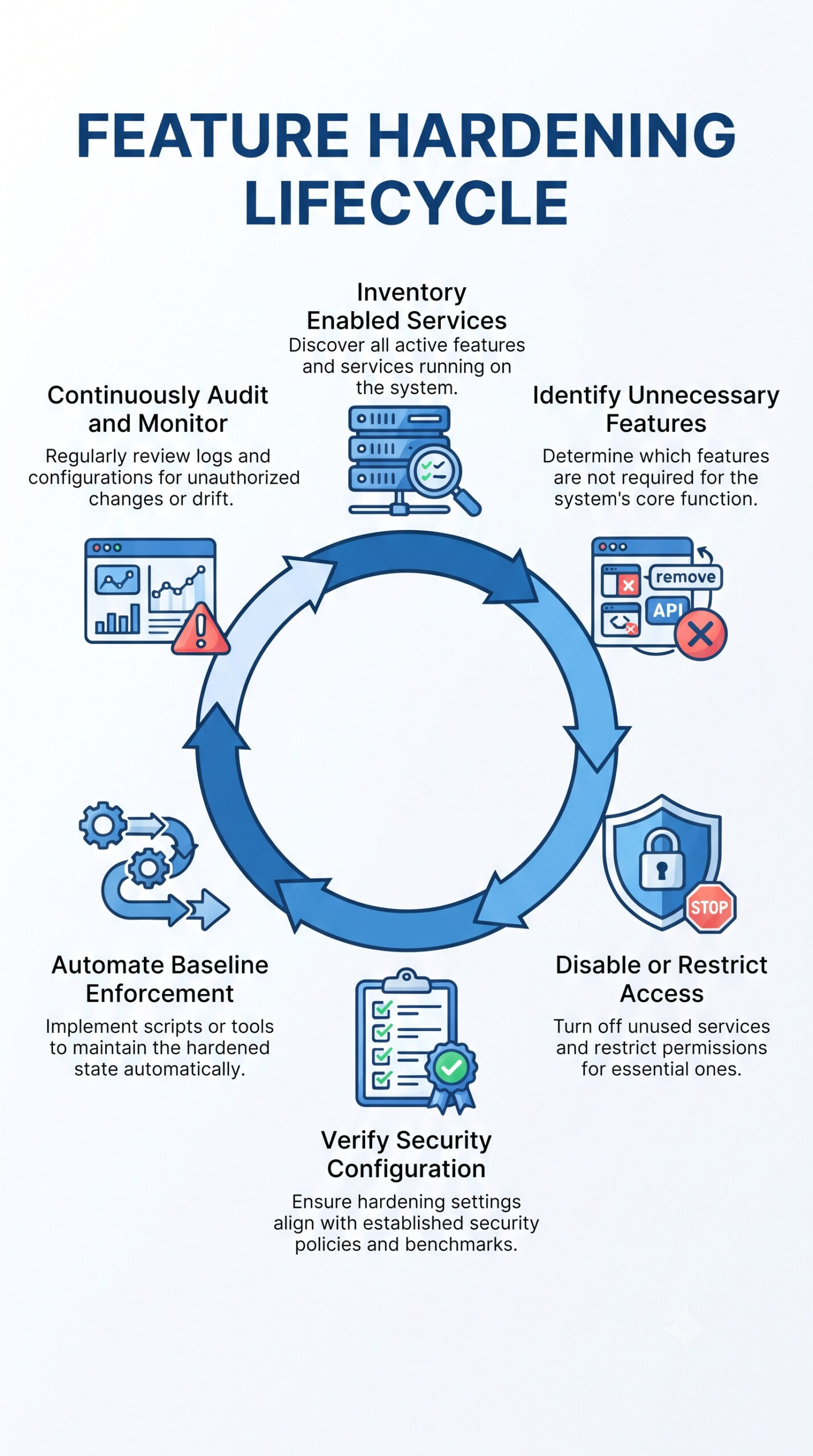
System hardening is not a one-time configuration task but a continuous discipline. Organizations must integrate hardening checkpoints into their CI/CD pipelines to ensure that every deployment automatically adheres to established security baselines, effectively preventing configuration drift as applications evolve.
Beyond initial setup, continuous monitoring and automated auditing are critical components of the lifecycle. By regularly scanning for active ports, unnecessary services, and outdated dependencies, teams can proactively identify and remediate emerging vulnerabilities.
FAQ
How do I determine which features are truly unnecessary?
Start by mapping your application’s data flow. If a feature does not play a direct role in processing, storing, or securing your data, it is likely a candidate for removal. Consult your software documentation to understand the dependencies of each service.
Does disabling features impact software performance?
In almost all cases, disabling unnecessary services improves performance. You reduce the memory footprint and CPU cycles required to run the server. This leads to a leaner, faster, and more secure infrastructure.
What if a required service is part of a complex dependency chain?
You should evaluate if the service can be isolated or restricted through network segmentation rather than deletion. If you cannot disable it, apply strict access controls to limit who can interact with that specific service.
How often should we audit our enabled features?
We recommend an audit cadence aligned with your deployment cycle. Every time you update your infrastructure or add new modules, your security team should verify that no unnecessary services were inadvertently enabled during the installation process.
Why is this approach better than just patching?
Patching is reactive; it only works for known vulnerabilities. By disabling unnecessary features, you eliminate the vulnerability entirely. This proactive approach protects you even against zero-day exploits targeting services you do not even use.
Reducing Risk by Managing Unnecessary Features
Unnecessary features enabled security is a fundamental part of reducing your application’s attack surface and strengthening overall system resilience. Unused services, management interfaces, sample applications, and debug features create unnecessary exposure that attackers can exploit if left enabled in production.
By regularly auditing enabled components, applying the principle of least functionality, and automating security baselines, organizations can build more secure environments while minimizing avoidable security risks.
Ready to strengthen your secure development and security practices? Join the Secure Coding Practices Bootcamp and learn practical, hands-on techniques for hardening systems, reducing attack surfaces, and implementing secure coding practices that help you build resilient applications.
References
- https://www.ncsc.gov.uk/collection/device-security-guidance
- https://www.nsa.gov/Cybersecurity/Cybersecurity-Advisories-Guidance/