
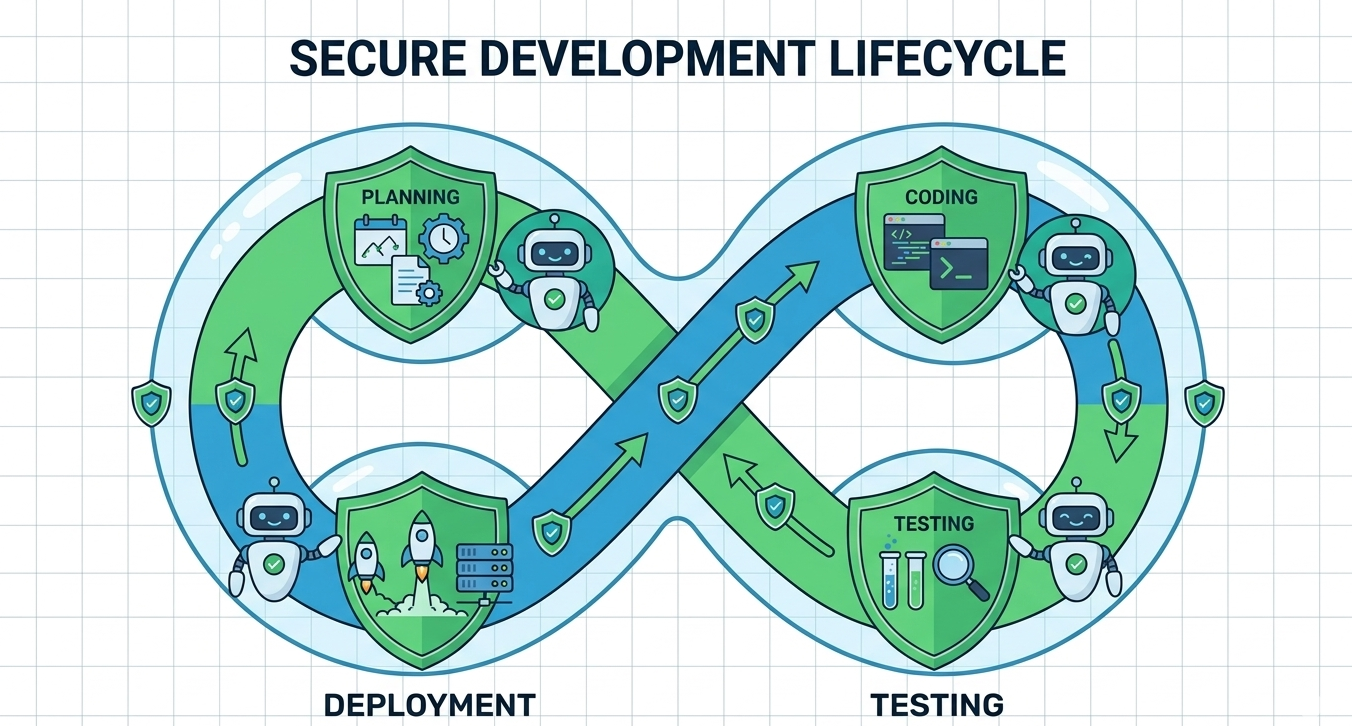

Software risk management CRA is no longer optional, it shapes how we design, build, and maintain secure systems under the Cyber Resilience Act. From our experience, teams that treat risk management as a continuous process, not a checklist, adapt faster and avoid costly rework.
This approach aligns security with real development workflows instead of slowing them down. In this article, we combine practical insights and structured guidance to help teams meet CRA expectations effectively while staying productive. Keep reading.
Important Points Of Software Risk Management CRA
Before diving deeper, here are the most important points we’ve learned from applying software risk management CRA in real development environments. These insights reflect both practical experience and what consistently works across teams.
- Start risk management early and integrate it into every development phase
- Keep processes simple so developers actually follow them
- Align CRA requirements with daily workflows instead of treating them separately
Understanding Software Risk Management CRA in Practice
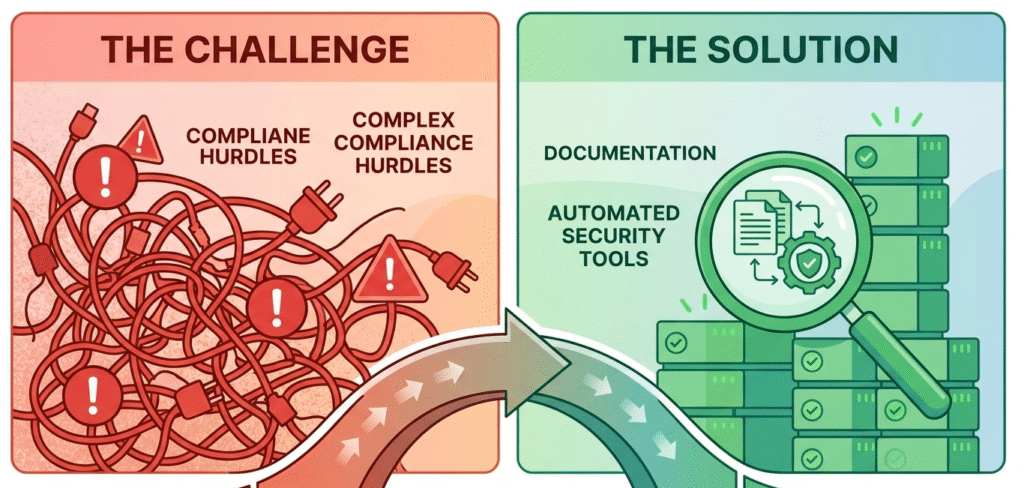
Software risk management CRA focuses on identifying, assessing, and mitigating risks across the entire secure development lifecycle. In our work, we’ve seen that early-stage risk identification dramatically reduces downstream vulnerabilities. Teams often underestimate how design decisions impact compliance later.
“Manufacturers shall undertake an assessment of the cybersecurity risks associated with a product with digital elements and take the outcome of that assessment into account during the planning, design, development, production, delivery and maintenance phases.” – Official Journal of the European Union, Regulation (EU) 2024/2847
A strong approach usually includes:
- Defining risk categories (technical, operational, supply chain)
- Embedding threat modeling into planning
- Continuously reassessing risks during updates
From a third-person perspective, organizations that succeed here treat CRA not as a regulatory burden but as a framework for building resilient systems. They align internal processes with external requirements without overcomplicating workflows.
We’ve learned that simplicity wins. Overly complex risk frameworks tend to be ignored by developers, while practical, integrated methods actually get used, and that’s what CRA ultimately demands.
Key Components of an Effective CRA Risk Management Framework
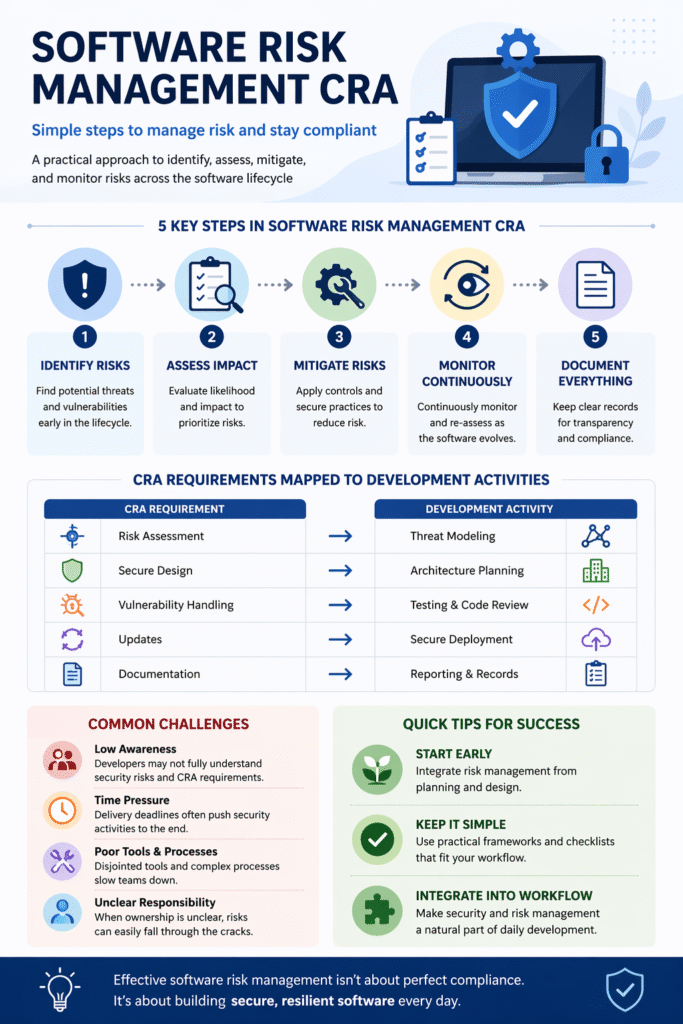
To meet software risk management CRA requirements, teams need a structured yet flexible framework. We usually break this down into core components of a Cyber Resilience Act secure development lifecycle that integrate naturally into development pipelines.
Here’s what consistently works:
- Risk Identification: Map out potential vulnerabilities early
- Risk Assessment: Evaluate likelihood and impact clearly
- Mitigation Planning: Define realistic, actionable controls
- Monitoring: Track risks continuously, not periodically
- Documentation: Maintain clear records for compliance audits
In practice, teams that document decisions, not just outcomes, handle audits more smoothly. From our experience, this reduces stress when demonstrating compliance.
Organizations applying these components effectively often rely on hands-on training. That’s where Secure Coding Practices comes in, we’ve seen firsthand how practical training helps developers internalize risk thinking without relying on theory alone.
Mapping CRA Requirements to Development Activities
Credits: Croftz Limited
One of the biggest challenges in software risk management CRA is translating the specific secure coding requirements of the Cyber Resilience Act into daily development tasks. We’ve worked with teams that struggled until they mapped obligations directly into their workflows.
Below is a simple mapping approach:
| CRA Requirement | Development Activity | Practical Example |
| Risk Assessment | Threat modeling | Identifying API vulnerabilities early |
| Secure Design | Architecture planning | Applying least privilege principles |
| Vulnerability Handling | Code review & testing | Fixing OWASP Top 10 issues |
| Update Management | CI/CD pipeline integration | Secure patch deployment |
| Documentation | Version control & reporting | Logging security decisions |
This structure keeps teams grounded. Instead of abstract compliance, developers see exactly what to do. We’ve found that when teams connect CRA requirements to tasks they already perform, adoption becomes natural rather than forced.
Common Challenges and How We Address Them
Even with a clear framework, software risk management CRA introduces real-world challenges. We’ve encountered these repeatedly across different teams and projects.
“Better security outcomes are expected when developers are internally driven toward security, rather than motivated by external factors; this aligns with… security outcomes within their teams.” – Journal of Cybersecurity, Oxford University Press
Typical obstacles include:
- Lack of developer awareness about security risks
- Fragmented tools that don’t integrate well
- Time pressure overriding secure practices
- Unclear ownership of risk management tasks
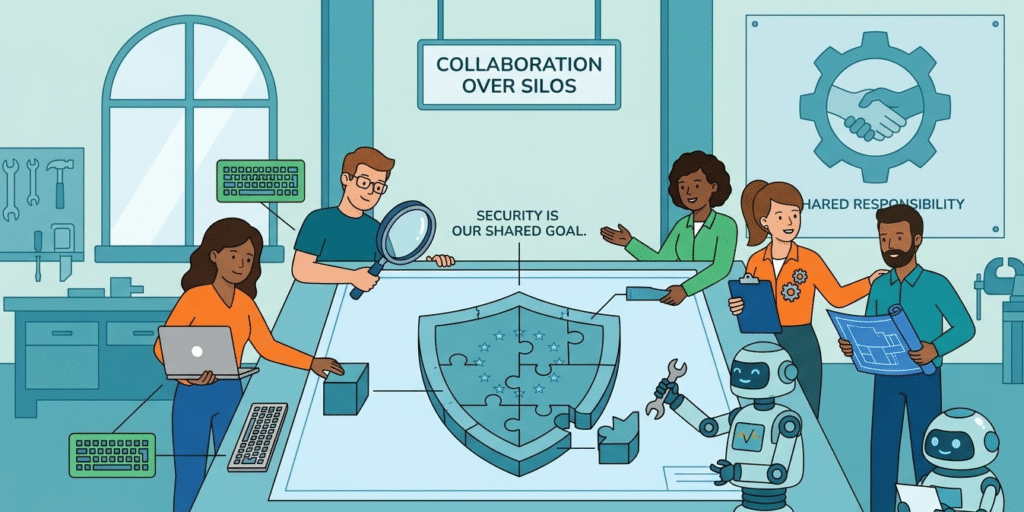
From our perspective, the biggest issue is not technical, it’s cultural. When security is treated as someone else’s job, gaps appear quickly.
We address this by embedding security into development habits. For example, Secure Coding Practices focuses on hands-on exercises rather than theory. This shifts the mindset from “extra work” to “normal workflow.”
FAQ
What does software risk management CRA actually require from development teams?
Software risk management CRA requires teams to actively identify, assess, and reduce risks throughout the software lifecycle. This means not waiting until testing, but starting from design.
Teams need to document risks, apply mitigation strategies, and continuously monitor vulnerabilities. It’s about making risk management part of daily development, not just a compliance task done at the end.
How can small teams handle software risk management CRA without extra resources?
Small teams can approach software risk management CRA by keeping things simple and practical. Instead of complex frameworks, they can use lightweight risk checklists, basic threat modeling, and secure coding habits.
The key is consistency. Even with limited resources, regularly reviewing risks and documenting decisions helps meet CRA expectations without slowing down development or requiring large security teams.
When should software risk management CRA start in a project lifecycle?
Software risk management CRA should start as early as possible, ideally during planning and design. Waiting until development or testing creates more work and higher risk. Early risk identification allows teams to make better architectural decisions.
This reduces vulnerabilities later and makes compliance easier. In practice, starting early saves time rather than adding extra effort.
What are common mistakes in software risk management CRA implementation?
One common mistake in software risk management CRA is treating it as documentation only. Teams often write reports but don’t change how they build software. Another issue is overcomplicating processes, making developers ignore them.
Lack of continuous monitoring is also a problem. Effective risk management should be simple, integrated, and actively used throughout development.
Final Insight Turning CRA Risk Management into a Strength
Software risk management CRA doesn’t have to slow teams down. When applied consistently, it strengthens both security and development efficiency. We’ve seen that practical training makes the biggest difference.
The Secure Coding Practices Bootcamp helps developers build secure software through hands-on sessions covering OWASP Top 10, validation, authentication, encryption, and dependencies. With labs, replays, and certification, it equips teams to ship safer code from day one.
References
- https://eur-lex.europa.eu/legal-content/EN/TXT/?uri=CELEX:32024R2847
- https://academic.oup.com/cybersecurity