
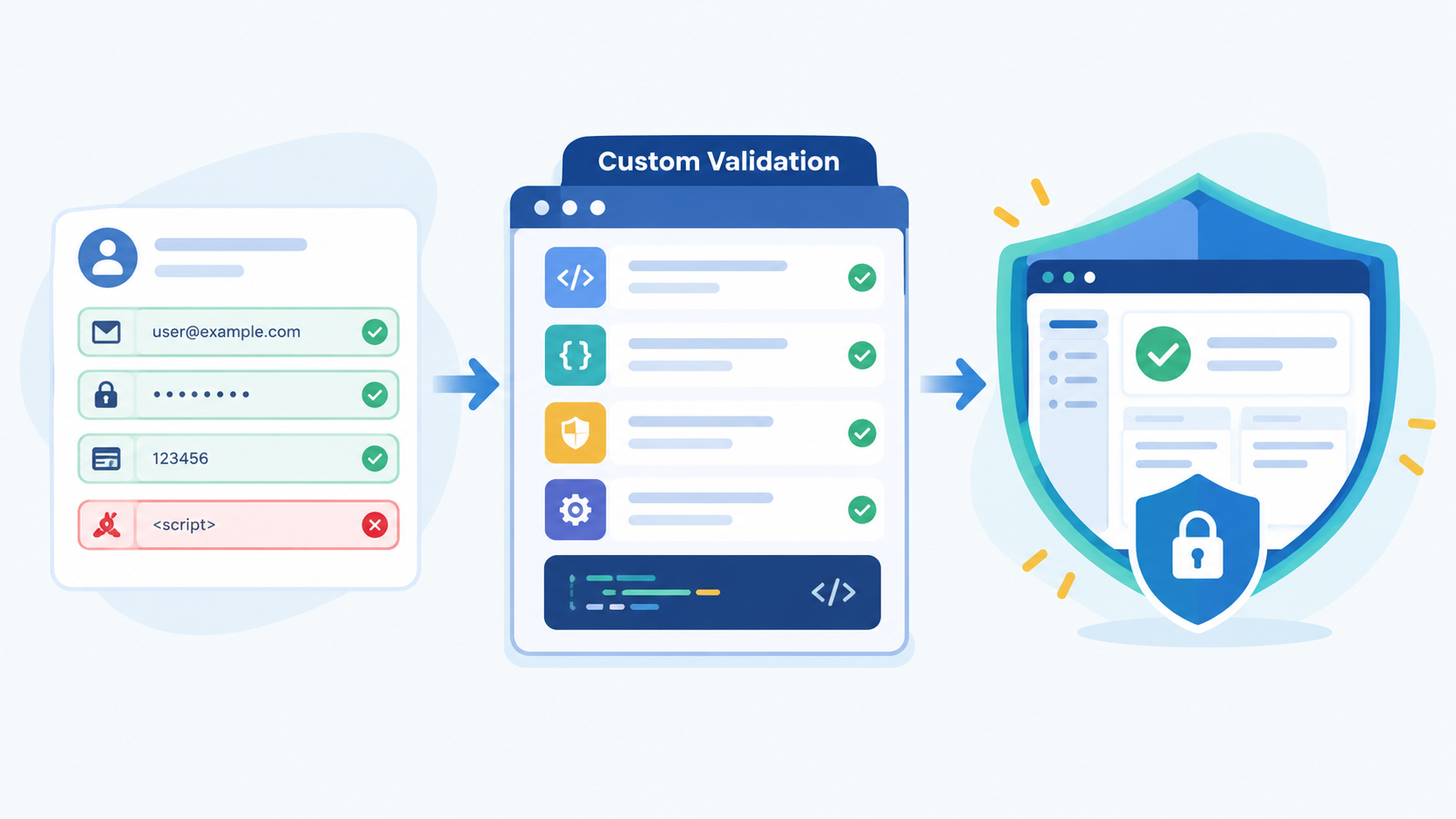

Building custom validation rules securely help your application handle business needs that basic validators cannot cover. But they can also create security risks when they replace built-in protection or trust user input too quickly. Secure Coding Practices focuses on using custom rules safely by building them on top of standard validation.
This approach helps keep business logic flexible while protecting your application from unsafe data and unexpected input. Keep reading to learn how to build custom validation rules that protect your app.
Main Points
Before looking at the details, here are the main points to remember:
- Never trust incoming data; validate structure, content, and business intent in separate, deliberate layers.
- Your framework’s built-in validators are your first and most important line of defense, extend them, don’t circumvent them.
- Context is everything: the same data value requires different validation rules depending on where and how it’s used in your application.
Why Are Off-the-Shelf Validators Never Enough?
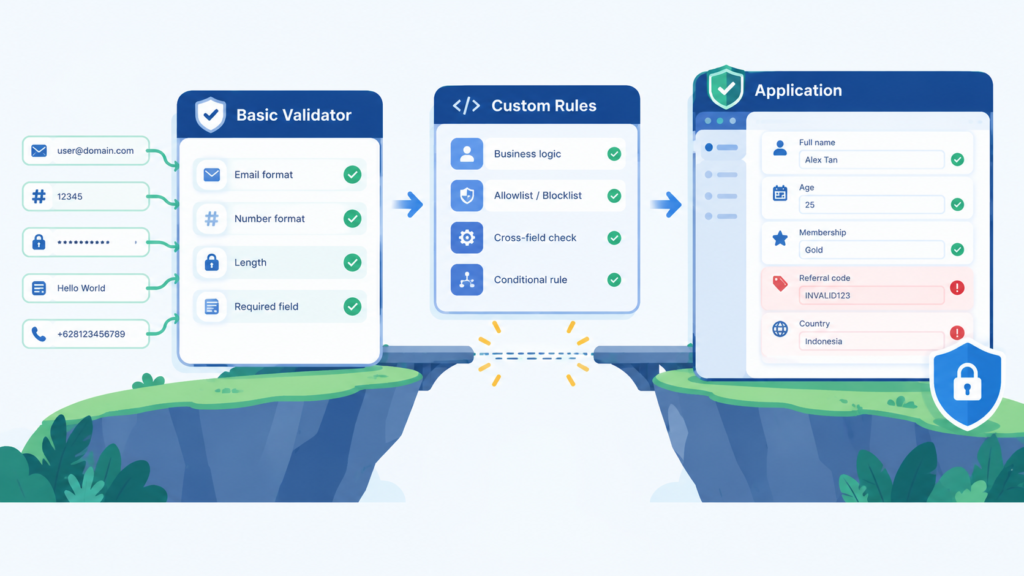
Framework validators are useful for common input checks, but they do not understand your specific business rules.
- Check email formats.
- Limit text length.
- Check if a value is a number.
- Reject invalid input.
But they do not know what your application needs. For example, a project budget may need to be positive and below a certain limit. A username change may only be allowed if the user has not made a purchase recently.
This is why custom validation rules are needed. They handle rules that are specific to your application. However, developers should not replace framework validators with custom rules. A custom validator may check business rules but miss important security checks, such as:
- Input sanitization
- SQL injection
- Cross-site scripting (XSS)
- Basic input validation
The safer approach is to use both. Framework validators handle common and security-related checks, while custom rules handle business logic. This makes the code safer, clearer, and easier to maintain.
What Makes a Custom Validation Rule “Secure”?
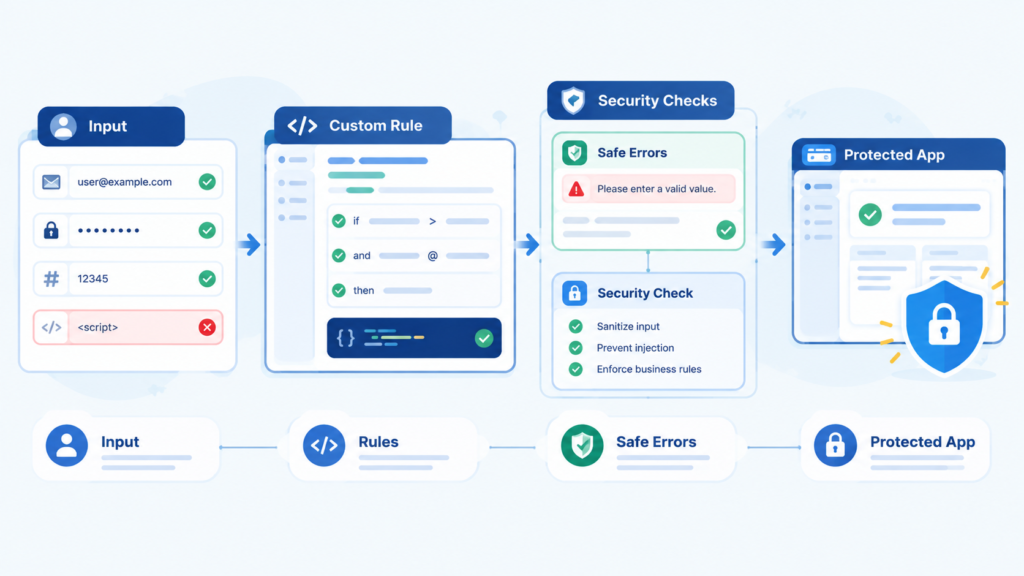
Validate Clean and Context-Aware Data
A secure custom rule should not assume that its input is safe. It should run after the framework’s standard validation checks, so the data has already passed basic checks for type, length, and format.
“An application should check that data is both syntactically and semantically valid (in that order) before using it in any way.” – Wikipedia
Custom rules should also consider how the data is used. For example:
- A file upload should be checked by its MIME type and content, not only its extension.
- A role assignment should check whether the current user has permission to assign that role.
- Rules may need information about the logged-in user or the object being edited.
This helps the rule make a safer and more accurate decision.
Make Rules Fail Securely
Secure validation should also avoid revealing sensitive system details. Error messages should be clear enough for users but should not explain how the system’s security rules work.
For example, “Discount code invalid” is safer than showing the user’s IP address or explaining exactly why they are not eligible.
The detailed reason can be stored in internal logs for debugging, while users receive a simple message. This makes it harder for attackers to learn and exploit your business rules.
How Do You Structure Validation in Layers?
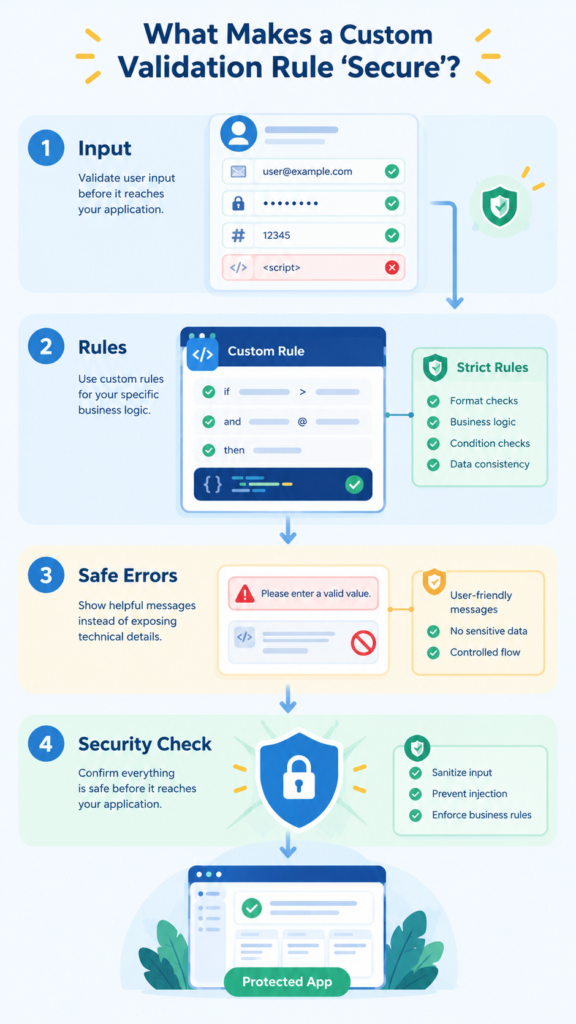
Validation is safer when it is split into several simple layers. Each layer has a different job instead of putting everything into one large function.
1. Syntactic Validation
The first layer checks if the input is in the correct format. Framework validators usually handle this part.
- Is it the correct data type?
- Is the email format correct?
- Is the number within the allowed range?
- Is the text too long?
This layer helps make sure the next layers receive clean and predictable data.
2. Business Validation
The second layer checks if the data makes sense for the application. This is where custom rules are used.
“Input validation does not always make data ‘safe’ since certain forms of complex input may be ‘valid’ but still dangerous.” – Medium
For example, it can check if:
- A project belongs to the user’s team.
- A shipping country is supported.
- A discount code works with the current cart.
- A product exists in the database.
3. Authorization Validation
The last layer checks if the user has permission to perform the action.
For example:
- Can the user edit this blog post?
- Can the user change a product price?
- Can a read-only API key make an update?
Keeping these layers separate makes validation easier to understand, maintain, and secure.
Here’s a simple table showing how a “Update Product Price” action might flow through these layers:
| Validation Layer | Example Check for “Price Update” | Tools Used |
| Syntactic | Input is a number, is greater than 0, has no more than two decimal places. | Framework validators (e.g., numeric, min:0, regex). |
| Semantic | New price is not more than 50% above the current price (anti-fraud rule). | Custom validation rule: new_price <= old_price * 1.5. |
| Contextual | The authenticated user has the “product_manager” role and is assigned to this product’s category. | Policy or authorization check within the controller. |
This structure makes testing easier. You can test Layer 1 in isolation, mock data for Layer 2, and so on. It also makes security audits clearer, as you can point to the specific layer responsible for each type of protection.
Where Do Most Custom Validation Efforts Fail?
Credits: Laravel Daily
Failure usually happens in the gaps between intentions. A common pitfall is validating data in the wrong place.
You might have a beautiful, complex custom rule in your form request class, but what about the same data coming from a REST API endpoint? Or from a background job? If your validation logic is duplicated, or worse, missing, in one of those paths, you have a vulnerability.
The secure practice is to centralize validation logic while considering security considerations across controllers, queues, and API handlers alike.
Another major failure is trusting the client. Client-side validation is for user experience, not security. It can be bypassed in milliseconds with a browser’s dev tools or a simple curl command.
Perhaps the most subtle failure is in state-changing validation. Consider a rule that checks if a user can redeem a loyalty point. The rule queries the database, finds the user has 10 points, and approves the redemption.
FAQ
Should custom validation rules talk directly to the database?
Yes, often they must. Checking business logic (e.g., “is this email already registered?”) requires a query. The key is to do it after basic syntactic validation. Never run a database query on raw, un-sanitized input, as even a simple lookup can be leveraged in timing attacks or unexpected errors.
How do you test custom validation rules effectively?
Test each layer separately. For syntactic rules, use unit tests with various malicious and edge-case inputs. For semantic rules, write feature tests that set up specific database states (e.g., a user with points) and then attempt the action. Always test the failure cases more than the success cases.
Is it safe to use regular expressions in custom validators?
It can be, but with caution. Complex regexes can be performance traps (ReDoS attacks) if applied to maliciously crafted long strings. Keep regexes simple and focused on pattern matching, not deep semantic analysis. Let your framework handle the heavy escaping.
What’s the biggest risk with third-party validation packages?
The same as any dependency: you lose visibility and control. Audit them carefully. Ensure they don’t bypass your framework’s native validation pipeline and that they are well-maintained. A vulnerable validation package is a direct pipeline for attackers into your core logic.
Crafting Rules That Guard Your Logic
Secure custom validation is about using the right rules in the right order. Start with your framework’s built-in validators, then add focused custom rules for your application’s specific needs. A clear pipeline, syntactic, semantic, then contextual, helps keep business logic safe and easier to maintain.
Want to build stronger secure coding skills? The Secure Coding Practices Bootcamp provides hands-on training in input validation, authentication, encryption, OWASP Top 10, and other practical security skills.
References
- https://en.wikipedia.org/wiki/Data_validation
- https://www.bing.com/search?q=building%20custom%20validation%20rules%20securely%20medium&qs=n&form=QBRE&sp=-1&lq=0&pq=building%20custom%20validation%20rules%20securely%20medium&sc=0-48&sk=&cvid=618C899AE3814A8DAA9886AFB757AAA9