
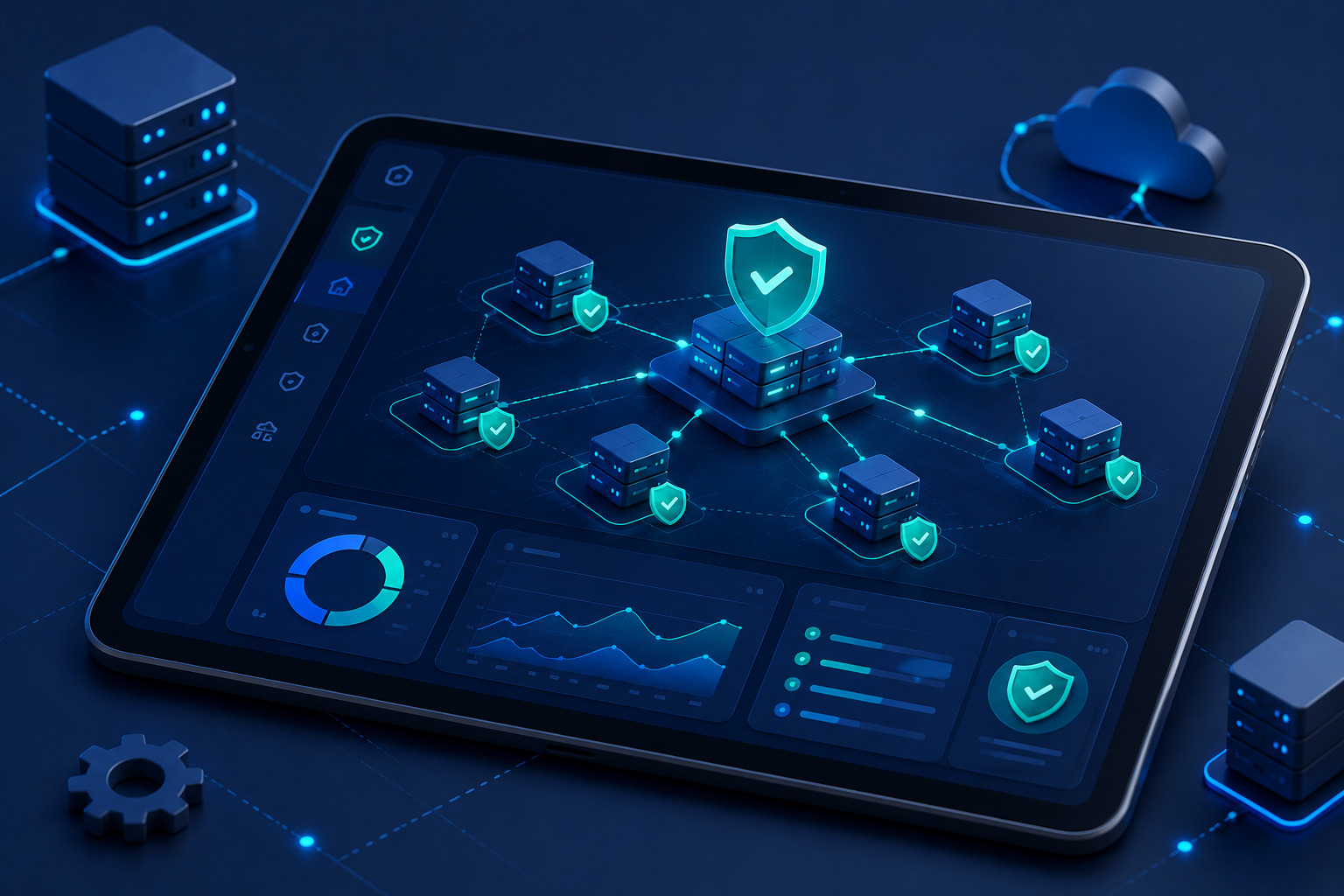

Automated configuration scanning tools are essential for identifying vulnerabilities in your infrastructure before attackers find them. At Secure Coding Practices, we often see teams struggle with manual audits that miss critical gaps.
We teach our bootcamp students that relying on manual checks is simply too slow for modern development. By automating your scans, you gain visibility into your entire stack, ensuring that your security posture is consistent and scalable. In this guide, we show you how to implement these tools effectively. Read on to master your security automation strategy.
What Are the Key Security Takeaways?
- Automated configuration scanning tools provide continuous visibility into your infrastructure’s security posture.
- They drastically reduce the time required to identify and remediate common security misconfigurations.
- Implementing automation prevents human error that often occurs during complex manual deployments.
What Are Automated Configuration Scanning Tools?
Automated configuration scanning tools are software solutions designed to automatically inspect your systems, networks, and applications for insecure settings.
They compare your current setup against industry benchmarks and internal security policies. Rather than manually checking every server, these tools continuously monitor for deviations.
We frequently audit systems where teams have accidentally enabled dangerous settings, such as unnecessary features enabled security risks. These scanners act as a safety net, alerting you immediately if a service is left in an insecure state.
Why Are Automated Configuration Scanning Tools Necessary?
Manual audits are prone to oversight and cannot keep pace with frequent deployments. These tools provide the consistency required to maintain a secure production environment.
| Benefit | Explanation |
| Speed | Scans entire networks in minutes rather than hours. |
| Consistency | Ensures the same security baseline across all environments. |
| Compliance | Provides automated reports for audit readiness. |
| Proactive Detection | Finds gaps before they become active breach points. |
“Automated security testing provides the ability to detect and remediate vulnerabilities at scale, reducing the window of opportunit”Effective cybersecurity requires a comprehensive understanding of assets and their risks, forming the foundation for managing cybersecurity outcomes and ensuring infrastructure resilience.” – NIST Cybersecurity White Papery for attackers to exploit misconfigured systems
How Do Automated Configuration Scanning Tools Work?
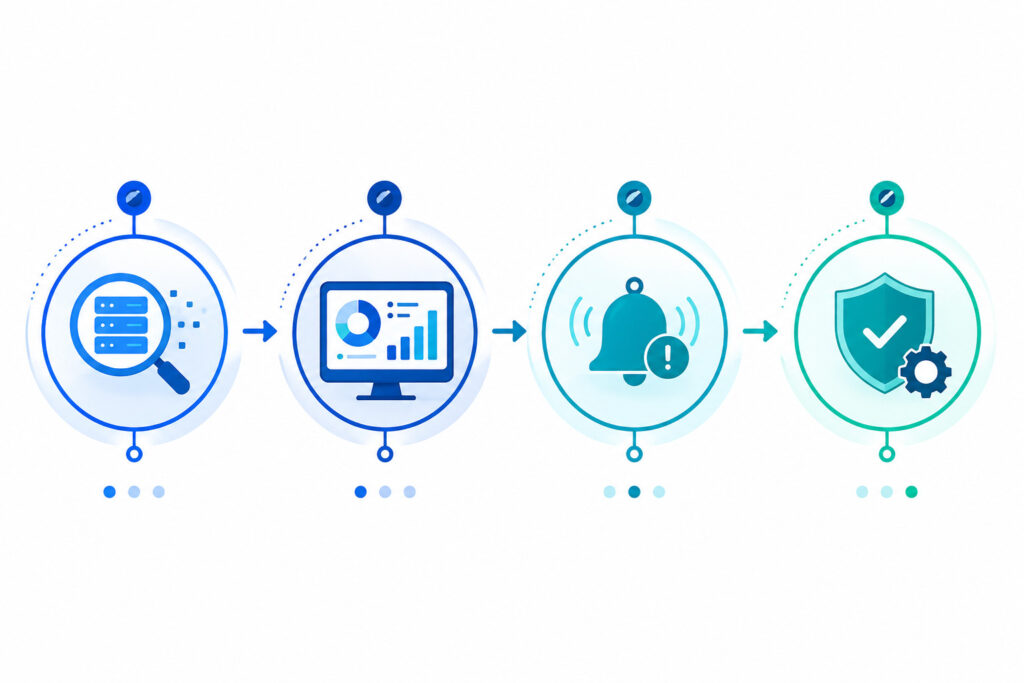
We follow a systematic workflow to integrate these tools into our deployment pipelines.
- Discovery: The tool maps all active assets, ports, and services.
- Analysis: It compares configurations against defined security policies (e.g., CIS Benchmarks).
- Alerting: Findings are flagged, prioritizing high-risk issues.
- Remediation: Automated scripts or teams resolve the identified gaps.
What Are the Main Components?
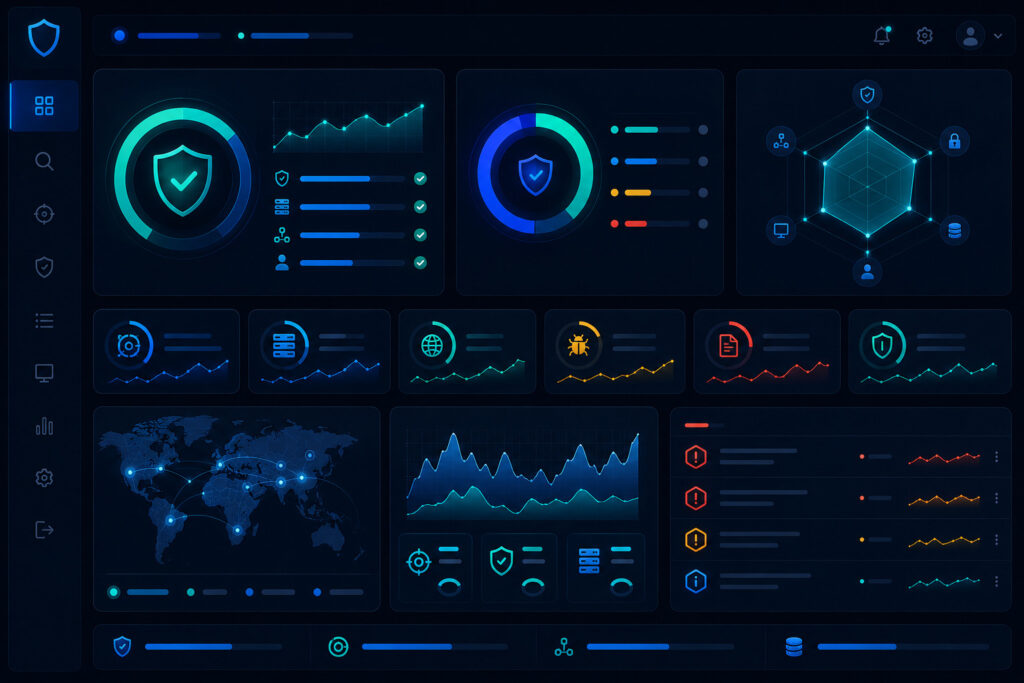
Component A: Asset Discovery
This is where the scan begins. You cannot secure what you cannot see. Our tools inventory every running service to ensure no hidden assets are left unmonitored.
Component B: Policy Engine
The policy engine is the brain of your scanner. It defines what “secure” means. We customize these policies to match our specific production needs, often catching verbose error messages security risk issues that scanners can easily identify.
Component C: Reporting & Analytics
You need clear data to make decisions. Effective scanners translate raw logs into actionable reports for your development team to review.
What Are the Benefits of Automation?
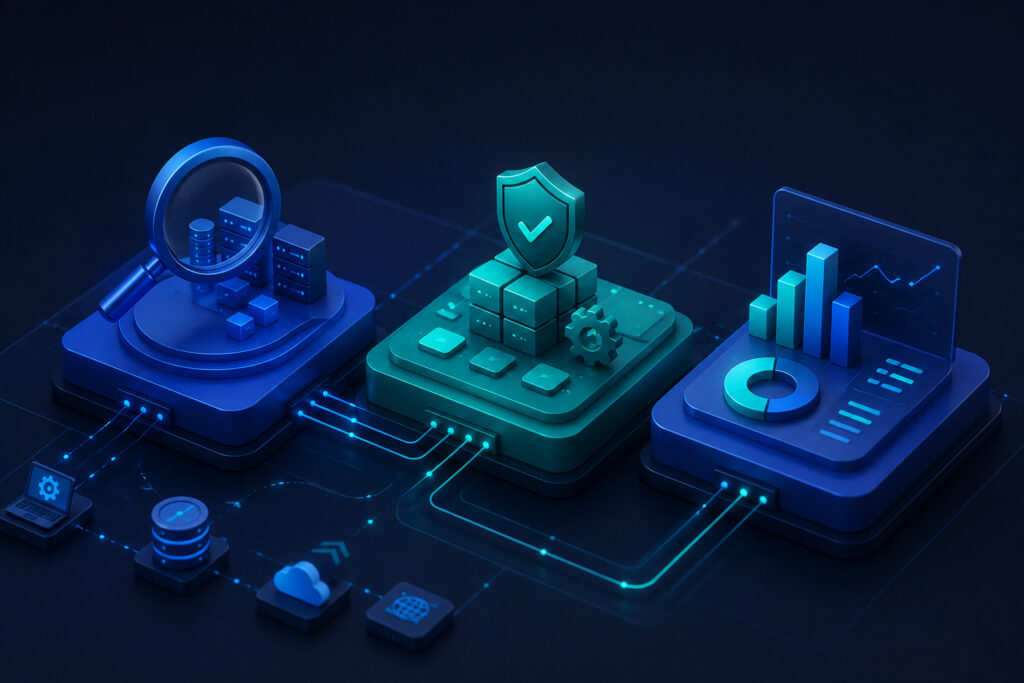
When we move to an automated model, operational efficiency increases.
- Continuous Monitoring: Security is checked 24/7, not just once a year.
- Reduced Human Error: Automation removes the “forgotten manual step.”
- Faster Remediation: Clear alerts mean developers fix issues faster.
What Challenges Should You Expect?
Transitioning to an automated approach brings its own set of hurdles.
| Challenge | Solution |
| False Positives | Fine-tune your scan rules to reduce alert fatigue. |
| Tool Complexity | Start with one tool before scaling to a full suite. |
| System Performance | Schedule scans during low-traffic windows. |
“By modeling adversary behavior, defenders can better prioritize their mitigations and focus on the threats that pose the greatest risk to their infrastructure, rather than reacting to every alert without context.” – MITRE ATT&CK Blog
What Are the Best Practices?
Apply these habits to ensure your automated tools are actually effective.
- Integrate scanning directly into your CI/CD pipeline.
- Focus on high-risk assets first (e.g., databases and public APIs).
- Review scan logs weekly to identify recurring misconfigurations.
- Update scanning definitions whenever you deploy new technologies.
What Are Common Mistakes?
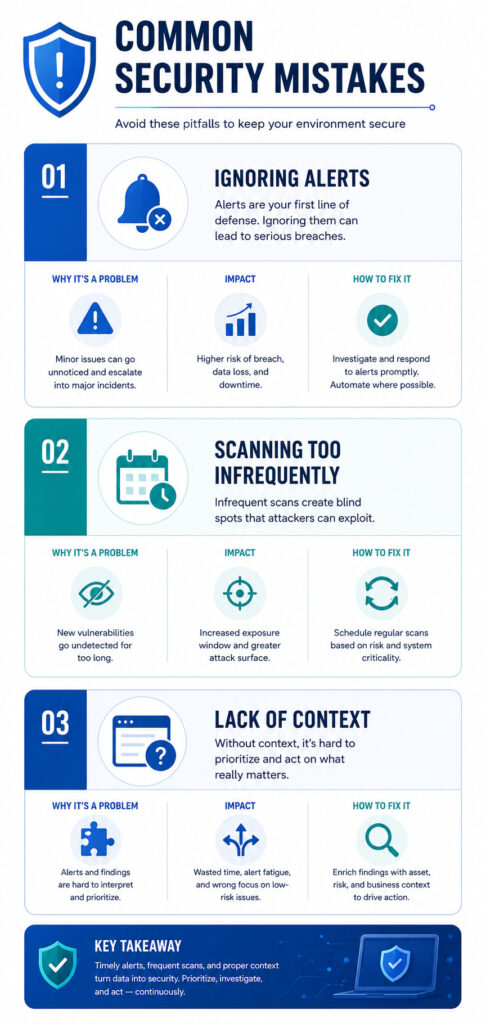
| Mistake | Why It Happens | How to Fix It |
| Ignoring Alerts | Teams face alert fatigue. | Prioritize fixes based on risk level. |
| Infrequent Scans | Viewed as a “one-time” task. | Automate daily scans in your CI/CD. |
| Lack of Context | Scanning without knowing assets. | Always map your inventory first. |
What Is a Real-World Example?
We once worked with a SaaS client who suffered from frequent production leaks. They had great code but terrible server hygiene. They were manually patching servers, but missed “shadow” services that developers spun up for testing.
We implemented an automated scanner that ran daily. Within the first week, it flagged dozens of open ports and debugging interfaces that no one knew were still active. By simply closing those ports automatically, the client saw an immediate drop in unauthorized traffic. It proved that automation was more reliable than their manual audit process.
FAQ
Are automated configuration scanning tools sufficient?
No, they are part of a larger strategy; combine them with penetration testing and secure coding training.
Can these tools break my legacy applications?
Yes, so always test your scanning rules in a staging environment before pushing to production.
How often should I scan my environment?
We recommend daily scans for production environments to catch new misconfigurations immediately.
Do these tools replace manual security audits?
They replace the routine parts of an audit, freeing up experts to focus on complex threat modeling.
What is the first step to implementation?
Start by defining a secure baseline for your most critical assets.
Keeping Security Configurations Visible and Under Control
Automated configuration scanning tools help security and development teams identify misconfigurations, configuration drift, and exposed services before they create larger security risks. Continuous scanning provides greater visibility across changing environments while reducing reliance on manual configuration reviews.
By integrating automated checks into deployment and monitoring workflows, organizations can detect risky changes earlier, maintain consistent security baselines, and strengthen infrastructure as systems continue to scale.
Ready to strengthen your secure development and security practices? Join the Secure Coding Practices Bootcamp and learn practical, hands-on techniques for identifying configuration weaknesses, improving security visibility, and building more resilient systems.
References
- https://nvlpubs.nist.gov/nistpubs/CSWP/NIST.CSWP.29.pdf
- https://medium.com/mitre-attack/mobile-attack-mitigating-android-abuse-50516fb7de85