
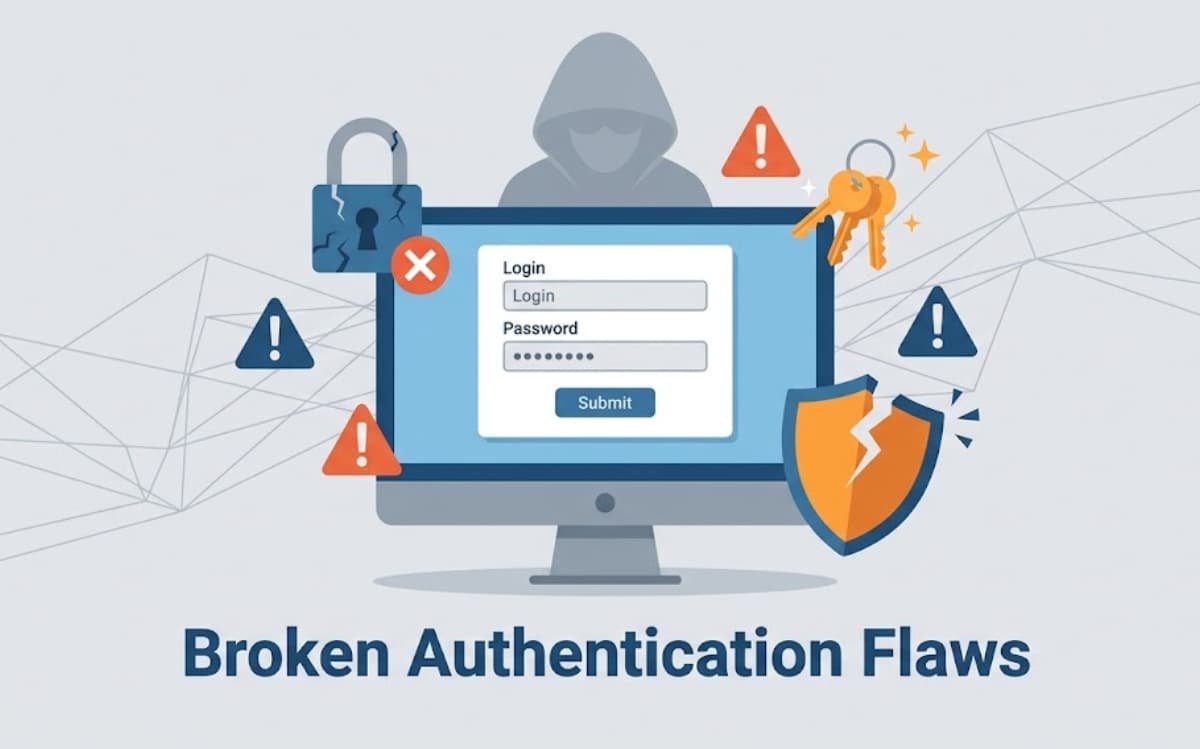

Broken authentication allows attackers to hijack user accounts by stealing passwords, session tokens, or API keys. Even though it sits on the OWASP Top 10 list, we constantly see these exact flaws during our bootcamp code reviews.
At Secure Coding Practices, we know that security isn’t just a checklist, it requires a defensive mindset. This guide breaks down the common exploits our instructors encounter and shares the practical strategies we teach developers to lock down their systems for good.
Broken Auth Essentials
Strengthening authentication with these measures significantly reduces the risk of breaches and compromised accounts.
- Broken authentication exposes web applications to account takeover, data breaches, and privilege escalation.
- Real-world examples demonstrate high prevalence: Research from security audits indicates JWT implementation flaws are widespread, with algorithm confusion attacks succeeding in 43% of tested implementations.
- Prevention requires layered strategies: strong passwords, MFA, session rotation, secure password storage, and rate-limiting.
How Can Password Storage Be Insecure?
Passwords are meant to protect users, but insecure storage can immediately compromise accounts. Plain-text passwords, weak hashes like MD5 or SHA‑1, and unsalted hashes are easily exploited with modern attacks.
“Passwords should never be stored in plain text. Instead, they must be protected using strong, slow hashing algorithms such as Argon2id, bcrypt, or PBKDF2 … Fast hashing algorithms such as SHA‑256 are not suitable for password storage because they allow attackers to perform large numbers of guesses quickly.” – OWASP Password Storage Cheat Sheet
Brute-force attacks can quickly succeed if hashing is too fast or salts are missing. Data breaches happen daily, exposing millions of credentials. Users who reuse passwords across services inadvertently give attackers access to multiple accounts. Adaptive hashing slows attacks, and unique salts ensure that each password is protected individually.
Balancing work factors is key: too low is insecure, too high frustrates users. Regular audits help maintain security standards. By storing passwords securely, developers prevent attackers from leveraging leaks and keep accounts resilient against common attacks.
What Are Session Fixation Attacks and How Do They Work?
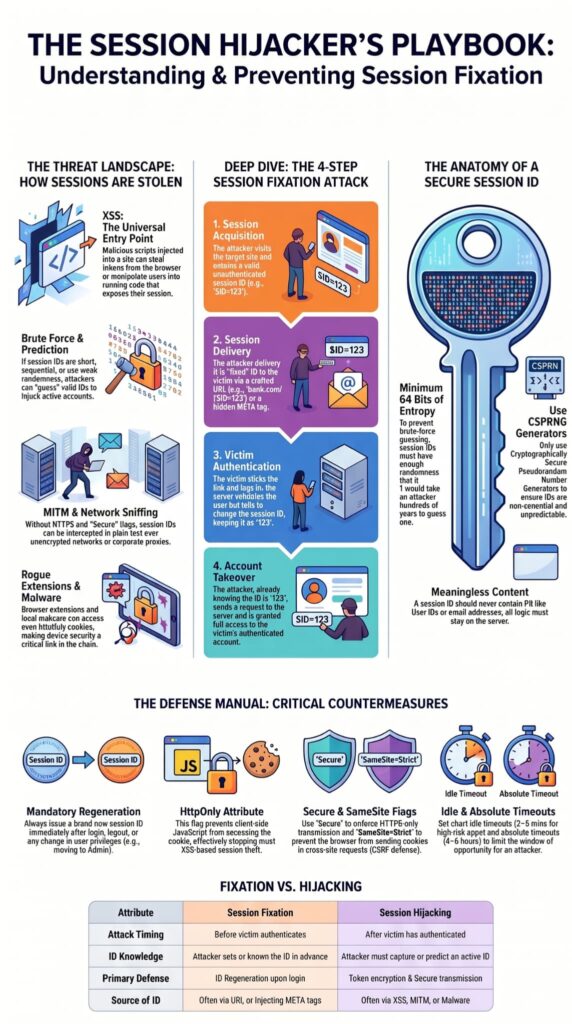
Session IDs may look harmless, but attackers can hijack them through session fixation. In this attack, an attacker sets a session ID in advance and tricks a user into logging in with it. Once authenticated, the attacker gains access without knowing the password.
Phishing links, XSS, or redirects are common vectors. The attack succeeds when sessions aren’t regenerated after login or privilege changes. Cookies also matter: use HttpOnly, Secure, and SameSite attributes. Idle and absolute timeouts limit exposure.
Monitoring patterns in Common Vulnerabilities & Attacks can help detect risky behavior early. Detection is useful, but prevention is stronger. Regenerating session IDs at login, rotating them after privilege changes, and enforcing secure cookie settings protect accounts. Thoughtful session management ensures that a simple login cannot become an open door for attackers.
What Are the Weaknesses of Multi-Factor Authentication (MFA)?
Multi-factor authentication (MFA) strengthens security but isn’t foolproof. Attackers can bypass MFA using phishing, push notification fatigue, SIM swapping, or stolen session tokens. Overreliance on MFA is risky: nearly half of compromised accounts had MFA enabled, yet most security teams believe it is sufficient.
Authenticator apps or hardware tokens provide stronger protection than SMS. MFA works best as part of a layered approach, combined with strong passwords, rate limiting, and user education. Implemented thoughtfully, it increases resilience and reduces the likelihood of account compromise.
How Can Credential Stuffing Be Prevented?
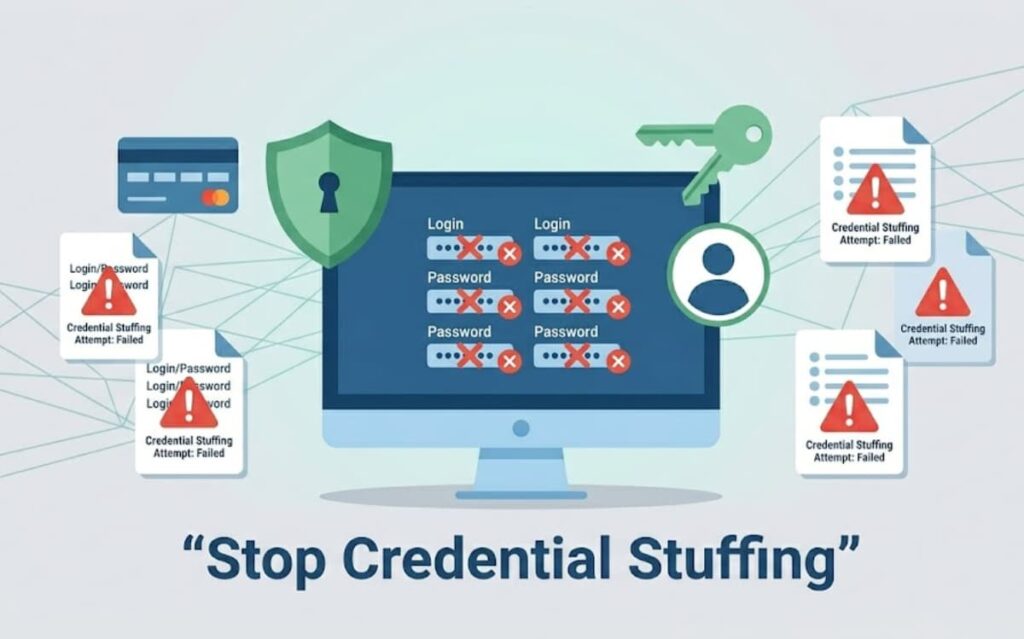
Password reuse is a major driver of credential stuffing attacks. Hackers collect leaked usernames and passwords from one service and try them on dozens of others. Many succeed because users often repeat the same credentials.
Automated tools make these attacks faster than any human could, hitting millions of accounts in minutes.
“In the largest empirical analysis of password reuse, researchers found that 38 % of users reused exactly the same password across different sites and an additional 20 % modified existing passwords. More than 16 million password pairs — including reuse and predictable modifications — could be cracked within just 10 attempts, illustrating how far a breached credential can spread.” – Empirical Analysis of Password Reuse and Modification
Using unique passwords for every account is a simple idea but very effective. Two-factor authentication adds another hurdle.
Limiting repeated login attempts, watching for unusual activity, and blocking known weak or breached passwords all help slow attackers down. Education also matters, when users understand why unique passwords and MFA protect them, they’re more likely to follow the rules. It’s not perfect, but it drastically reduces risk. Without it, breaches spread fast.
What Are Best Practices for Secure Password Resets?
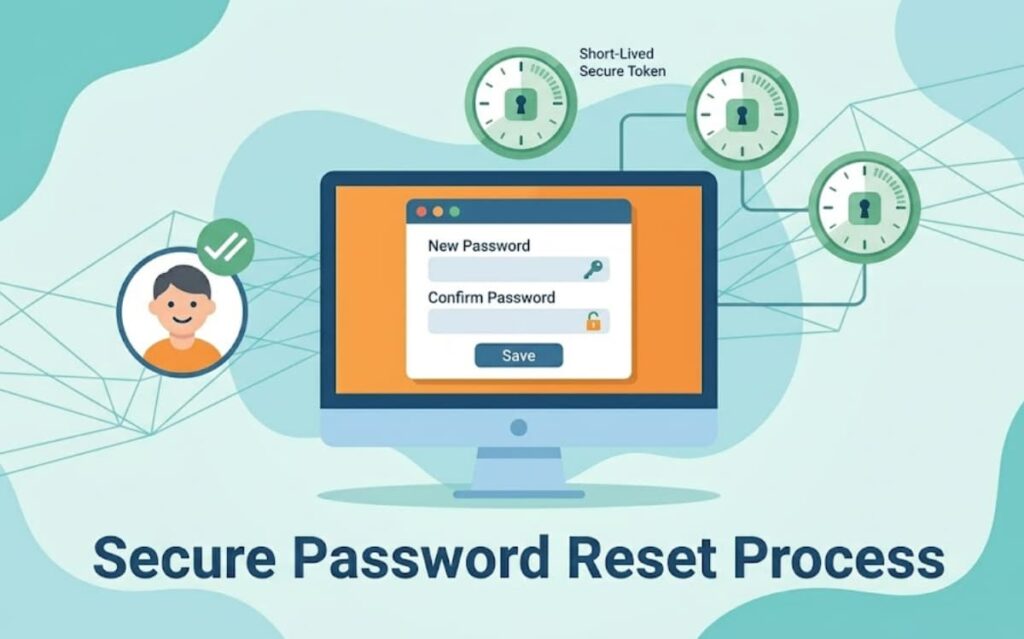
The password reset process is often overlooked, yet it’s a favorite entry point for attackers. Weak reset flows let someone hijack accounts without ever cracking the password. Reset tokens must be unique, secure, and short-lived.
Systems shouldn’t reveal whether an account exists when someone requests a reset. Requests must be limited to prevent abuse, and any active sessions should be invalidated after a password change.
Following insecure password storage risks examples highlights how attackers exploit weak reset mechanisms and poor storage practices together.
Asking users to confirm their new password twice and sending email notifications adds extra visibility without exposing sensitive information. Even small mistakes here can undo months of careful security work. Every step counts because tiny gaps become opportunities for attackers.
What Are the Top Broken Authentication Vulnerabilities and How Can They Be Mitigated?
It’s easier to tackle security when you know what to look for. We can’t fix every flaw at once, but understanding the most common pitfalls is a strong first step. The table below highlights frequent broken authentication vulnerabilities, the risks they pose, and practical ways to address them. Seeing everything in one place makes it clear where to focus your efforts and how to strengthen your defenses.
| Vulnerability | Real-World Impact | Practical Mitigation | Reference |
| Weak password policies | 23% of users use weak passwords | Require minimum length and complexity, rotate passwords, avoid repeated passwords | GitHub |
| Credential stuffing | Attackers succeed on a small percentage, but millions of accounts at risk | Enforce unique passwords, enable multi-factor authentication, monitor unusual activity | Wikipedia |
| Brute force attacks | Millions of IPs target VPNs and enterprise systems | Limit login attempts, lock accounts temporarily, track abnormal patterns | BlackFog |
| Session fixation | Attackers trick users into using attacker-controlled session IDs | Regenerate session IDs at login, rotate after privilege changes, enforce timeouts | Descope |
| Plain text password storage | Immediate compromise of all accounts if databases are breached | Use bcrypt or Argon2 with unique salts, follow NIST guidance | Huntress |
| JWT misconfigurations | 67% of modern web applications show JWT implementation flaws according to recent security research | Validate tokens, enforce correct algorithms, rotate keys, use short-lived tokens | |
| Default credentials | Many users never change router admin passwords | Change all default credentials, enable MFA, log alerts | IBM Security |
Looking at this table makes it easier to decide what to fix first. Some issues are obvious. Others hidden, but just as dangerous.
How Do Brute Force Attacks Work and How Can They Be Stopped?
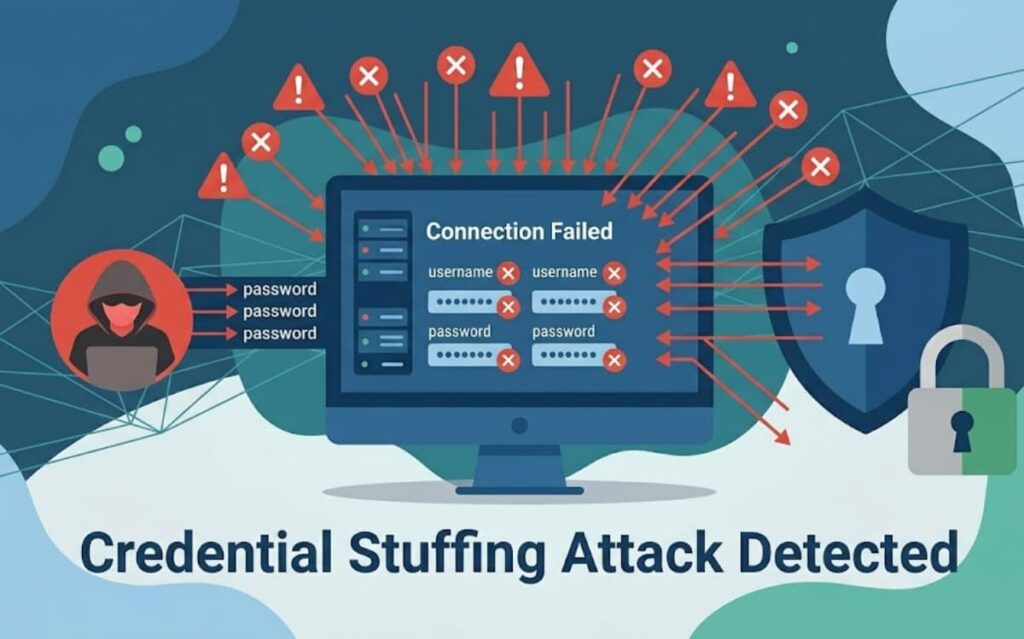
Brute force attacks try every possible password until one succeeds. Modern attacks use millions of IP addresses, making unlimited login attempts extremely risky.
Strong passwords slow attackers, but additional measures are essential. Rate limiting, temporary account locks after repeated failures, and monitoring login patterns help stop attacks early. Multi-factor authentication adds a crucial second layer, making stolen passwords less effective.
For example, in early 2025, a brute force campaign used over 2.8 million IP addresses against VPNs and firewalls. Systems prepared with proper defenses can survive such attacks, but unprotected ones fail quickly. A layered approach combining strong passwords, MFA, and monitoring drastically reduces risk.
What Are Common JWT Authentication Vulnerabilities?
JSON Web Tokens (JWTs) are widely used for stateless authentication, but they are easy to misuse. Some servers accept unsigned tokens, while others allow weak or outdated algorithms, which attackers can exploit to forge valid-looking tokens.
Even small mistakes, like ignoring token expiration or skipping claim validation, can let attackers modify tokens undetected and gain unauthorized access. Monitoring common broken authentication vulnerabilities can help identify risky patterns in JWT implementations and reduce potential exploits.
Signing keys should be rotated regularly, token lifetimes kept short, and any revoked tokens tracked to prevent reuse. In JWT security, details matter: a single oversight can create a backdoor for attackers.
Why Are Default Credentials Dangerous and How Can They Be Secured?
Default usernames and passwords are everywhere, routers, IoT devices, servers, even some web apps. Many users never change them, and attackers know exactly what to try. Automated scanners can exploit these defaults in seconds, granting instant access to poorly configured systems.
Changing defaults, enforcing strong passwords, and adding multi-factor authentication dramatically reduce risk. Alerts for repeated failed login attempts provide another layer of defense. The lesson is clear: assuming factory credentials are safe is a serious vulnerability. Even a single overlooked device can become the entry point for a large-scale compromise.
What Are Advanced Authentication Attack Vectors?
Some attacks are subtle and hard to spot. Capture-replay attacks intercept valid authentication tokens and reuse them to impersonate users. Critical functions may execute without verifying the user, sometimes due to coding errors or misconfigured access controls. Requests from untrusted origins can bypass weak security measures.
Defense is not about a single solution, it requires multiple layers. Secure coding, thorough input validation, proper session management, and detailed logging all reduce the chance that one mistake will compromise the system.
Layered protections make attacks much harder to succeed. Security isn’t a feature to add after the fact; it’s something built into the design of every system, anticipating where attackers might slip in. Resilience comes from redundancy, foresight, and attention to detail.
How Can You Secure Authentication Immediately?
Weak passwords and poorly managed sessions put your systems at immediate risk. Without active token management, session rotation, and monitoring for unusual activity, attackers can compromise data quickly.
Secure Coding Practices simplifies strong authentication setup, enabling multi-factor checks, secure session handling, and encrypted password storage, without complicating your workflow. Pair these solutions with regular audits and team training to ensure your software remains secure, letting developers focus on building features confidently while keeping breaches at bay.
References
- https://cheatsheetseries.owasp.org/cheatsheets/Password_Storage_Cheat_Sheet.html
- https://arxiv.org/abs/1706.01939