


Vibe coding is a way of writing software by describing what you want in plain language, then guiding the AI as it generates working code, and can follow secure patterns when prompted. We’ve watched many beginners can build simple running apps in a weekend using AI, as long as they bring curiosity, a computer, and a bit of patience.
Our instructors see this every cohort: people who thought coding was “not for them” start shipping small tools, then real projects. Security still matters, and that’s where our training comes in. Keep reading to see how you can start building safer software today.
Key Takeaways
- A problem-solving mindset is more critical than any specific technical skill.
- Basic computer literacy and a stable internet connection form the essential foundation.
- Developing the skill of clear communication with AI is your primary task.
The Core Foundation: What You Absolutely Need
You can probably start right now. The absolute essentials for vibe coding are things most of us already have. It begins with basic computer literacy. You need to be comfortable using a web browser, installing software, and managing files on your computer, a starting point similar to learning the flow of getting started with vibe coding where clarity and simplicity matter from the first steps.
This isn’t about advanced IT knowledge. It’s about the fundamental ability to navigate a digital environment. If you can send an email and download an app, you’re already most of the way there.
A reliable internet connection is non-negotiable. The AI models that power vibe coding live in the cloud. Your conversations with them, the back-and-forth that generates code, happen in real time. A spotty connection can interrupt the flow of AI interactions, the creative rhythm that makes vibe coding so effective. It doesn’t need to be the fastest connection in the world, just a stable one.
The most important prerequisite isn’t technical at all. It’s a problem-solving mindset. Vibe coding is a dialogue. You present a problem, the AI suggests a solution, you refine the request based on the output. It requires curiosity and a tolerance for imperfection. The willingness to say, “That’s close, but what if we try this instead?” is the engine of progress.
- Comfort with a web browser and basic software installation.
- A stable internet connection for real-time AI interaction.
- A curious, patient approach to solving problems iteratively.
| Category | Requirement | Why It Matters | Mandatory? |
| Essentials | Basic computer literacy | Needed to use browser, install tools, manage files | Yes |
| Essentials | Stable internet connection | Required for real-time AI interaction | Yes |
| Essentials | Problem-solving mindset | Drives iterative refinement with the AI | Yes |
| Helpful | HTML/CSS familiarity | Helps you review and adjust generated code | No |
| Helpful | Basic database or API concepts | Improves prompt clarity for data-driven apps | No |
| Helpful | Prior AI tool experience | Makes prompting easier and more efficient | No |
Helpful Knowledge, Not Hard Requirements
Credits: Fireship
Many people get stuck wondering if they need to learn HTML or Python first. The beauty of vibe coding is that you don’t. Prior knowledge is helpful, not mandatory. It’s like having a conversation with a master carpenter.
You don’t need to know how to use every tool to describe the bookshelf you want built. But if you know the difference between oak and pine, the conversation can be more precise.
Familiarity with web basics like HTML and CSS helps you review the code the AI generates. You can look at a block of code and have a rough idea of what it’s supposed to do. This makes you a better editor and collaborator with the AI.
The same goes for concepts like databases or APIs. Understanding that an app needs to remember user data (a database) or talk to another service (an API) helps you frame better prompts from the start.
Experience with any AI tool, even just using ChatGPT for writing emails, is a huge advantage. You already understand the concept of a prompt. You know that the quality of your input often dictates the quality of the output.
This experience translates directly to coding. You learn that “make a button” is okay, but “make a blue button with rounded corners that says ‘Submit’ and appears after the form is filled” is far better.
The Primary Skill: Talking to the Machine
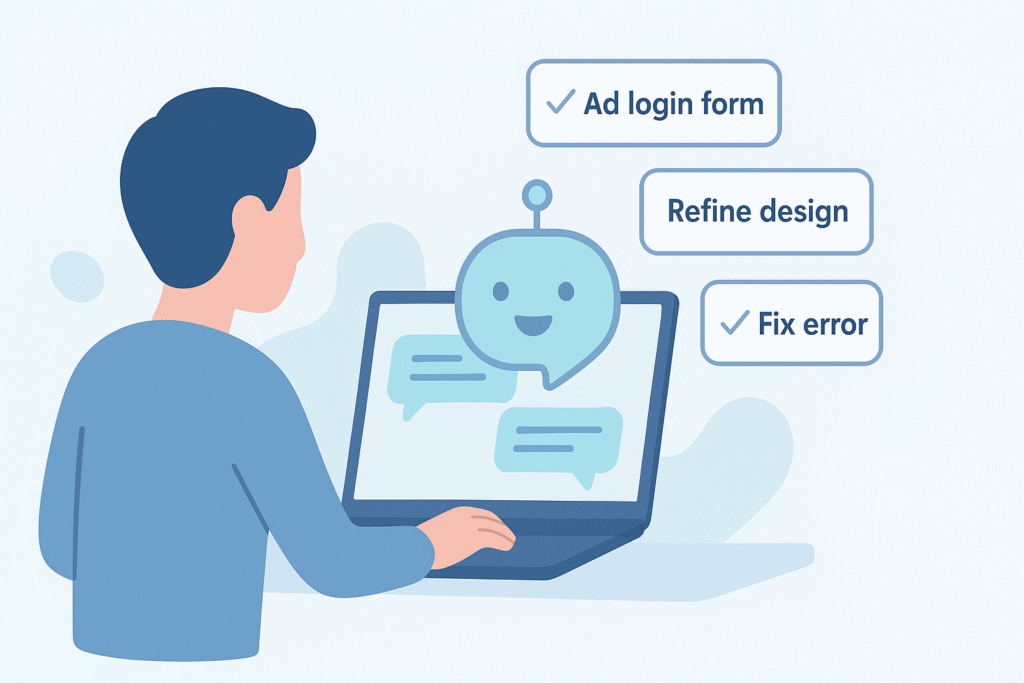
Your main job in vibe coding is communication. This skill is called prompt engineering, but that phrase can sound intimidating, especially when you’re still practicing natural language prompts and learning how small wording changes can dramatically shift the AI’s output. It’s really just about being clear and specific.
Think of it as giving instructions to a very smart, very literal intern. The more context you provide, the better the result. You learn to anticipate ambiguities and clarify them upfront.
This involves a bit of systems thinking. You start to see a software project not as a monolithic block of code but as a collection of interconnected parts. A user login system involves a form, a way to check credentials, a page to show upon success, and another for failure.
Breaking your idea down into these components allows you to tackle them one at a time with the AI, building a complex whole from simple conversations.
Pattern recognition is another skill that develops naturally. After you’ve generated a few login forms or navigation bars, you start to see common structures. You recognize when the AI has produced something that looks right, even if you don’t understand every character.
You also begin to spot common errors, like a missing closing tag in HTML, which allows you to ask for a correction.
Researchers note that nearly 76% of developers use or plan to use AI tools regularly, and 62% report significant productivity improvements when they do. (1)
Your Digital Workshop: Tools of the Trade
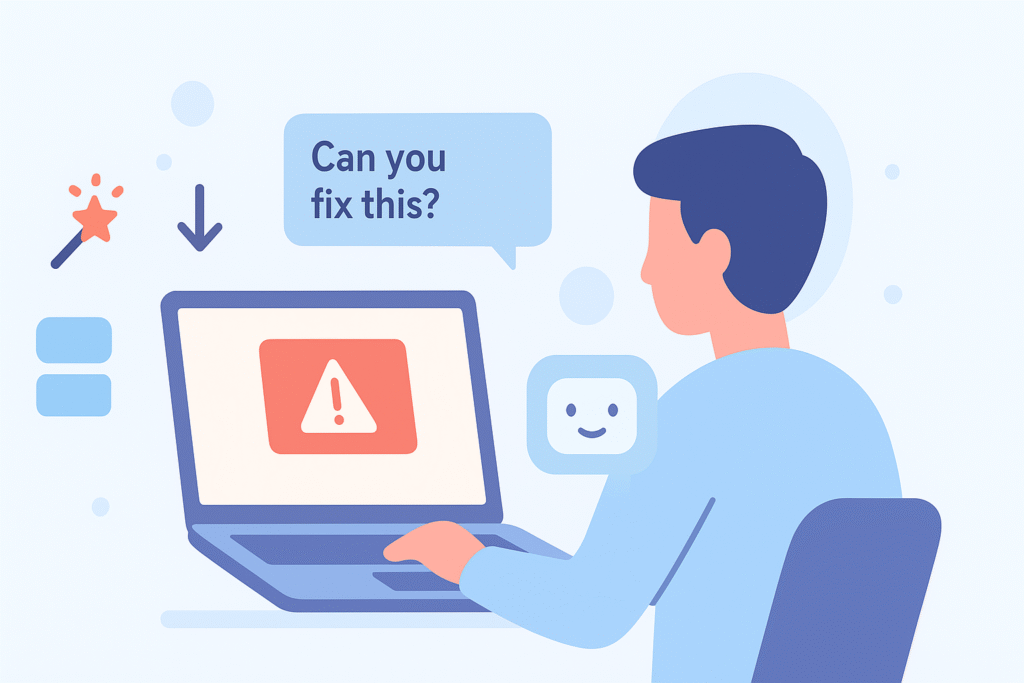
The tools are simple and often free to start. You’ll need a modern web browser like Chrome or Firefox. For a code editor, you can begin with web-based platforms like Replit, which integrate AI assistants directly into the coding environment. These platforms handle the setup for you, letting you focus on the creative part.
Many vibe coders gravitate towards dedicated AI-powered editors like Cursor. It feels like a regular code editor but with an AI chat window built in. You can highlight a section of code and ask the AI to explain it, debug it, or rewrite it. This tight integration makes the iterative process smoother and faster. It becomes a true partnership.
For those who want to avoid code editors entirely, low-code tools like Lovable or v0 are fantastic starting points. You describe a component or a whole page, and they generate a live, interactive prototype. They are perfect for visualizing ideas quickly. The gap between idea and prototype becomes very small.
A modern browser (Chrome, Firefox) is your gateway.
- AI-integrated editors (Cursor, Replit AI) streamline the process.
- Low-code tools (Lovable, v0) are great for instant prototyping.
A note on secure coding practices. When we generate code, especially code that might handle user data, we have to think about safety from the start. It’s a good habit to add phrases like “implement secure user authentication” or “validate all form inputs” to your prompts. This guides the AI to build with security as a foundation, not an afterthought.
Studies show that tools like Copilot can improve developer productivity by up to 55% in some tasks, especially for repetitive code generation. (2)
Building Your Vibe Coding Workflow
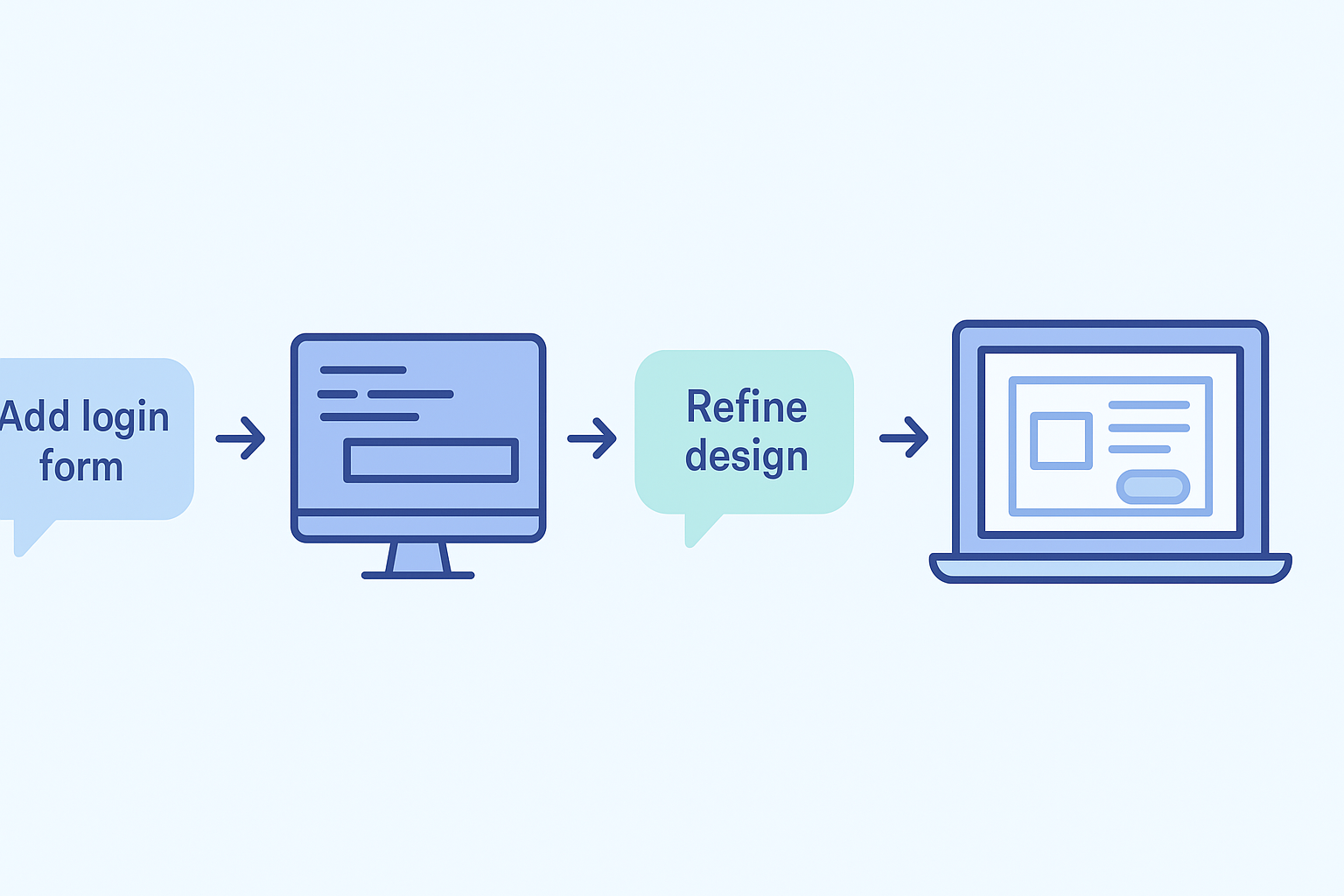
The real magic happens when you establish a rhythm. A typical session might start with a broad prompt. “Create a landing page for a freelance photographer.” The AI generates a basic structure.
Then you iterate, a natural progression that mirrors how beginners choose the best first project and slowly expand their confidence through structured experimentation. “Now make the header sticky and change the background color to a dark blue.” This back-and-forth is the core of the workflow.
It’s helpful to think in terms of user stories. Instead of describing technical steps, describe what a user should be able to do. “As a visitor, I want to click a contact button and see a form pop up.” This functional approach often yields better, more intuitive results from the AI. It keeps the focus on the experience, not the implementation.
Don’t be afraid to ask the AI to explain its own code. A prompt like “Walk me through how this authentication function works” is incredibly powerful for learning. You’re not just getting code, you’re getting a tutor. This turns every project into a learning opportunity, gradually building your underlying technical knowledge.
Overcoming Common Vibe Coding Hurdles
![[what prerequisites are needed for vibe coding] Overcoming common vibe coding hurdles through debugging, code simplification, and user collaboration.](https://securecodingpractices.com/wp-content/uploads/2025/12/how-to-generate-your-first-app-using-AI-infographic-1.png)
You’ll occasionally run into issues. The AI will generate code that doesn’t work, or it will misunderstand your intent. This is normal. The key is learning how to debug the conversation, not just the code. When something goes wrong, copy the error message and paste it back to the AI. “I got this error when trying to run the code. Can you fix it?”
Sometimes the AI will give you too much code, or code that’s overly complex. It’s okay to push back. A simple “Can you simplify this solution?” or “Show me a more basic version” can course-correct the entire direction. You are the director of this collaboration.
Another common hurdle is scope creep. It’s easy to get excited and ask for too many features at once. This can overwhelm the AI and lead to a tangled mess. The best approach is incremental. Build one small, working piece at a time. Get the contact form working before you worry about the newsletter signup. Small victories build momentum.
From Prototype to Polished Project
Vibe coding excels at prototyping, but what about finishing a project? The same iterative approach applies. Once you have a working prototype, your prompts become more refined. “Optimize this code for faster loading times.” “Add comments to explain each section.” “Make the layout responsive for mobile phones.”
This is where those helpful background knowledge items pay off. Even a basic understanding of performance or mobile design lets you ask smarter questions. You might not know how to write responsive CSS, but you know to ask for it. The AI handles the implementation.
Deployment is increasingly easier with AI-assisted steps. Platforms like Vercel or Netlify can often connect directly to your code editor. A few clicks, and your prototype is live on a public URL. The entire journey from idea to live website can happen through this conversational, iterative process.
FAQ
What prerequisites are needed for vibe coding if I am new to AI-assisted coding?
You only need basic computer literacy, a modern browser, and steady internet. Simple natural language prompts guide most steps. Many beginners use AI code assistants, no-code development tools, or low-code platforms to try rapid prototyping. A problem-solving mindset helps more than syntax. Start small, use iterative development, and improve your prompt engineering as you experiment.
Do I need web development basics like HTML familiarity or JavaScript basics before trying vibe prototyping?
You do not need them to begin. Vibe coding works with natural language prompts, so minimal syntax knowledge is fine. Still, simple HTML familiarity, CSS knowledge, or JavaScript basics help you understand code generation tools. These skills also support responsive interfaces and user experience design if you want to explore frontend scaffolding later.
What tools help beginners learn vibe coding without prior programming skills?
You can start with non-coder tools like Replit AI, Lovable builder, V0 tool, or other AI code assistants. Many support intuitive programming, code autocompletion, error correction AI, and real-time iteration. These features make software prototyping easier. You can also explore beginner programming flows using simple code editor setup, file management, and project scaffolding when ready.
How much backend or database knowledge do I need before using AI workflow or full-stack AI tools?
You do not need deep backend knowledge to begin. Basic database concepts and API integration ideas help but are optional. Full-stack AI tools can generate backend generation, REST APIs, GraphQL schemas, and simple Node.js setup when asked. You can grow skills slowly through prompt refinement, output validation, and an experimentation mindset as you build small projects.
Do I need complex deployment tools to publish a small vibe-coded project online?
No. Simple cloud hosting options like Vercel deploy or Netlify hosting work well for beginners. You only need a GitHub repo and basic Git version control steps like pull requests or branch management. These tools handle deployment, SSL certs, and custom domains. Start simple, then learn caching strategies, PWA support, and SEO-friendly code when you grow.
Why Vibe Coding Is More Accessible Than Ever
The checklist for getting started is deceptively short: a computer, an internet connection, and a dose of curiosity. Your browser and AI tools are enough to begin. Everything after that is practice.
Vibe coding isn’t about memorizing syntax, it’s about communicating your ideas clearly to a collaborative partner and refining them step by step.
Start small. Build something you can finish in one sitting. That first working app, no matter how simple, proves that the real barrier isn’t a computer science degree, but your ability to articulate a vision and iterate on it.
So open a browser. Find an AI coding assistant. Describe something you want to build. Watch what happens. Then describe it again, a little better this time. That’s the vibe. That’s how you start.
If you want to pair your new coding momentum with practical, real-world secure coding skills, the Secure Coding Practices Bootcamp is a perfect next step. It’s a hands-on, jargon-free, expert-led course that teaches essentials like input validation, safe authentication, encryption, the OWASP Top 10, and secure dependency use through real coding sessions.
Build your first app today, then strengthen it with secure coding skills.
References
- https://vibe-code.codes/blog/ai-coding-revolution-complete-beginners-guide-2025
- https://www.glukhov.org/id/post/2025/05/ai-coding-assistants/
Related Articles
