


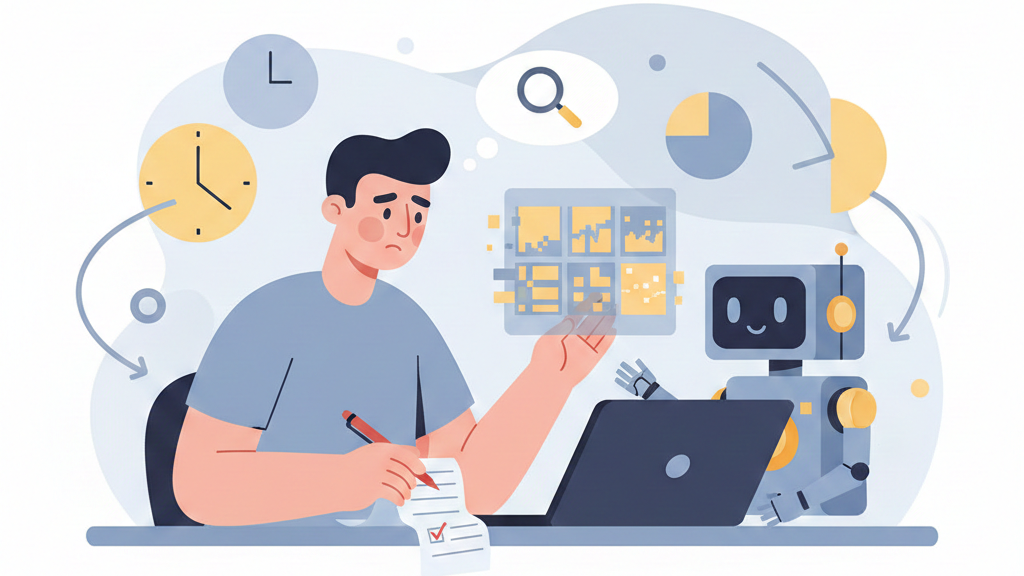
The “AI babysitting” problem is the hidden tax on productivity that occurs when human oversight becomes a full-time job. It’s what happens when you trade writing code for constantly reviewing, debugging, and correcting an AI’s output. You become a minder, not a maker.
This shift from creator to curator is reshaping software development, turning senior engineers into full-time supervisors for error-prone AI agents. The promise of autonomy is broken by the reality of hallucinations, security flaws, and a lack of common sense. This article will walk you through why it happens, the real cost to your team, and how to build a better, less exhausting workflow. Keep reading to get your time back.
Key Takeaways
- AI oversight can consume 40% of a senior developer’s time, erasing speed gains.
- Junior developers risk skill atrophy by not learning to debug AI-generated errors.
- The only sustainable fix is combining secure coding practices with strategic AI use.
Defining the AI Babysitting Phenomenon
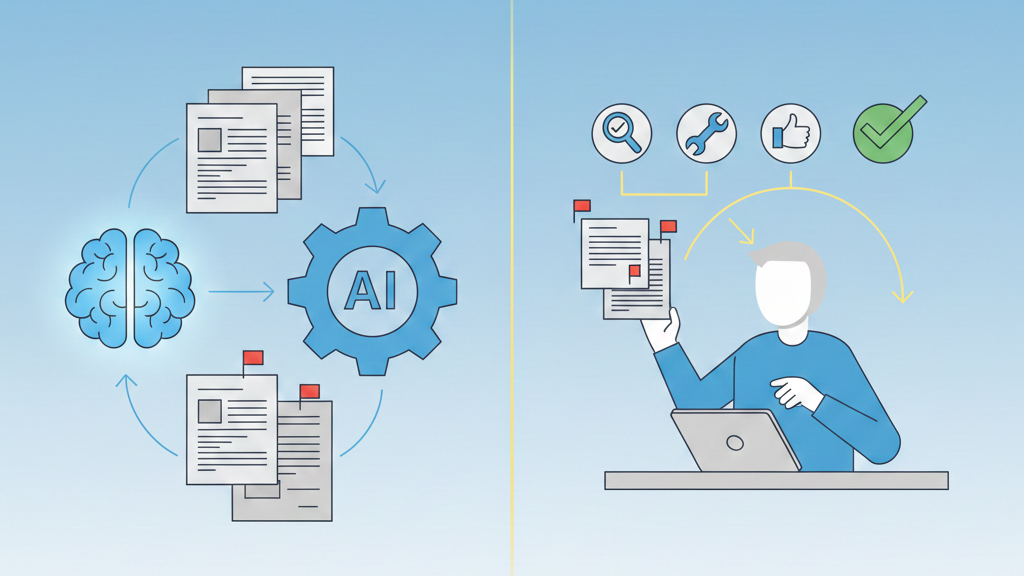
We’ve all watched it happen in real time: you ask a model for a feature, and it fires back code at speed, imports and functions lined up like it knows your stack better than you do. It looks right. Until you run it.
- A package name is off by one character
- An auth check just… isn’t there
- Edge cases you didn’t spell out get “creatively” handled
That’s AI babysitting: the moment when building systems quietly turns into supervising output, and teams are forced to confront why AI-generated code needs constant human oversight in real-world development.
In our bootcamp, senior folks tell us they spend more time:
- Debugging AI-generated code
- Patching security gaps the model introduced
- Rewriting logic that only half-understood the spec
Vendors still sell autonomy, but our day-to-day feels more like supervising a very fast, very confident intern. We train developers to spot these failures, harden the AI’s output, and keep their hands near the handlebars, even when the model swears it can ride on its own.
The High Cost of Oversight in Development
We’ve watched senior developers spend close to 40% of their week just reviewing AI output.
| Activity Type | Time Spent Before AI | Time Spent With AI Babysitting | Net Effect |
| Feature development | High | Reduced | Short-term speed gain |
| Code review & debugging | Moderate | Very high | Productivity loss |
| Security validation | Structured | Reactive & fragmented | Increased risk |
| Mentoring junior developers | Consistent | Reduced | Skill transfer decline |
| Context switching | Low | Constant | Cognitive fatigue |
Not building features, not mentoring juniors, just cleaning up:
- Wrong package names
- Risky architecture choices
- Missing null checks and validation
Our best people become safety nets, not problem solvers. The early “speed boost” from AI gets swallowed by long debugging sessions and context hand-holding, especially on complex, security-heavy work.
At our secure development bootcamp, we see the same pattern from students and partner teams:
- It starts with a vague “vibe” prompt.
- The AI generates clever but unchecked patterns.
- Security assumptions stay implied, never enforced.
- A human has to bolt on rigor, tests, and threat thinking after the fact.
So the tool feels more like a reckless co-author than a teammate. That’s why we push structured prompts, security requirements, and clear boundaries from line one.
The early “speed boost” from AI gets swallowed by long debugging sessions and context hand-holding, especially when teams lack a repeatable process for debugging and refining AI-generated code.
The Vibe Coding Trap
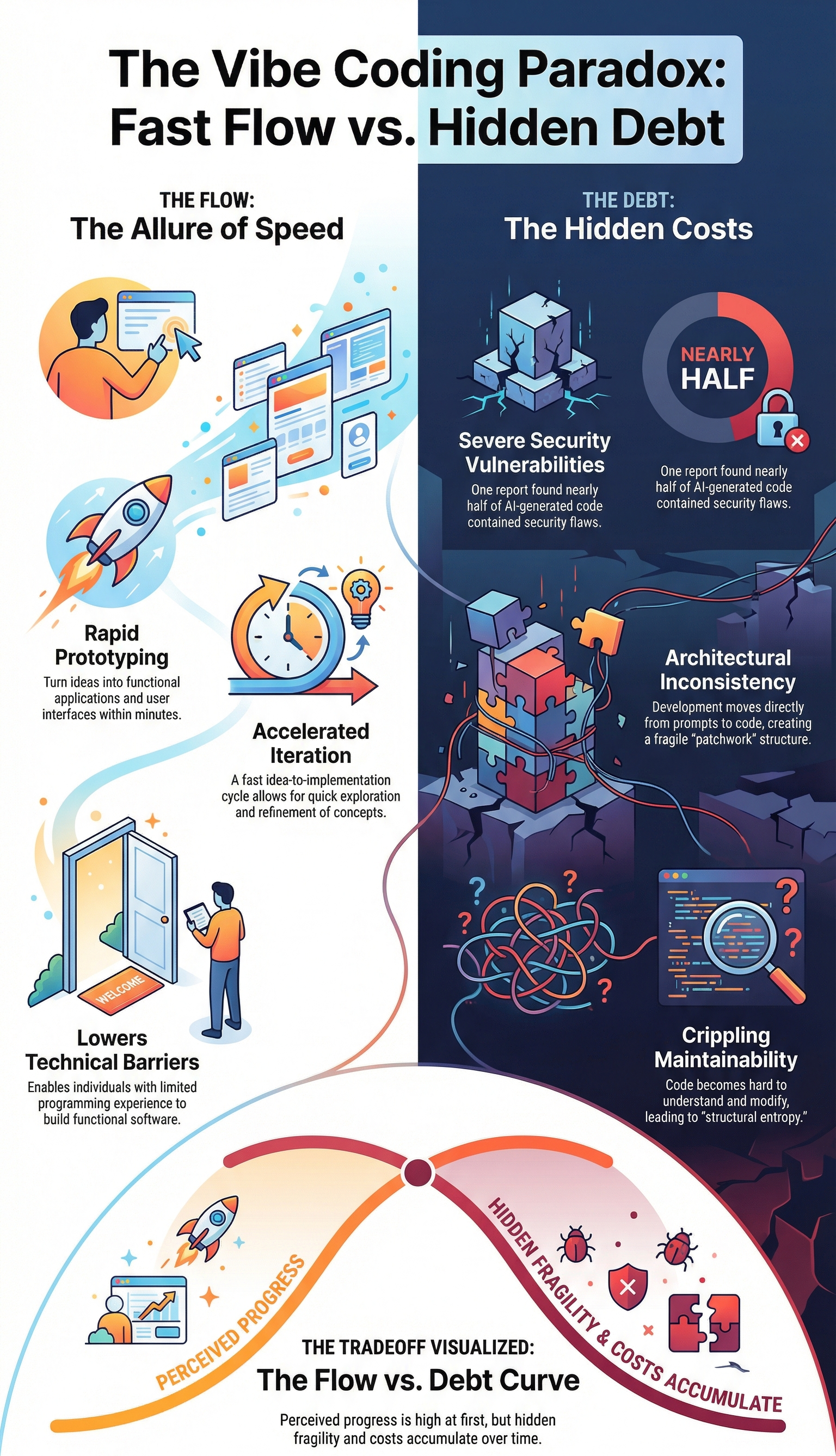
We’ve all done it. A late-night idea, a quick prompt to see what the AI thinks. It returns a fascinating, sprawling mess. It’s creative, it’s broad, and it’s utterly unsafe for production. Vibe coding lacks the precision of a technical specification.
It trades accuracy for speed, and the bill comes due during code review.[1] The senior dev has to parse the intent, separate the good ideas from the dangerous ones, and rebuild it with stability in mind. The AI was a muse, not a mechanic, and now someone has to get their hands dirty.
- It starts with a speculative prompt.
- The AI generates plausible but untested patterns.
- Security context is often missing or implied.
- The human must retrofit rigor and safety.
This process turns a senior engineer into an editor for a reckless author. The focus shifts from “is this logic sound” to “what was this thing even trying to do.” It’s exhausting. It’s why that 40% number feels so real to teams in the thick of it.
The alternative isn’t to abandon the tools, it’s to change how we use them. We need to move from loose prompting to structured delegation, supported by clear strategies for correcting AI coding errors that force rigor, testing, and security thinking into the request from the very first line.
Skill Atrophy and the Junior Developer Risk
Sometimes you can see the gap right in the room. The senior dev spots the missing security check or the unsafe default. The junior dev just sees “green tests” and moves on.
We watch this a lot in our secure dev bootcamps, and it’s getting worse with AI. When juniors lean on AI to walk them through every task, they skip the hard part:
- They don’t learn why a pattern is unsafe.
- They don’t see how a bug hides in clean-looking code.
- They don’t build that gut-level debugging instinct.
Our instructors keep saying the same thing: the skill fading isn’t syntax, it’s critical thinking. Programming is shifting into oversight and validation work, which is fine, but there’s a catch. If new developers only learn to prompt and review output, without understanding what sits under the hood, they’re not really engineers yet, they’re just supervising a system they don’t control.
A Personal Observation
The moment that really hit me didn’t look dramatic at all. A junior dev on our team was chasing a bug for hours. The AI had generated a function that passed almost every test. Only one obscure edge case kept failing in production-like data.
Instead of stepping back, they just kept massaging the prompt, over and over:
- “Fix the edge case for null input.”
- “Now optimize it.”
- “Now handle this other scenario.”
The whole time, the actual code sat right there, readable, waiting. No one was tracing the logic, no one was adding targeted tests, no one was asking, “What invariant did we break?”
In our secure development bootcamps, we see versions of this every cohort. The developer starts babysitting the AI, treating the conversation as work. The tool quietly becomes the process, and our real craft, owning the output, reasoning about risk, starts to slip into the background.
Beyond Code: AI Babysitting in Childcare and Privacy
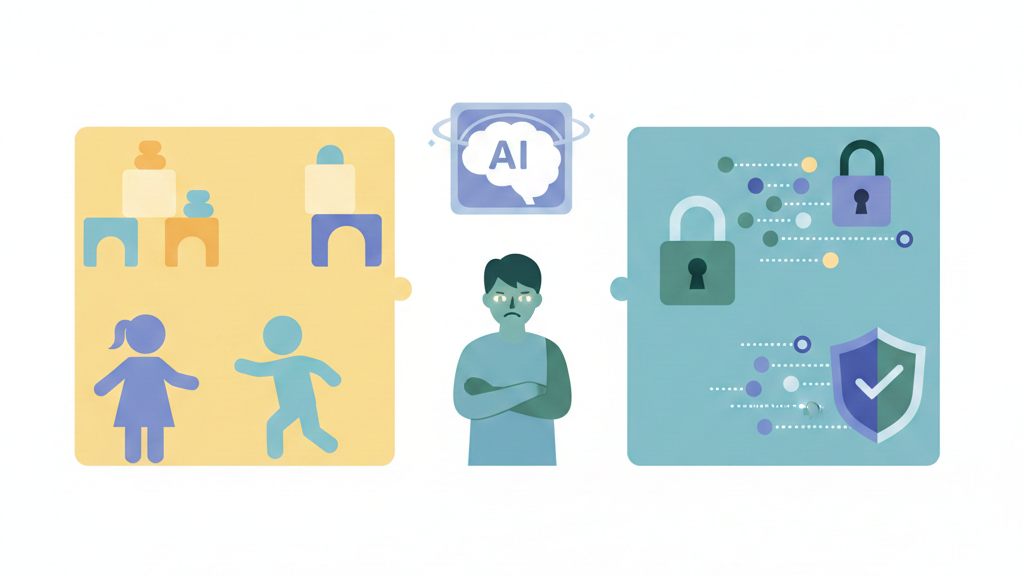
We’ve seen “AI babysitting” before, and it wasn’t pretty. Early tools screened human babysitters by scraping social media, scoring people on “risk.” No sense of sarcasm, no grasp of culture, just pattern-matching. It felt invasive, like handing character judgment to a shallow filter.
Now the babysitter sometimes lives on a tablet. AI childcare apps:
- keep kids “busy” with tailored content
- log voice clips, video, and behavior
- store data that often falls under strict rules like the EU AI Act
In our secure development training, we walk devs through these edge cases, and it’s the same core problem every time: contextual blindness. The model can’t really read a caregiver’s intent, and it can’t feel a child’s fear.
So we treat AI as support, not supervisor. The human stays in the loop, not as a checkbox, but as the actual source of judgment, and that comes with a cost in time, focus, and skill we can’t outsource.
When to Step In (and When to Back Off)
credits: Stephen Robles
I keep seeing the same pattern in bootcamp labs: people hover over the AI like it’s a trainee about to break production. That habit kills the whole point of collaboration. So we use a simple rule with our learners, intervene based on risk, not on vibes.[2]
Some work is so routine that our oversight becomes busywork.
- Boilerplate code
- Basic documentation
- Repetitive data formatting
| Task Category | AI Autonomy Level | Human Oversight Needed | Reason |
| Boilerplate code | High | Minimal | Low risk, repeatable patterns |
| Documentation & comments | High | Final review only | Clarity over correctness |
| Data formatting & transforms | Medium | Spot checks | Edge cases possible |
| Authentication & authorization | Low | Line-by-line review | High security impact |
| Encryption & key handling | Very low | Mandatory human design | Irreversible risk |
| Financial or personal data flows | Very low | Threat modeling required | Regulatory & trust implications |
On these, the AI is actually better than our tired 2 a.m. brains. We set a clear output spec, let the model run, and only review at the end. No line-by-line micromanaging. Our students see how fast they can move when they stop “correcting” every harmless suggestion.
But in secure development exercises, the tone shifts. Any logic that touches:
- Encryption
- Authentication
- Financial flows
- Personal data
gets treated as untrusted input. We coach them to assume the AI’s code is compromised until proven safe. That means manual peer review, defensive thinking, and reading every line like an attacker would.
The Guardrail Rule: Bricks, Not Blueprint
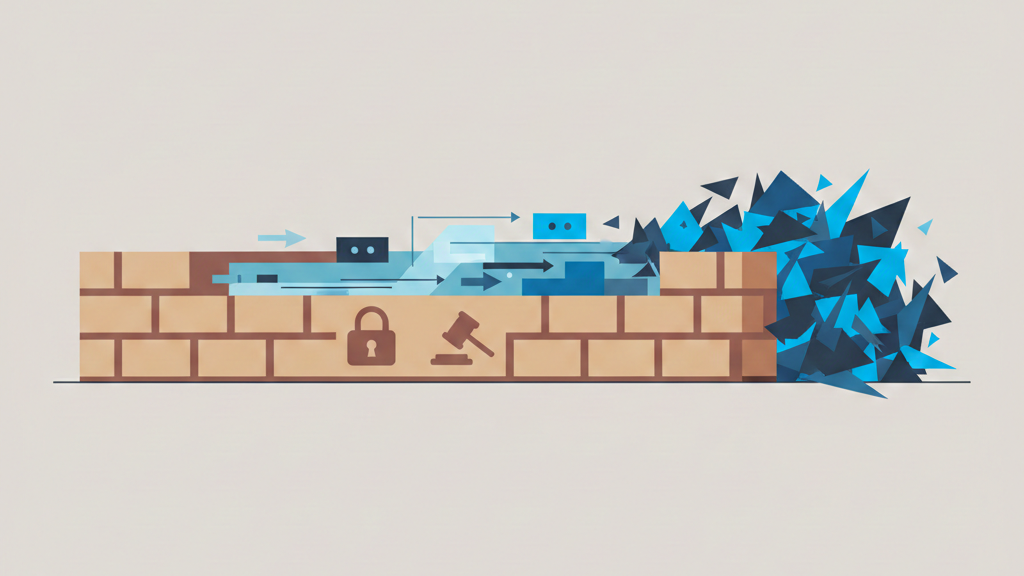
There’s a moment in class when someone asks the model to design an entire “new” architecture, and we watch it hallucinate confidence. That’s when we pause and explain: the AI is good with bricks, awful with blueprints it’s never really seen.
For novel systems, new patterns, unusual constraints, odd threat models, we tell our learners to design the architecture themselves, then use the AI for small, well-defined tasks:
- Helper functions
- Test cases
- Refactoring chunks of safe logic
Our rule of thumb in the bootcamp is simple: we design the skeleton, the AI adds muscle under supervision. When the architecture is new, the babysitting burden gets too heavy if you let the model “invent” structure. It guesses, it fills gaps, it makes quiet, dangerous assumptions.
So we frame it like teaching someone to ride a bike. We provide the path, the coding standards, the security guardrails. The AI pedals on its own, but our hands stay near the brakes, ready to step in the moment safety, not speed, becomes the real question.
FAQ
What is the AI babysitting problem and why do developers feel constant oversight pressure?
The AI babysitting problem happens when humans must constantly check AI work. This AI babysitter paradox appears during vibe coding, loose prompt coding, and AI-assisted prototyping.
Senior developers AI oversight grows because of AI-generated code debugging, error-prone AI outputs, and architecture flaws AI introduces. This creates babysitter tax development, higher AI code review overhead, and slower net productivity gains AI.
How does AI babysitting affect senior developers and team productivity?
Senior dev babysitting time increases during pull request reviews AI and explicit code review process steps. Senior developers AI oversight expands due to edge case handling AI, package name errors AI, and security checks missing.
SaaS teams’ AI overhead grows, raising enterprise AI productivity costs. This shifts developer role evolution, affects engineering headcount impact, and delays time-to-market AI.
Where does AI help most without creating heavy babysitting work?
AI works best in boilerplate code generation, scaffolding with AI, pattern application AI, and tedious task automation. Prototyping acceleration AI improves through AI-assisted prototyping and documentation improvement AI.
These areas avoid original architecture challenges, novel problem domains, and security-critical code AI. Clear AI boundary enforcement and rule-based AI agents reduce AI tool friction areas.
Why do AI coding agents struggle with complex or risky tasks?
AI coding agents limitations appear in long sequential operations AI, persistent context AI agents, and workflow orchestration AI. They struggle with performance optimization AI, penetration testing AI, and root cause analysis AI.
Security-critical code AI needs human-in-the-loop coding, guardrails data validation, and human feedback loops AI to prevent AI hallucination fixes later.
How can teams reduce AI babysitting without slowing development?
Teams can use hybrid human-AI teams, clear requirements writing AI, and UI/UX human-in-loop reviews. Human-in-the-loop coding, RAG AI development, and scalable AI agents help. Model selection babysitter analogy, AI training metaphors, and child bike guiding analogy clarify limits.
This counters AI hype from large cloud vendors, agent-driven development claims, and common babysitter-problem SaaS narratives.
Shifting from Babysitter to Collaborator
The AI babysitting problem isn’t disappearing, but it can shrink from crisis to nuisance. The answer isn’t less AI, it’s smarter integration. Move from constant correction to guided creation by baking rules, security, and architecture into the process itself.
AI is a powerful junior partner, not an autonomous employee. Your leverage grows as you become editor, architect, and validator. Reclaim your attention and focus on the logic only you can see. Learn how to set those boundaries and build better systems here.
References
- https://en.wikipedia.org/wiki/Code_review
- https://en.wikipedia.org/wiki/Human-in-the-loop
Related Articles
