
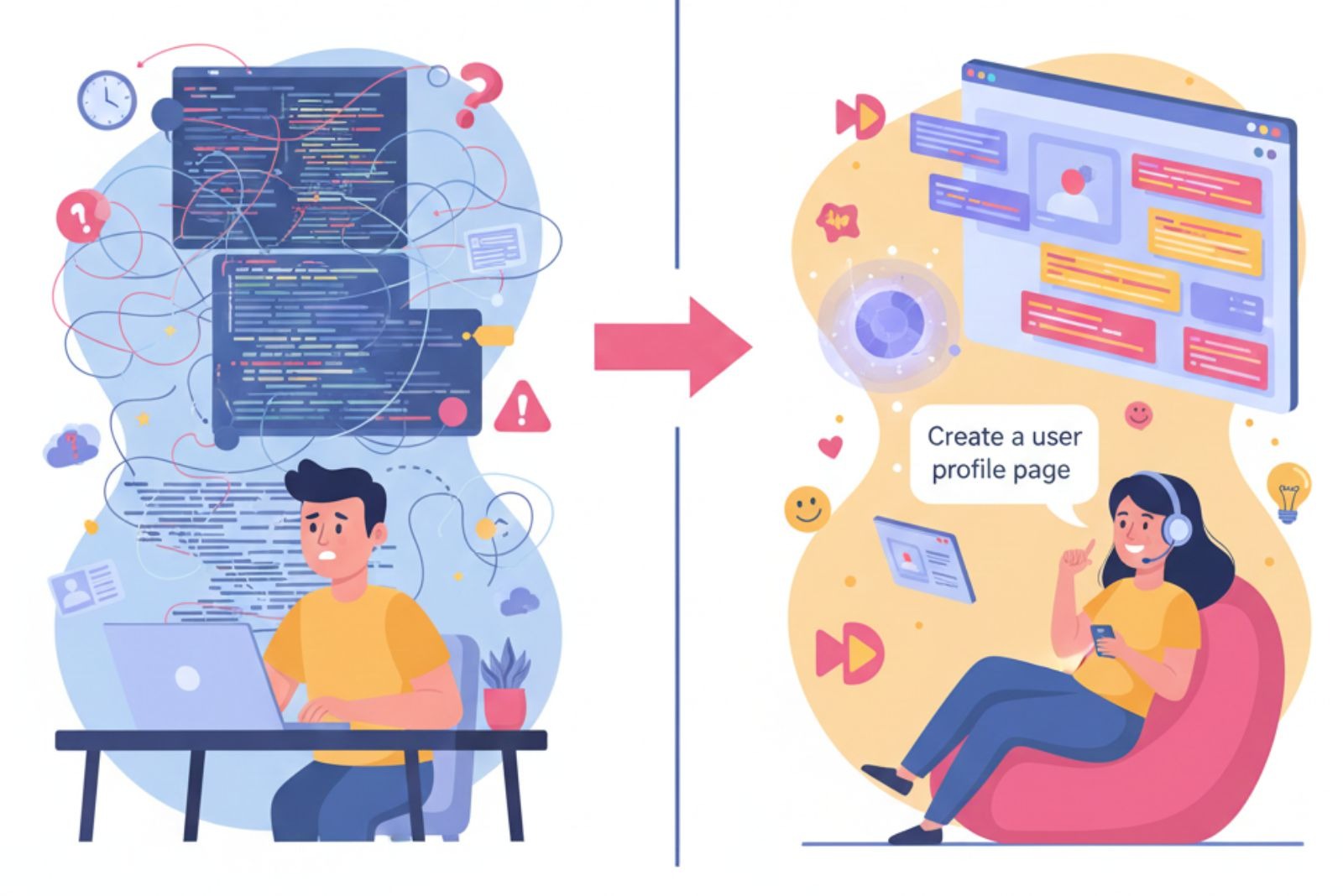

You talk. The computer writes code. That’s natural language to code. It uses AI to change your words into software. This helps everyone. Coders work faster.
New people can build things easier. Your idea goes through several steps to become code. We will show you how it works. You will see how to use it to help you. Keep reading to learn this simple but powerful understanding the natural language to code process
Key Takeaways
- The AI reads and understands your words.
- It builds a code plan and writes the real code.
- It checks the code for mistakes before you use it.
How the Computer Reads Your Words
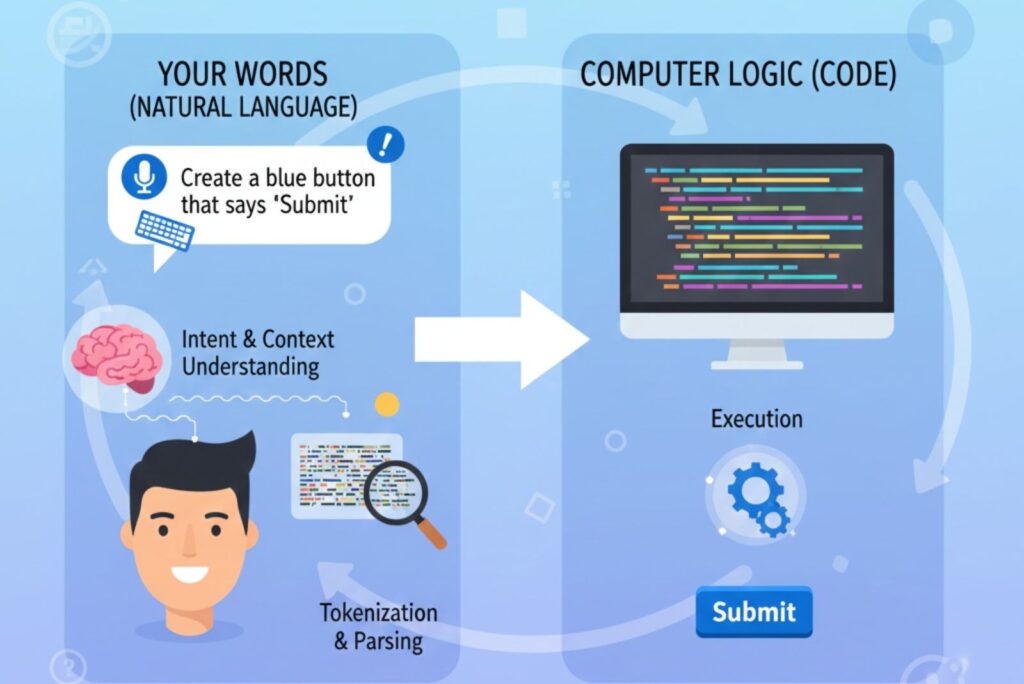
You type a command. Like “make a login page.” The computer sees letters and words. First, it must understand them. This is called input parsing (1).
The system breaks your sentence into pieces. These pieces are called tokens. It is like cutting a sentence into words. This helps the computer see the parts of your idea.
Next, it cleans the words. This is normalization. It makes words simple. “Making” becomes “make.” “Pages” becomes “page.” This helps the computer see that both words mean the same thing.
Then, it looks at grammar. This is dependency parsing. It finds the main action. It finds the thing you are talking about. In “make a secure login page,” it sees “make” is the action. “Login page” is the thing. “Secure” is a detail. Steps to read your words:
- Break sentence into pieces.
- Clean and simplify the words.
- Find the action and the object.
How the AI Knows What You Want
Now the AI thinks about your meaning. This is semantic understanding. It answers: What do you want the code to do?
The AI matches your words to coding actions. This is intent classification. “Loop through a list” means make a loop. “Save the file” means write data to disk. The AI learned this from millions of examples such as conversational AI programming.
It also looks for important names. This is Named Entity Recognition (NER). It finds variable names and values. In “set the user name to Alex,” it sees “user name” is a variable. “Alex” is the value. This puts your details into the code.
The AI remembers what you said before. This is context awareness. If you say “now add a password box,” it knows you are still talking about the login page. This makes the tool feel smart and helpful.
Building the Code Plan
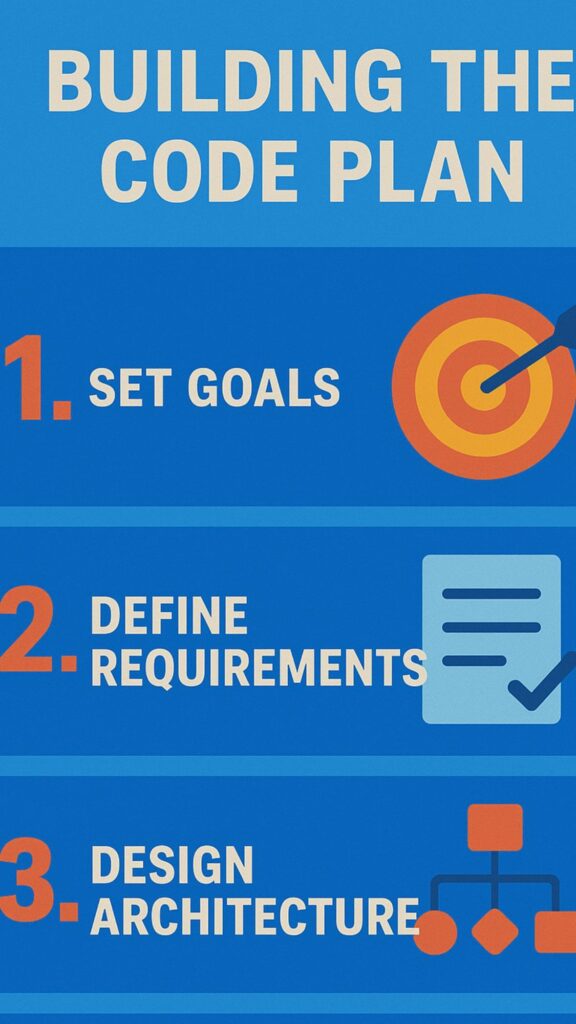
The AI understands your idea. Now it makes a plan for the code. This is code structure mapping. It is like drawing a blueprint for a house.
The plan is an Abstract Syntax Tree (AST). This is a tree that shows the code’s shape, a structure that aligns closely with concepts in vibe coding fundamentals. It shows what comes first. It shows what is inside something else. A function plan has a name and a body inside.
The AI assigns roles from your sentence. This is semantic role labeling. Who is doing the action? What are they doing it to? This helps place everything in the right spot in the code plan.
The AI also guesses types. This is type inference. If you say “add the prices,” it guesses “prices” are numbers. So it will use math, not text commands. This makes the code better from the start.
Writing the Real Code
This is the exciting part. The AI writes the actual code. This is code generation. It uses big AI brains called transformers.
These AIs read lots of code online. They learn patterns. They know how to write a loop in Python. They know common commands. They use these patterns to write your code.
A cool trick is code in-filling. You start writing code. The AI finishes it for you. It looks at what you typed and guesses what comes next. It is like super-smart autocomplete.
The AI is great at boring code. This is boilerplate. Code you write over and over. Like setting up a basic webpage. The AI does this instantly. This saves you time and lets you focus on the fun parts.What the AI does when writing code:
- Uses patterns from its training.
- Can finish code you start.
- Writes repetitive code for you.
Making Sure the Code Works
The code is written. But is it correct? The last step is validation and refinement. You test your work. The AI tests its work too.
First, it checks for syntax errors. Are the parentheses right? Are the words spelled correctly? This makes sure the code can even run.
Some systems try to run the code safely (2). This is execution simulation. They see if it crashes or gives the right answer. This finds mistakes in the logic.
The best systems learn from errors. This is a feedback loop. If the code fails, the AI remembers. It tries to do better next time. The AI gets smarter with practice, just like us.
A Simple Example from Start to End
Let’s watch a small idea become code. It makes the process clear.
You type: “Write a function to add two numbers.” The computer breaks this into words: [“Write”, “a”, “function”, “to”, “add”, “two”, “numbers”].
The AI understands you want to “define_math_function.” It sees “two numbers” as the inputs. The code plan is for a function that takes two inputs and adds them.
The checker makes sure this code is good. It runs a test. It works. You got a function from one sentence. This shows the power of the tool.
The Tools That Make It Happen
Special AI models do this work. They are trained on code and text. We test them with puzzles like HumanEval. We see if they can write working code.
Some models are great at writing whole functions. Others are best at filling in blanks in code you started. Some work well in many languages like Python, Java, and JavaScript.
These models are very clever. They have an encoder to read your words. They have a decoder to write the code. This sequence-to-sequence process is how they operate. The technology keeps getting better every year.
Why This Is Good for You

This technology helps people right now. Most programmers use these tools. They help you get work done faster.
The big benefit is speed. You can finish tasks in half the time. You spend less time typing boring code. You can think about the big picture instead.
It also helps you learn. If you are new to coding, the AI shows you how to do things. It is like a teacher that is always there. It makes starting less scary.
The market for these tools is growing fast. This means it is a big change in how we build software. It is a team effort between people and machines. This is good for businesses and for learners. Benefits of using natural language to code:
- Makes coding much faster.
- Reduces boring, repetitive work.
- Helps new people learn to code.
Problems and Things to Watch For
The tool is powerful but not perfect. You should know its limits. The biggest problem is fuzzy language.
Natural language can be unclear. If you say “make it safe,” what does that mean? Safe from hackers? Safe from crashing? The AI might guess wrong, especially when wording carries subjective term vibe is used in coding contexts. Be as clear as you can.
Sometimes the AI makes things up. This is hallucination. It might use a library that does not exist. It seems right to the AI, but it is wrong. You must always check the code it gives you.
The AI does not know your special rules. If your company uses a unique system, the AI might not understand. It works best with common, public technologies. It needs training to learn your private way of working.
Building Safe Code with AI Help
Source: IBM Technology
This is the most important part. When we use AI, we must think about secure coding practices. The AI makes code that works. We must make sure it is also safe.
The AI might write code for a website form. We need to check that it stops bad code from being injected. We are the safety experts. The AI is the fast helper.
Think of the AI as a new worker. It is quick and follows orders. But it does not know about security risks. We must review everything it does. We add the layer of protection.
We never just copy and paste AI code. We always look at it. We test it. We make it strong and safe. This team work makes great and secure software. Our job for safe code:
- Always review AI-generated code.
- Check for security problems.
- Test the code thoroughly.
FAQs
What is natural language to code?
Natural language to code is when you type words and AI turns them into working computer code. You tell the computer what you want in plain English. The AI reads your words and writes the code for you. This makes coding faster and easier. Anyone can use it, even if they are new to programming. It helps save time on boring tasks.
How does the AI understand my words?
The AI breaks your sentence into small pieces called tokens. It cleans up the words to make them simple. Then it finds the action you want and what you are talking about. The AI learned from millions of code examples. It matches your words to coding actions. This helps it know exactly what you mean and what code to write.
Can beginners use natural language to code?
Yes, beginners can use this tool easily. You do not need to know coding first. Just type what you want in normal words. The AI shows you how code works by writing it for you. It acts like a teacher that is always ready to help. This makes learning less scary. You can start building things right away without years of study.
What is an Abstract Syntax Tree?
An Abstract Syntax Tree, or AST, is like a map of your code. It shows what parts come first and what goes inside other parts. Think of it as a blueprint for a house. The AI makes this tree from your words. It helps organize the code correctly. This plan makes sure everything is in the right place before the real code is written.
Does the AI write perfect code every time?
No, the AI is not perfect. Sometimes it makes mistakes or guesses wrong. It might use commands that do not exist. This is called hallucination. The AI works best with clear instructions and common coding tasks. You must always check the code it makes. Review it, test it, and fix any problems. Think of AI as a helper, not a replacement.
How fast can I code with this tool?
You can finish coding tasks in half the normal time. The AI writes boring, repetitive code instantly. You spend less time typing and more time thinking about your project. Tasks that took hours might take minutes now. Most programmers who use these tools get their work done much faster. This speed helps you build more things in less time.
What are the main problems with AI code?
The biggest problem is unclear language. If your instructions are fuzzy, the AI might guess wrong. Sometimes it makes up fake libraries or commands. The AI does not know your company’s special rules or private systems. It works best with popular, public technologies. Always be very clear with your words and check everything the AI creates for you.
Is AI-generated code safe to use?
AI code can work, but it may not be secure. The AI does not know about all security risks. You must check the code for safety problems. Look for weak spots where hackers could get in. Test the code carefully before using it. Never just copy and paste without reviewing. You are the security expert. The AI is just a fast helper.
What coding languages does this work with?
Most AI tools work with popular languages like Python, Java, and JavaScript. Some work with many languages at once. The AI learned from public code online in these languages. It knows common commands and patterns for each one. The tool works best with widely-used languages. Special or rare languages might not work as well with AI code generators.
How will this change the future of coding?
This technology makes coding easier for everyone. More people can build software without years of training. Programmers work faster on boring tasks and focus on hard problems. The mix of human ideas and AI speed is very powerful. This is a team effort between people and machines. The market for these tools grows every year, changing how we make software.
The Big Picture In Understanding The Natural Language to Code Process
Turning words into code is a big change. It makes creating software easier for more people. It is not just a tool. It is a new way to work.
Its best use is for help and speed. It is great for starters and for boring code. It lets human coders solve hard problems. The mix of human ideas and AI speed is powerful.
Your words can now build things. This process is a mix of language and computer science. It listens to your goal and helps you reach it. Use it to be faster. But always be the smart boss who checks the work. Try it today. See how it changes your work for the better.
Secure Coding Practices Bootcamp is a great next step. It gives you practical, hands-on secure coding skills you can apply immediately, no fluff, no jargon.
References
- https://medium.com/@devaaravindlutukurty/data-parsing-in-siem-8b1a89c08c85
- https://medium.com/@tahirbalarabe2/5-deployment-strategies-to-release-code-safely-aaf84a7d48b8