
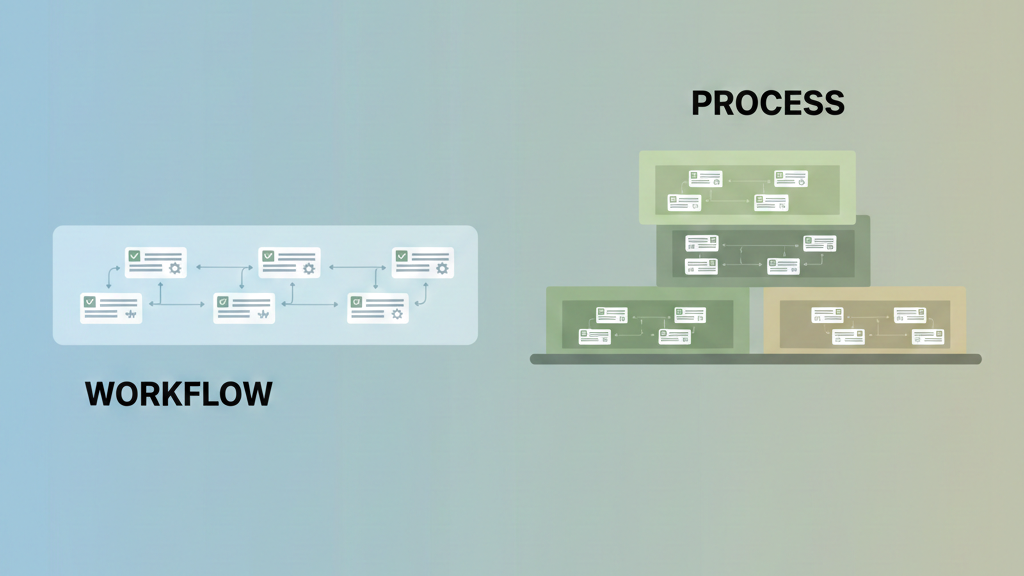

The key workflow[1] difference is scope and intent. A workflow is a tactical, repeatable sequence for a specific task. A process is the strategic container of multiple workflows aimed at a business outcome. You manage workflows, you optimize processes.
One is about doing things right, the other is about doing the right things. Confusing them leads to misaligned tools and frustrated teams. Keep reading to learn how to spot which one you’re actually dealing with and how to apply the right logic to each.
Key Takeaways
- The key workflow differences between vibe coding and traditional development lie in feedback speed, ownership, and review depth.
- Vibe coding workflows are narrow, fast, and developer-centric; traditional workflows are layered, shared, and governance-driven.
- Automation works best when workflows are clearly defined and aligned to the development strategy in use.
When Vibe Coding and Traditional Workflows Get Tangled
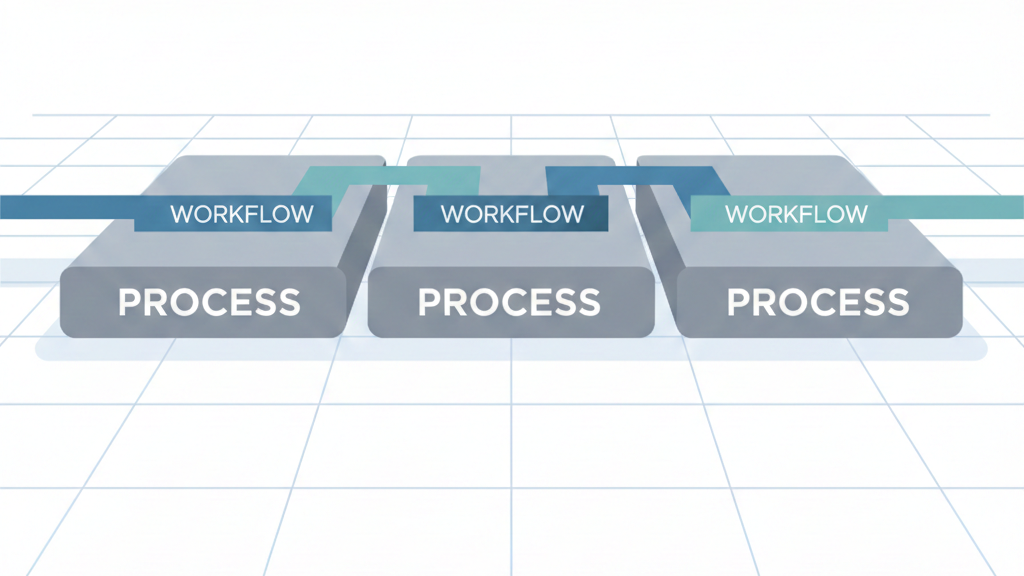
You can feel the tension when teams blur workflow expectations. Someone says, “We’re moving fast now,” but still expects formal design reviews. Or worse, they adopt vibe coding tools while holding traditional approval gates. The workflow breaks, even if the code compiles.
In secure coding bootcamps, we see this mismatch constantly. Teams adopt AI-assisted vibe coding workflows, rapid prompting, inline generation, instant refactors, but evaluate results using traditional development standards: extensive documentation, staged reviews, and shared accountability. The problem isn’t the tools. It’s the workflow logic underneath.
One client introduced vibe coding into their CI pipeline but kept a traditional handoff-based review process. Developers moved faster locally, but reviews slowed to a crawl because reviewers lacked context. Velocity increased at the keyboard and collapsed at the team boundary.
This is why workflow clarity matters. Vibe coding and traditional development are not opposing philosophies, they are different workflow designs. Treating them as interchangeable guarantees frustration, especially when security, quality, and ownership are involved.[1]
The “How” Versus The “What and Why”
| Aspect | Vibe Coding Workflow | Traditional Development Workflow |
| Primary focus | Individual flow and momentum | Shared correctness and alignment |
| Scope | Narrow, task-level | Broad, system-level |
| Feedback loop | Immediate, local | Deliberate, multi-stage |
| Decision-making | Implicit, developer-driven | Explicit, team-driven |
| Documentation | Minimal, emergent | Intentional, upfront |
| Automation fit | Very high | Selective and guarded |
A vibe coding workflow is optimized for how fast an individual can move from idea to working code. Prompt, generate, adjust, test, repeat. The workflow minimizes interruption and favors continuous momentum.
Traditional development workflows answer a different question: how do we move together without surprises? They introduce checkpoints, design discussions, and reviews not to slow work, but to synchronize understanding.
Neither is inherently better. The key workflow difference is whether correctness emerges through rapid iteration or structured consensus. When teams assume one model while operating the other, friction appears. Understanding which “how” you’re using prevents mismatched expectations and broken automation.
This split in ownership mirrors debates in development styles, including how vibe coding differs from pair programming, where one favors individual execution speed while the other prioritizes shared context, review, and collective responsibility.
Scope and Ownership: Where Workflows Diverge
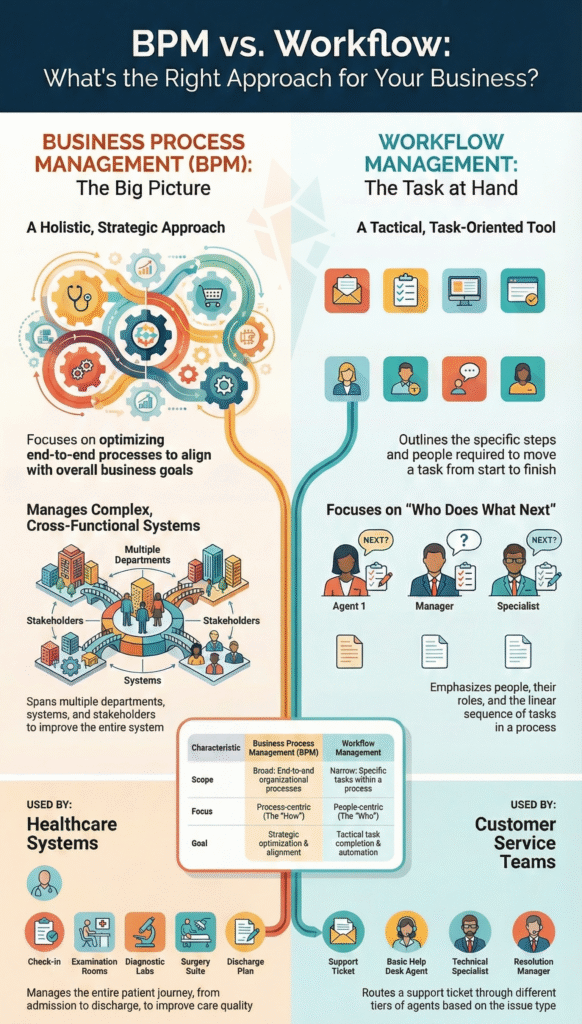
| Dimension | Vibe Coding | Traditional Development |
| Workflow owner | Individual developer | Team or role-based |
| Human involvement | Continuous, local | Distributed, staged |
| Change frequency | High | Moderate |
| Risk exposure | Localized | Systemic |
| Governance | Minimal | Formal |
| Failure mode | Inconsistent quality | Slow delivery |
Vibe coding workflows live close to the individual. The developer owns decisions, context, and iteration speed. This makes experimentation cheap and progress visible, but it also concentrates risk.
Traditional development workflows distribute ownership. No single developer carries full responsibility. Reviews, approvals, and standards act as guardrails, especially for security and maintainability.
This difference explains why vibe coding excels in exploration and prototyping, while traditional workflows dominate regulated or long-lived systems. Problems arise when teams apply individual-owned workflows to shared-risk environments without adjustment. The key workflow difference isn’t speed versus slowness, it’s where responsibility lives. Tools must match that reality or they magnify the wrong risks.
Security as a Workflow Stress Test
Security exposes workflow differences immediately. In vibe coding, security often appears as an automated step: run the scan, fix what’s flagged, move on. The workflow completes, but the broader goal may not.
In traditional development, security is embedded into the process: threat modeling, review gates, ownership of findings, and timelines for remediation. The workflows inside that process, scans, reviews, approvals, serve a larger governance goal.
We see teams automate security workflows successfully while failing the security process. Findings accumulate. No owner. No prioritization. The workflow ran perfectly, but the outcome didn’t change.
This is the core lesson: workflows execute, processes govern. Vibe coding workflows can generate secure code quickly, but without a traditional process layer, security outcomes stall. Understanding this distinction prevents teams from mistaking automation for assurance.
When teams misinterpret tooling needs, it’s like confusing a vibe coding vs traditional development comparison for a clear assessment of what strategy actually drives security outcomes, you end up with the wrong expectations and the wrong tools.
Practical Scenarios: The Same Task, Different Workflows
Credits: George Kamenov
Feature Implementation
- Vibe coding workflow: Prompt → generate → locally test → iterate → commit.
Here, a developer sits close to the code, tries an idea, asks the model for help, runs it, then tweaks until it feels right. The loop is short, fast, and personal. You get working features quickly, though sometimes the design only fully appears after a few cycles. - Traditional workflow: Design review → implementation → peer review → integration testing → merge.
This path slows you down on purpose. The team aligns on behavior first, writes the code, has others read it, then checks that it plays nicely with the rest of the system. It favors predictability and shared understanding over speed.
Bug Fixing
- Vibe coding: Immediate reproduction, AI-assisted patch, fast validation.[2]
You see the bug, recreate it, ask the model for a patch, and confirm the fix on the spot. - Traditional: Ticket triage, root cause analysis, documented fix, regression testing.
The team tracks the bug, studies why it happened, writes a careful fix, and checks that nothing else broke.
Both workflows can succeed. The key workflow difference is not the task, but how feedback, ownership, and validation are structured. Teams that recognize this can deliberately choose the right workflow for the moment instead of defaulting blindly.
Building from the Ground Up
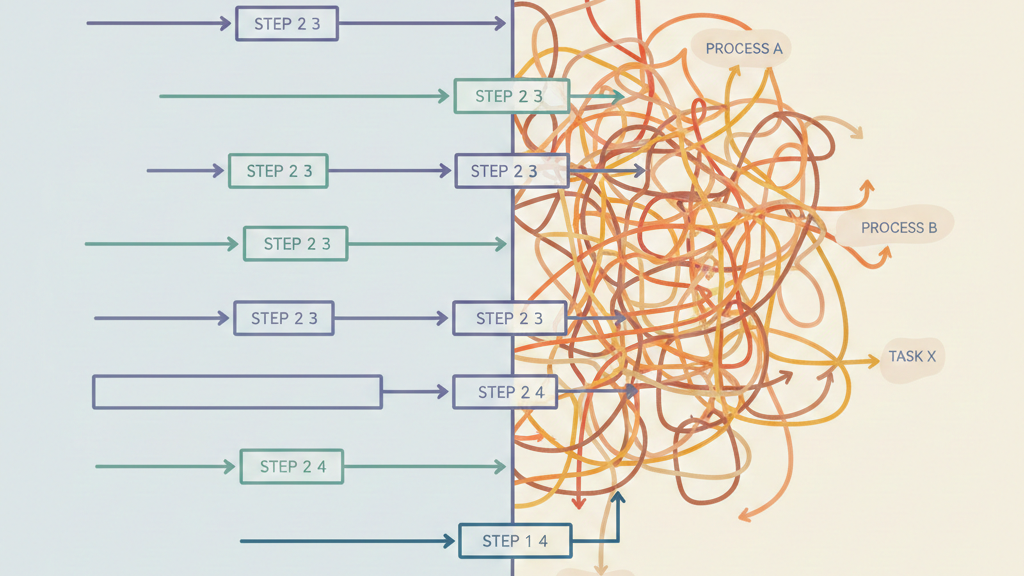
In bootcamps, we teach teams to start with workflows, not philosophies. Pick one task and ask:
- Who owns decisions here?
- How fast does feedback need to be?
- What risk does failure create?
If the answers favor speed and locality, vibe coding workflows fit. If they favor shared understanding and risk control, traditional workflows are safer.
Only after workflows are clear should teams scale up to process design. This prevents cargo-culting tools or forcing one development style everywhere.
The real payoff of understanding key workflow differences is choice. Teams often ask whether tools alone can speed secure development, exactly the question framed by is vibe coding faster than writing code manually, but speed without process context rarely delivers true security outcomes.
FAQ
What are the key differences in workflow vs process at micro and macro levels?
Workflow vs process explains focus and scale. An operational workflow shows a task sequence with sequential execution, rule-based logic, and conditional branching. It has task-oriented focus, micro level scope, and repeatable tasks.
A strategic process sets macro level goals across a cross-functional process using documented procedures. It tracks outcome metrics, not steps, and guides end-to-end optimization across teams.
How do BPM differences shape business process management and documentation choices?
Business process management looks at the full system. BPM differences appear when teams use process mapping, workflow diagramming, and BPMN notation with SOP documentation. A BPMS software connects automation tools, workflow engines, and technology integration.
This supports data-driven improvement, standardization methods, and compliance monitoring, while linking KPI metrics to macro results for audits and change cycles.
When does workflow automation help more than process optimization?
Workflow automation speeds repeatable tasks inside an operational workflow. Teams check automation readiness, then use automation tools and workflow engines. Rule-based logic, role-based assignment, and dynamic adjustment handle approvals.
Real-time tracking shows cycle time, throughput rate, and error rate, helping bottleneck identification and fast efficiency gains without changing strategy.
How do approval workflows differ from sales pipeline process examples?
Examples show the difference clearly. An employee onboarding process follows documented procedures across a cross-functional process. A document approval workflow or proposal approval workflow follows a fixed task sequence.
Approval workflows focus on micro level scope and role-based assignment. A sales pipeline process tracks macro level goals, outcome metrics, and end-to-end optimization over time.
Which metrics best reveal process efficiency problems in daily work?
Teams measure work to avoid guesswork. Use KPI metrics, lead time measurement, cycle time, throughput rate, and error rate. Real-time tracking on kanban boards or task boards highlights delays. This supports process optimization and process efficiency by finding issues early and guiding data-driven improvement across operational workflow and strategic process decisions.
The Logical Payoff
Understanding the key workflow difference isn’t academic, it’s practical. It shows where automation belongs (workflows) and where governance matters (processes). It keeps you from overbuilding or underinvesting.
Stop “fixing the process” when you really need to map the sequence. Start with the how, then step back to see the what and why. That shift moves work into progress. Map your first workflow today and see where it leads you.
References
- https://en.wikipedia.org/wiki/Workflow
- https://en.wikipedia.org/wiki/Agile_software_development