
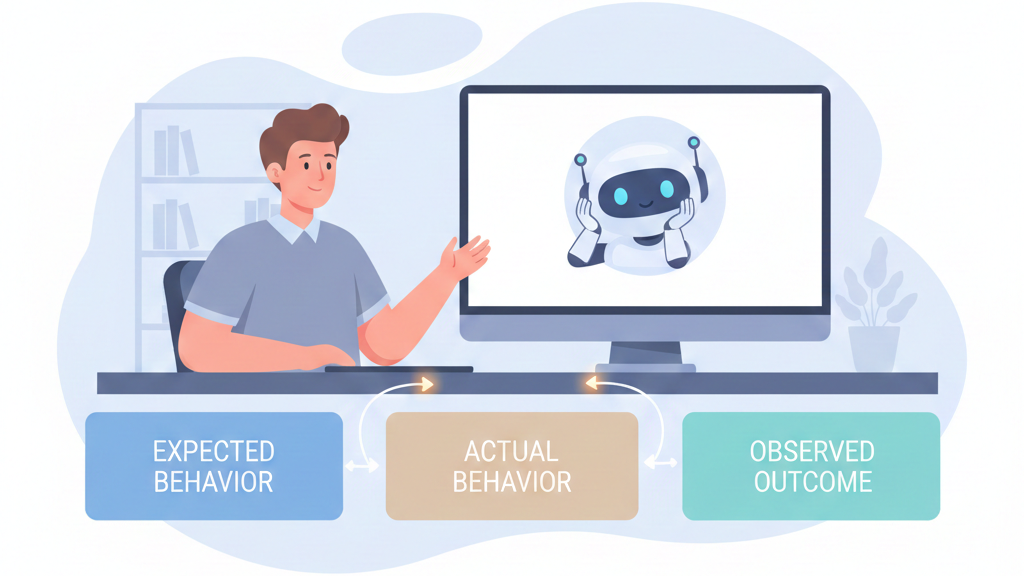

Most people ask AI to “fix my bug” and then wonder why the answer feels off. The real move is to tell it the story of your bug. What you tried, what you expected, what actually happened, and where it all went sideways.
The difference is like mumbling “my car is broken” versus saying, “2018 sedan, front-right whining above 50 mph after a deep puddle.” One gets you guesses. The other gets you reasoning.
Want fewer random stabs and more real debugging help from AI? Start by learning how to structure that story, scroll down and keep reading.
Key Takeaways
- Structure your bug report like a professional ticket: environment, steps, expected vs. actual results.
- Provide raw, unedited technical artifacts, error messages, stack traces, code snippets, as direct evidence.
- Guide the AI’s reasoning with iterative prompts, starting with diagnosis before demanding a fix.
Build the Scene Like a Forensic Report
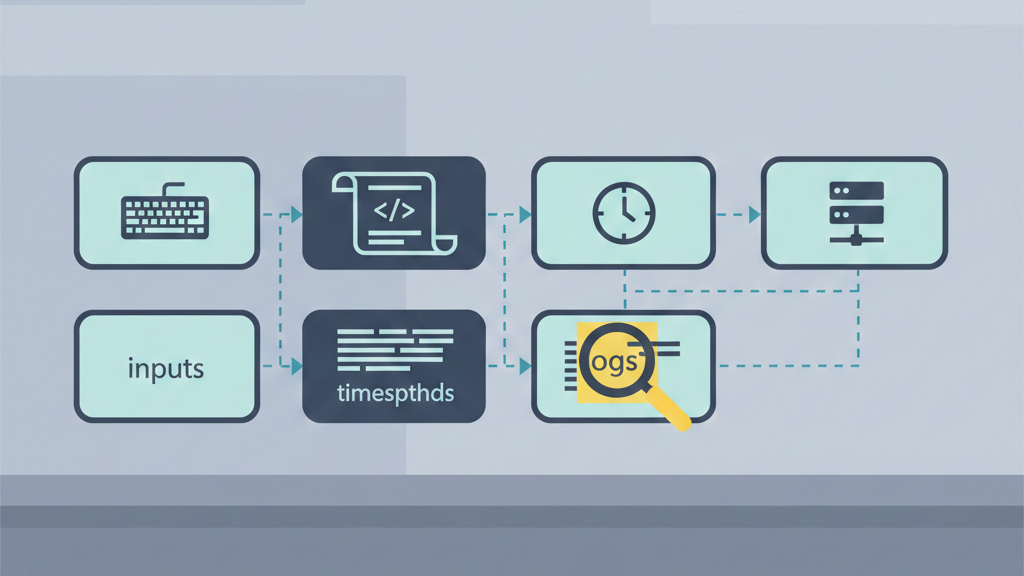
Remember the first time we really leaned on an AI for a nasty bug.[1] It was a race condition, the kind that disappears the moment you stare at it. they first prompt was just frustration: “it sometimes fails,” “the data gets mixed up.” The AI replied with generic thread-safety advice. Useless.
So we reset. We wrote like was talking to a very junior, very fast colleague who needed every detail.
For secure debugging, your prompt has to read like a forensic report. The AI only knows what you type. We push learners to always include:
| Component | What to Include | Example |
| Operating System | OS name and exact version | macOS Sonoma 14.4 |
| Language Runtime | Language and full version | Python 3.11.4 |
| Frameworks/Libraries | Key dependencies and versions | Django 4.2, psycopg2 2.9 |
| Error Message | Full error text, unedited | IntegrityError: duplicate key value violates unique constraint |
| Stack Trace | Complete stack trace | Traceback (most recent call last): … |
| Location | File and function name | views.py → login_view() |
| Expected Result | What should happen | User session is created |
| Actual Result | What actually happens | 401 Unauthorized response |
- OS & version (e.g., macOS Sonoma 14.4, Ubuntu 22.04)
- Language & version (Python 3.11.4, not just “Python”)
- Key libraries/frameworks & versions
- Exact error message and full stack trace
- File and function where it fails
Then add one line: “expected X, got Y.” That’s where the real reasoning starts.
Narrow the Suspect, Don’t Ship the Whole City
After we set the scene, we treat the bug like a suspect, not a rumor. Our bootcamp learners are trained to isolate the failure instead of dumping the entire project into the prompt. That means pulling out a minimal, self-contained example, with enough context to be real but not bloated.
We have them:
- Copy only the relevant function, endpoint, or class
- Include just enough setup to make it runnable or readable
- Strip secrets, tokens, real URLs, and user data
- Highlight the exact line or call where it breaks
A strong prompt sounds like:
“In Python 3.11.4 / Django 4.2 on macOS Sonoma 14.4, this login view in views.py throws the error below. Here’s the function and full stack trace. Why we getting this IntegrityError, and what’s a secure fix?”
That kind of scoped, security-aware prompt turns the AI into a focused helper instead of a confused guesser.
Building a Clear Narrative the Way Engineers Actually Work
The funny thing we keep seeing in our secure dev bootcamp is this: people say “the login is broken,” then expect the AI to magically untangle a mess no one has actually described.
When developers slow down and describe the bug clearly, they stop treating the model like an oracle and start learning how to debug AI-generated code effectively instead of blindly pasting fixes. That’s the point.
We train our learners to start with a title that already does half the thinking:
- “Login broken” tells us nothing.
- “Authentication fails with 401 Unauthorized after successful OAuth callback in Node.js/Express server” gives domain, symptom, and stack in one line.
That one sentence frames the whole problem. Our students quickly realize the AI isn’t a mind reader; it’s more like a very fast junior dev who needs context.
Then we push for step-by-step reproduction. Literally numbered, no assumptions:
- Go to /login.
- Click Sign in with Google.
- Approve the app in the popup.
- Watch redirect to /callback.
- See 401 Unauthorized in the console.
In our secure coding labs, this is non‑negotiable. A reproducible experiment is how professionals test security claims, and it’s how you get an AI to debug reality instead of imagination.
Expected vs Actual: Where the Real Bug Story Lives
Once the path is clear, our focus shifts to conflict: what we thought would happen versus what actually happened. We see this missing all the time in student bug reports, and without it, the AI just guesses. With it, it starts acting like a partner.
| Step | Expected Behavior | Actual Behavior |
| OAuth Callback | Token is validated successfully | Token validation fails |
| Session Handling | User session is created | No session created |
| Redirect Flow | Redirect to /dashboard | Stuck on /callback |
| Server Response | 200 OK | 401 Unauthorized |
| Logs | No auth errors | JWT verification failed |
We teach everyone to write it plainly:
- Expected:
- User session is created.
- The user gets redirected to /dashboard.
- Auth flow completes without errors.
- Actual:
- Server returns 401 Unauthorized.
- The user stays stuck on /callback.
- Console logs: JWT verification failed.
By writing it this way, our learners stop hunting for “any bug” and start asking, “Why did verification fail when it should have passed?” That shift is huge in secure development, where one tiny logic gap can become a vulnerability.[1]
What we’ve seen, over and over in our exercises, is that once you provide title, steps, and the expected/actual clash, the AI stops spitting random patches. It follows the breadcrumb trail you set. You’re not just asking for a fix anymore, you’re defining a precise security puzzle, and letting the AI help you solve exactly that.
Walking the AI Through Logic, Not Just Code
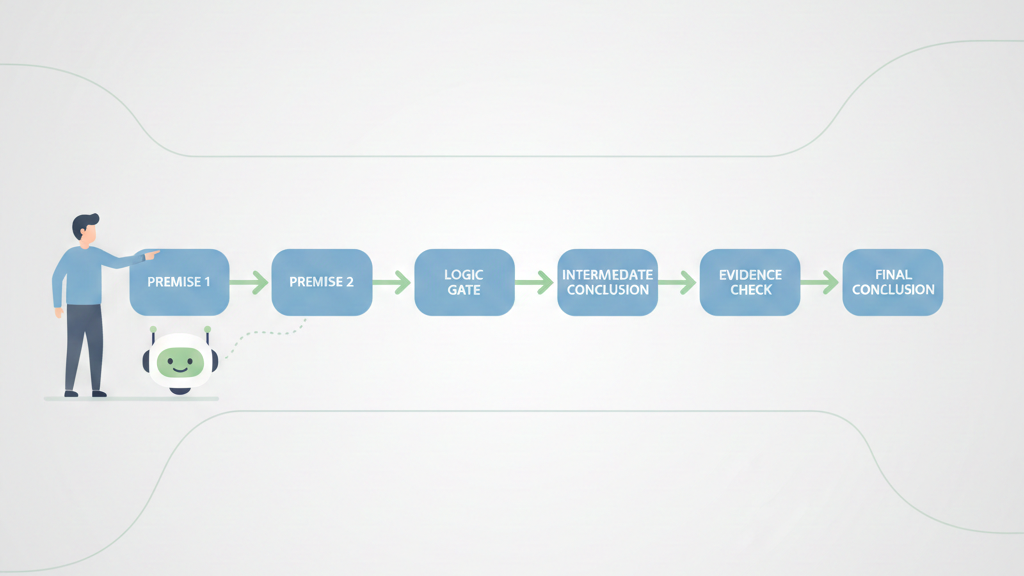
What we see a lot in our secure dev bootcamp is that the scariest bugs aren’t crashes, they’re logic slips. The app runs, quietly, but behaves in a way that makes everyone uneasy. That’s where most security issues like to hide too. The AI won’t catch those by staring at code in a vacuum, it needs a thinking path.
Instead of throwing “Fix this sorting function” at it, we push our learners to say:
- “Here’s my function to sort users by priority score.”
- “Here’s the sample dataset we use in production.”
- “Walk through the logic step-by-step and tell me where the result diverges from a correct priority sort.”
We treat the AI as a reasoning engine, not just a code printer. In our exercises, we pair the function with real data states: input, wrong output, and the correct output.[2]
Constraints, Feedback, and Iterating Like a Real Team
In practice, bugs don’t die after one message. Our students learn to treat debugging with AI like a conversation, the same way they’d work with another developer on our team. The missing piece, most of the time, is constraints.
We ask them to be explicit:
- “Use only the standard library.”
- “Keep this safe for untrusted input.”
- “Don’t rewrite the whole module, aim for a small, auditable fix.”
Those guardrails stop the AI from pulling in giant frameworks when a three-line fix is enough, and when we’re teaching secure coding, a smaller change is easier to review for side effects.
Once the AI suggests a patch, we insist they test it, then report back like this:
- “After your fix, the priority sort works, but empty lists now throw a null pointer on line 47.”
This iterative back-and-forth is the core of debugging and AI refinement techniques, where each round of feedback sharpens both the fix and the reasoning behind it. Over multiple iterations, students see the pattern: clear constraints, concrete data, honest test results.
It starts to feel less like “using a tool” and more like working through a tough bug with a patient, slightly overcaffeinated teammate.
Your New Debugging Workflow
Credits: Slav Kurochkin
So how does this change your daily grind? It makes you a better communicator, first of all. You start thinking in terms of reproducibility and evidence before you even ask for help.
You’ll begin prompts with context automatically. You’ll copy error messages without thinking. You’ll frame problems as “Here’s what should happen, here’s what does happen, here’s the code and environment where it happens.”
This discipline is valuable far beyond talking to an AI; it’s the same reasoning that why fundamental debugging skills still matter even when code generation feels effortless.
When an issue is deep, you’ll prompt for analysis before code. You’ll ask, “What could cause this?” instead of “Fix this.” You’ll provide the error logs, the stack traces, the version numbers. You’ll treat the AI less like an oracle and more like a partner who has all the reference books memorized but needs you to describe the problem vividly.
And you’ll iterate. You won’t expect the first answer to be perfect. You’ll test the suggestion in an isolated way, see what happens, and report back. This iterative dialogue, this building of shared context, is where the real power lies. It turns a static query into a dynamic debugging session.
FAQ
How do I write a clear bug report template for an AI assistant?
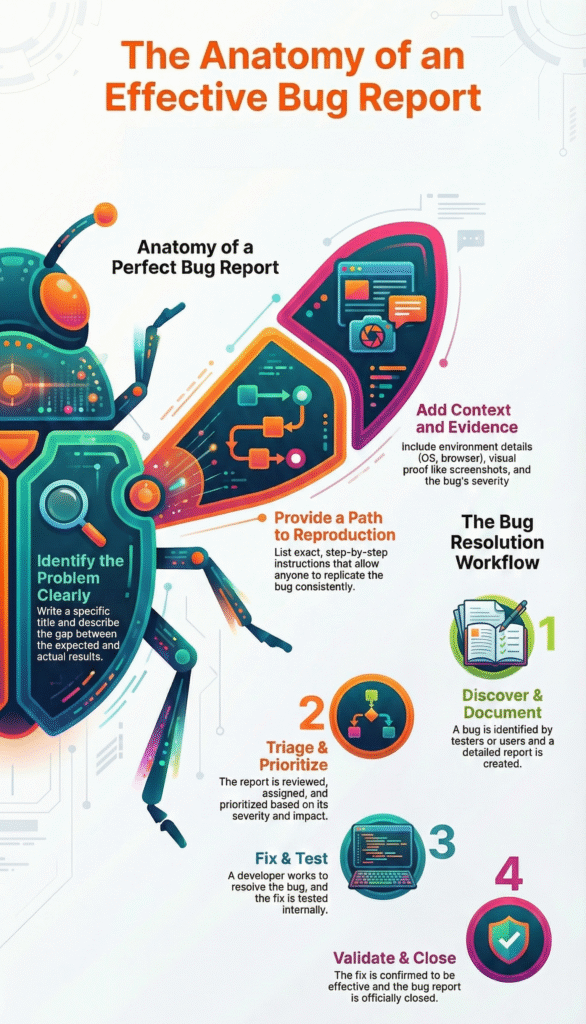
Start with a bug report template that reads like a short story. Give a clear software bug description and list reproducible steps with preconditions setup. State expected behavior and actual results. Include any error message, stack trace, or code snippet. Add environment details such as browser version and operating system so the AI has full context provision.
What details help AI debugging prompts find the real problem?
Strong AI debugging prompts explain the full debugging workflow, not just the failure. Share reproduction steps, severity level, and priority rating. Point out whether the issue is a logic error, runtime exception, or syntax issue. Add log files, a screenshot attachment, or a crash report so the AI code fixer sees what you see.
How do I explain complex bugs like race conditions or memory leaks?
Name the bug type clearly, such as memory leak, race condition, or infinite loop. Describe the timing issue, concurrency problem, or resource exhaustion in simple terms. Show where it happens using a code snippet, call stack, or heap dump. If you used a breakpoint set or variable watch, explain what changed and when.
How can I share code changes without confusing the AI?
Use version control to stay focused. Share a small git diff instead of full files. Explain what changed and why. Mention any unit test failure, integration bug, or regression issue tied to the change. If a dependency conflict or library version caused the problem, state it clearly to support root cause analysis and a better fix suggestion.
What should I add when a bug affects users or production?
Explain customer impact and business risk first. Say whether it is a production bug, backend crash, or UI glitch. Note any monitoring alerts, SLA breach, or incident response steps taken. Share the mitigation plan, rollback procedure, or hotfix process so issue triage and post-mortem analysis can capture lessons learned.
From Fuzzy Errors to Clear Explanations
The goal of explaining a bug to an AI isn’t just getting a fix. It’s learning to see the problem clearly yourself. The structure you add for the machine sharpens your own thinking. “Broken” turns into facts: a version conflict, an edge case, a faulty conditional.
The AI becomes a mirror, exposing gaps in your story until the bug is coherent and fixable. Start debugging by writing the story first. Join the Coding Bootcamp.
References
- https://developer.mozilla.org/en-US/docs/Learn/Tools_and_testing/Cross_browser_testing/Issues_and_reporting
- https://en.wikipedia.org/wiki/OAuth