
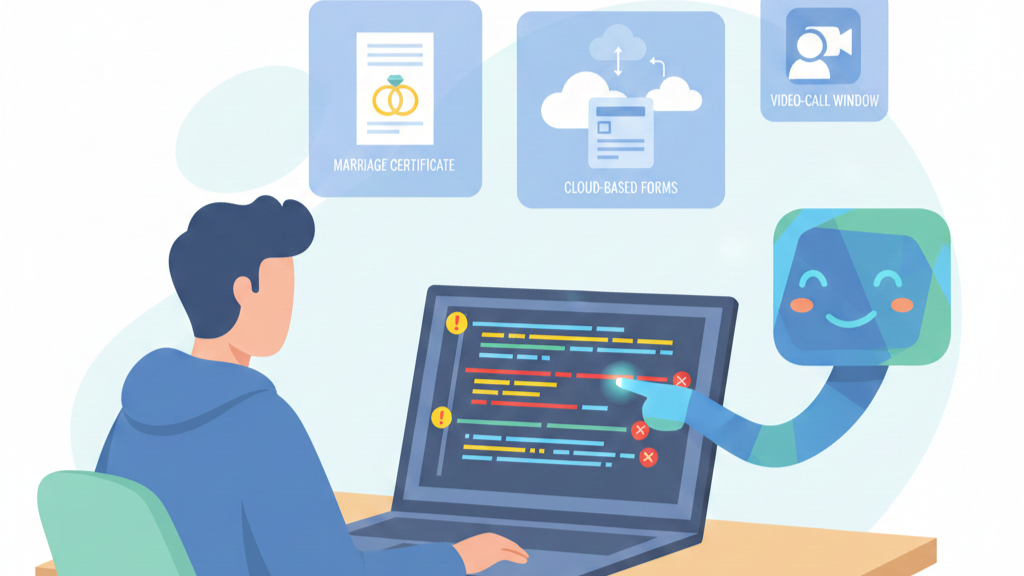

The code compiles. It might even run. But something’s off. A nagging feeling in your gut, the kind you get when a simple function is wrapped in three nested callbacks for no reason. You’re not coding anymore, you’re deciphering. This is the reality of debugging AI-generated code, a task that now consumes, by some surveys, nearly half of a senior developer’s week.
It’s not just fixing errors, it’s managing a brilliantly fast, profoundly confused intern. The way out isn’t to stop using the tool, but to change how you work with it. This guide is about moving from babysitting to directing, transforming those messy outputs into clean, secure, and maintainable code. Keep reading to reclaim your time.
Key Takeaways
- AI-generated code often contains subtle logical flaws and security gaps that require traditional, hands-on debugging skills to catch.
- Effective correction starts with systematic validation, using static analysis, dependency checks, and staged testing, before any code is integrated.
- The fix is in the prompt: guiding AI with precise error context, structured requests, and meta-feedback turns a source of bugs into a debugging partner.
How to Debug AI-Generated Code Effectively
You stare at the block of AI‑generated code. It appeared in seconds, clean and confident, and yet this is where our real work starts, not where it stops.
We’ve learned in our secure development bootcamps that AI code has no memory of tradeoffs, no story behind its choices. It borrows patterns from everywhere, so the bugs are stranger: a missing security check that was never imagined, a fake library pulled out of thin air, a quiet logic flaw that passes a casual read.
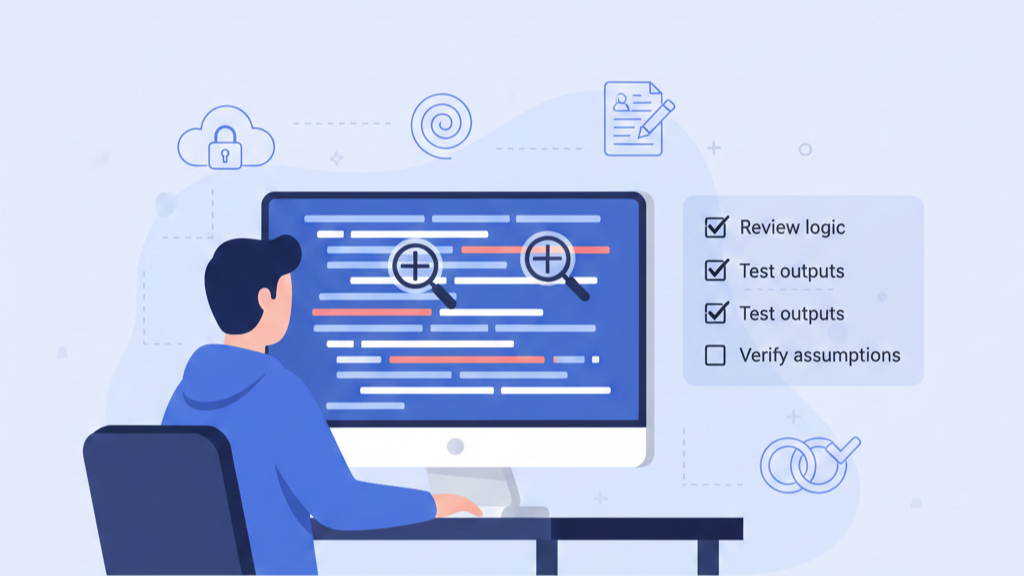
From our experience, a safe workflow looks like this:
- Run static analysis first (CodeQL, Semgrep, etc.) to catch security and logic patterns.
- Verify every import and dependency, checking for hallucinated or outdated packages.
- Scan dependencies for licenses and vulnerabilities.
- Execute unit tests and your existing regression suite, not just what the AI suggests.
Only after this do we sit down for a human review, walking through the code like an adversary would. Does it actually match the threat model? Is it clear enough that a new team member can maintain it? That mix of automation and skeptical reading is what keeps broken AI code from ever touching production.
What Is the “AI Babysitting” Problem?
The first time we heard someone say “AI babysitting” in a session, a senior engineer laughed, then admitted it felt uncomfortably accurate. Ask an AI assistant for one secure function, get ten versions back. One kind of works, several are redundant, and a few quietly call deprecated or unsafe APIs. The so-called speed boost turns into a long, irritating review session.
We see the pattern repeat in our secure development bootcamps:
- Developers copy code that only looks correct.
- Linters pass, basic tests pass, confidence goes up.
- Hidden logic bugs and security gaps slip through.
Surveys echo what our learners tell us:
- 67% spend more time debugging AI-generated code than their own.
- 92% say AI tools increase the “blast radius” of bad code when something breaks.
Our instructors watch senior engineers, people who should be designing secure systems, dragged into cleanup duty. They are not guiding architecture; they are supervising a tool that keeps forgetting context and never truly understands risk.
So the real problem is not that AI makes mistakes. It’s that those mistakes are plausible, polished, and easy to miss. Babysitting is the constant, security-aware vigilance needed to catch them before they reach production.
Why Does AI Code Need Constant Human Oversight?
AI doesn’t understand code, it predicts it. It reads your prompt, then spits out the most probable tokens based on training data. Impressive, sure, but it’s not reasoning, and it’s definitely not secure by default.
We’ve watched students ask for “a script to delete temporary files” and get something like rm -rf /tmp/*. The model sees that as a common pattern. A secure developer, on the other hand, pauses and asks:
- What exact path are we touching?
- Do we need a confirmation prompt?
- Are we running as root or a low-privilege user?
- Is this aligned with least privilege?
In our secure development labs, we push people to go beyond “it runs” and into “it’s safe, and we know why,” especially when working inside modern vibe coding workflows where AI suggestions can feel deceptively complete.
Debugging is where this really shows.[1] You have to read a stack trace and ask:
- Why is this pointer null?
- What data assumption went wrong?
- Did the AI invent a flow that our system never had?
We tell our learners: AI gives you statistical output. Human oversight turns that into trustworthy, secure software.
Strategies for Correcting AI Coding Errors
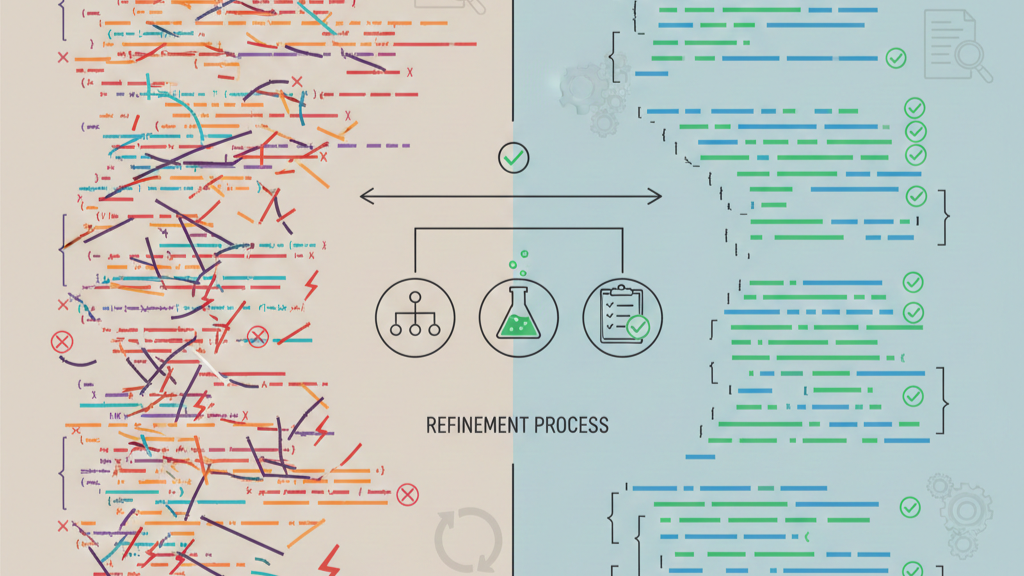
Remember the first time an AI tool slipped a fake package into our training repo. Nobody caught it until install time, and the whole room learned the same lesson: you don’t just fix the error, you fix the process around it.
We treat AI code like it’s slightly radioactive. It never touches the main branch directly. We push it into a staging branch or a sandbox file, then walk through it line by line, the same way we teach in our secure development bootcamps.
- Isolate AI output in a separate branch or file.
- Run dynamic tests with hostile input.
- Add logging and error boundaries around AI-generated sections.
For security issues, our instructors hammer the idea of layers. AI code gets security linters, runtime checks, and clear failure modes, so when it breaks, it breaks loudly and in the right place.
The table below matches the usual AI mistakes with what we actually do in class and on real projects:
| Error Type | Correction Strategy | Impact Reduction |
| Hallucinated Packages | Scrutinize every import; use automated dependency scanners. | Cuts debugging time by preventing “module not found” wild goose chases. |
| Duplicate/Overcomplicated Code | Use diff tools for review; manually refactor to single responsibility. | Prevents technical debt and keeps the codebase clean and maintainable. |
| Security Holes | Wrap AI code in error boundaries; use real-time security linters. | Limits app-wide failures by containing and identifying flaws early. |
At the end, version control ties it together. We commit the raw AI output first, then our fixes. Students can see each change like a forensic trail, and over time, they learn to spot the failure patterns before they land in production.
How to Guide an AI to Fix Its Own Bugs
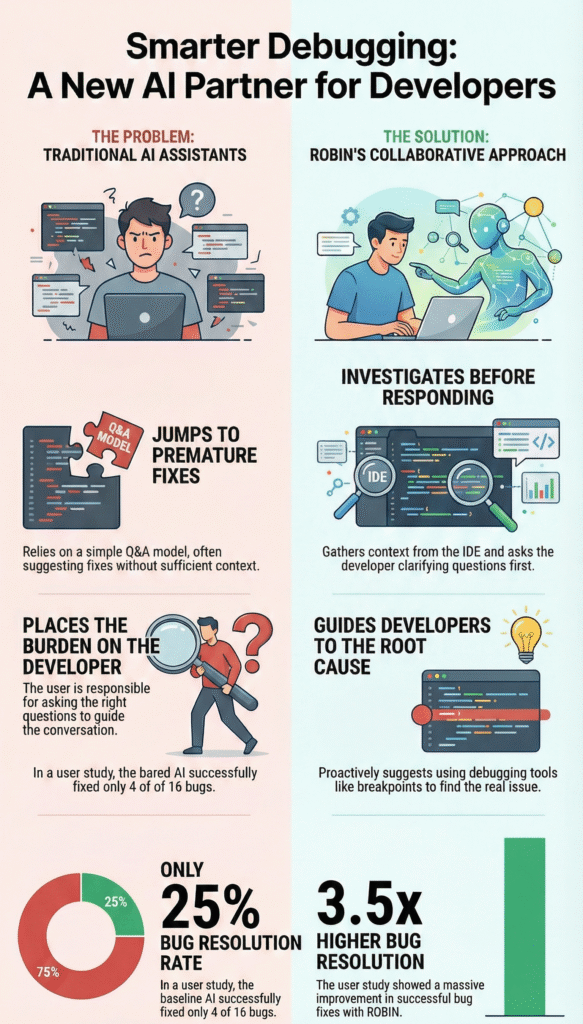
Sometimes the real shift happens when we stop fixing everything ourselves and start using AI as our repair tool. We see this a lot in our secure coding[2] bootcamps, people just paste “it’s broken” and wonder why the answers fall flat.
What works better is treating the AI like a junior dev.
- Paste the full error message and stack trace.
- Add screenshots for UI or API quirks.
- Describe what you expected versus what actually happened.
From there, we usually start with:
“Explain this bug in plain English first.”
If the AI can’t explain it, we know we haven’t given enough context, especially for security edge cases.
Then we ask for a targeted fix:
“Rewrite the function to handle null safely, add a test for logged-in and guest users, and include defensive checks.” For secure development, we also call out input validation, auth checks, and safe defaults.
We’ll often break it into steps:
- Define the goal.
- Extract core logic.
- Write pseudocode.
- Implement with error handling and security in mind.
In that setup, we become the project lead, and the AI becomes a reliable pair of hands.
What to Do When the AI Misunderstands Prompts
Sometimes the AI feels like a junior dev who grabbed the wrong ticket. You ask for a date formatter, it proudly ships a calendar UI. The prompt made sense to you, but the model followed a different pattern.
When that happens, we don’t just rewrite code at our secure development bootcamp, we rewrite the prompt first. We ask the AI, “Why does this output not match what we asked for?” Its own reasoning often exposes where it went off track, and our students see the gap in real time.
Then we tighten the instructions:
- Add clear constraints: “This function is O(n²). Rewrite it to O(n log n) without extra memory beyond O(1).”
- Show examples: “Match this error-handling pattern,” and paste a small function from our own secure codebase.
We also front-load our standards:
- Use async/await for I/O
- Prefer const over let
- Add JSDoc for public functions
- Never use any in TypeScript
On harder, security-heavy tasks, like sanitizing user input or handling crypto, we push our learners to use the strongest model they can. The better the model, the fewer risky misunderstandings we have to clean up later.
How to Check AI Code for Best Practices
We’ve seen this happen a lot in our bootcamps: the code runs, the tests pass, and everyone relaxes too early. That’s where trouble usually starts.
We treat AI-generated code like a junior dev’s pull request, just with a sharper eye. First, context. Does it actually fit your codebase?
- Same naming conventions?
- Same folder structure?
- Same patterns you’d expect from the rest of the project?
If it feels like a pasted snippet from a blog, we flag it.
Readability comes next. We ask, “Will we understand this in six months, without the original prompt?” If it’s a dense one-liner or packed with magic numbers, we have the AI refactor it for clarity. In secure development, unreadable code is unreviewed code, and unreviewed code is where vulnerabilities hide.
We also look for classic AI overconfidence:
- try-catch blocks that swallow all errors
- missing input validation
- made-up APIs or insecure defaults
Then we run the full pipeline: linters, formatters, compilation, all tests (not just the new ones), and a vulnerability scan. Our experience training developers has taught us this blunt truth: the AI can’t tell “working” from “production-ready.” We can. And we have to.
Managing and Simplifying Complex AI-Written Code
AI has a tendency to over-engineer. It loves to add extra layers of abstraction, to create factories and managers for simple tasks. You asked for a function to parse a CSV, and it gave you a configurable, plugin-based data pipeline framework. Your job is to simplify. Start by identifying the core logic. What is the absolute minimum this code needs to do? Strip away everything else.
Refactor incrementally. Don’t try to fix the whole monstrosity at once. Isolate the most complex, tangled part. Prompt the AI: “Take this section of code and rewrite it to do only [X]. Remove any abstraction layers. Optimize for readability, and do not introduce any new dependencies.” Test that small change in a sandbox. Does it work? Good. Move to the next piece.
Avoid multi-file changes in a single prompt. It’s too much for the AI to keep coherent and for you to review. Break it down file by file, module by module. Use the “beaver method” here, build the simple, solid foundation first.
This iterative approach prevents you from replacing one complex mess with another, slightly different complex mess. It ensures you understand what the code is doing at every step, reclaiming ownership of your system’s design.
Why You Still Need Fundamental Debugging Skills
We’ve watched this happen in our bootcamps over and over: the AI writes “perfect” code, then chokes the moment something subtle breaks.
- A login works locally but fails on app.dev.example.com
- A cookie doesn’t stick across subdomains
- A payment webhook fires twice, but only sometimes
The AI can’t feel that nagging “this smells like a cookie domain issue” or “this is probably an N+1 query hiding in the shadows.” We still rely on our own mental model of how sessions, databases, and networks actually behave.
In our secure development training, we keep pushing this:
- You see a slow query, you read EXPLAIN ANALYZE yourself.
- You guess it’s a missing user_id index or a bad join.
- Then you tell the AI: here’s what’s wrong, generate the migration and update the query.
That’s you directing, not the model.
When we audit encryption flows, token handling, or payment logic in class, nobody ships AI output without a line‑by‑line review. We pause, we threaten‑model, we ask, “What if this fails open instead of closed?” Those are human questions. Without solid debugging and security fundamentals, the AI is just guessing in the dark, and dragging you with it.
How to Explain Bugs to an AI Assistant
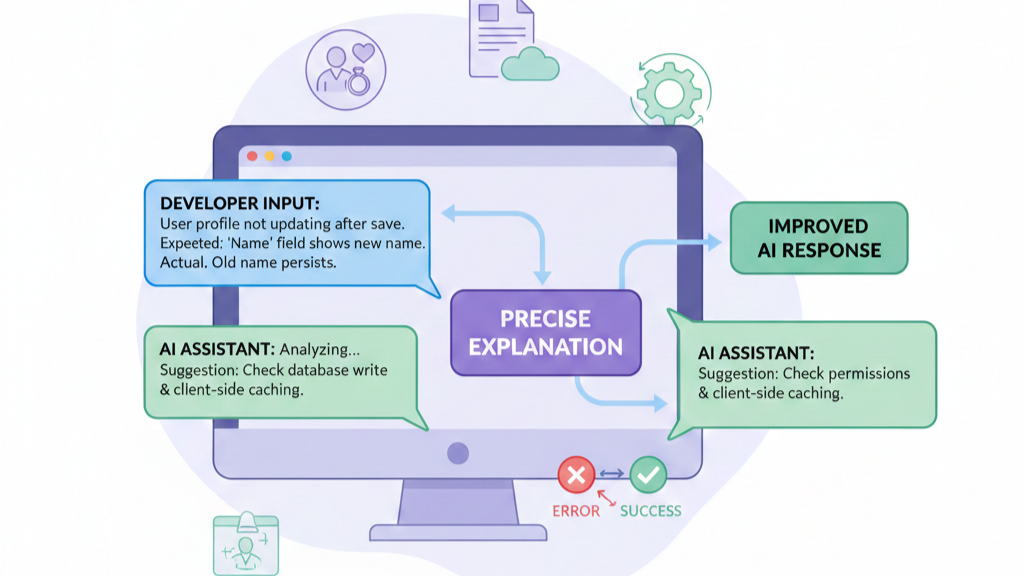
Precision is your only tool here. Vague descriptions yield vague fixes. Don’t say “it crashes.” Say, “When a user submits the form with a blank email field, the validateInput function throws TypeError: Cannot read properties of undefined (reading ‘trim’) on line 47. Here is the exact traceback.” You are giving the AI the clues it needs to pattern-match a solution.
Structure your prompt like a bug report. Describe the symptom, provide the environment, show the error. Then, guide the AI’s process. “Based on this error, what is the most likely root cause? Propose a fix that includes a null check for the email parameter, and write a unit test that reproduces this error before the fix and passes after it.”
Use examples of what you do want. “The function should return { error: ‘Email is required’ } when the input is a null or empty string, not throw.” This positive reinforcement helps steer the model away from the wrong pattern and towards the right one.
You are not just reporting a bug, you are creating a learning moment for the model within the context of your conversation. You’re providing the structured data it craves.
FAQ
What causes AI generated code errors, and how can users spot them early?
AI generated code errors often come from prompt misunderstandings, AI hallucination in code, or missing context in prompts. Users can spot problems by checking error logs for AI, running static code analysis, and using dynamic testing. Watch for AI red flags like hallucinated packages, duplicate code AI, and overcomplicated AI scripts before issues spread.
How does human oversight in AI coding reduce serious debugging problems?
Human oversight in AI coding helps catch bad code from AI tools before release. Reviewing security vulnerabilities AI, context fit code, and readability standards reduces blast radius bugs. Steps like AI code review, diff tools review, and senior developer AI babysitting make debugging AI code safer, especially for security critical code.
What debugging skills help when correcting AI bugs step by step?
Fundamental debugging skills matter when correcting AI bugs. Start with symptoms description, traceback analysis, and root cause AI thinking. Use pseudocode for AI to explain logic clearly, then apply incremental code changes. Simplifying complex AI code and refactoring AI output helps verify AI fixes and improves code readability AI.
How do prompts and feedback improve AI assisted coding quality?
Clear structured prompts AI reduce bad code from AI tools. Prompt engineering tips like meta questions prompts, context in prompts, and prompt refinement guide better results. Real time AI feedback and guiding AI fixes improve accuracy. Explaining bugs to AI supports developer productivity AI without removing human control.
What workflows help validate AI code safely before deployment?
Strong workflows include AI code validation in AI code sandboxes and staging environments. Run compile tests AI, functional testing AI, and vulnerability scanning. Use version control AI code, avoid multi file changes, and verify AI fixes before merge before review. These steps support workflow integration AI and quality assessment AI.
Shifting from Debugging to Directing
The goal isn’t to avoid AI-generated code. It’s to use it without letting constant fixes drain your momentum. Shift from debugging outputs to directing intent. You define constraints, security standards, and context; AI handles speed and iteration.
Anchor everything in secure coding practices, validate systematically, and prompt with precision. Your skills guide the work; AI accelerates it. Ready to tighten that loop? Learn how at Secure Coding Practice
References
- https://en.wikipedia.org/wiki/Debugging
- https://en.wikipedia.org/wiki/Secure_coding
Related Articles
- https://securecodingpractices.com/how-to-debug-ai-generated-code-effectively/
- https://securecodingpractices.com/what-is-the-ai-babysitting-problem/
- https://securecodingpractices.com/vibe-coding/
- https://securecodingpractices.com/why-does-ai-code-need-constant-human-oversight/
- https://securecodingpractices.com/strategies-for-correcting-ai-coding-errors/
- https://securecodingpractices.com/how-to-guide-an-ai-to-fix-its-own-bugs/
- https://securecodingpractices.com/what-to-do-when-the-ai-misunderstands-prompts/
- https://securecodingpractices.com/how-to-check-ai-code-for-best-practices/
- https://securecodingpractices.com/managing-and-simplifying-complex-ai-written-code/
- https://securecodingpractices.com/why-you-still-need-fundamental-debugging-skills/
- https://securecodingpractices.com/how-to-explain-bugs-to-an-ai-assistant/