


An integrated AI editor turns that blinking cursor from stress into motion. It doesn’t just finish your lines, it reads your code, follows your direction, and works beside you. Drafts come together faster, errors surface earlier, and dull, repeated edits stop clogging your attention.
You still make the calls, you still solve the core logic, but the friction around each step softens. Over time, the tool stops feeling mechanical and starts to feel like part of your normal flow. Keep reading to see how this kind of quiet support reshapes the way you code each day.
Key Takeaways
- They catch errors and suggest secure patterns as you type.
- Boilerplate and repetitive code are generated instantly.
- Your focus shifts from syntax to solving complex problems.
The End of the Debugging Marathon
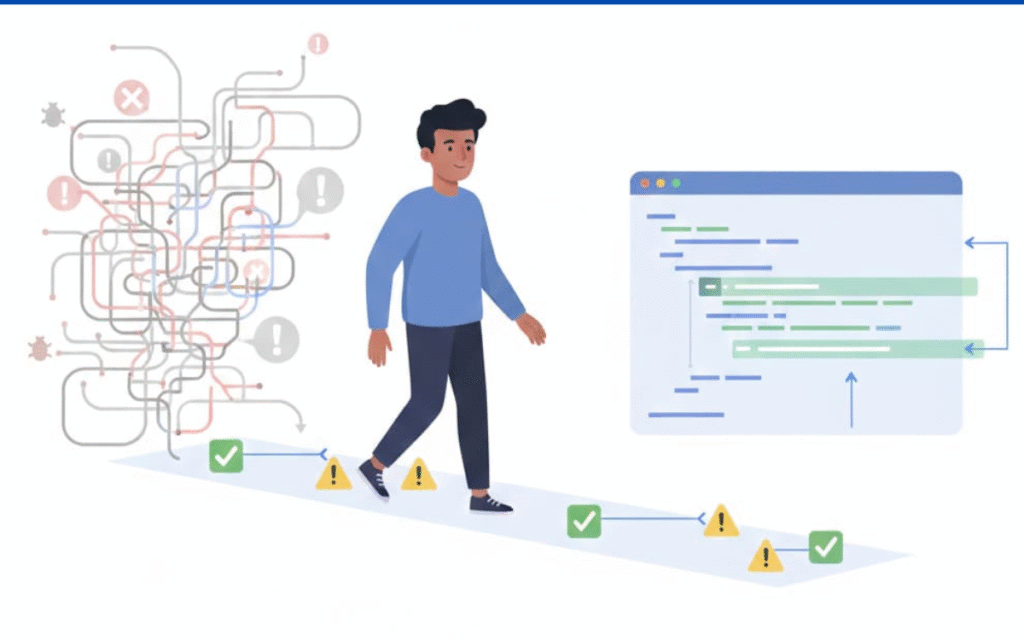
There’s a moment every new developer hits: the code compiles, the screen blinks, and an error drops that might as well be in another language. At our secure development bootcamp, we’ve watched students burn half an hour (sometimes more) hopping through files just to find a missing bracket or mismatched type. With an integrated AI editor hooked into their environment, that chase gets a lot shorter.
In our sessions, we see it catch issues before the first run:
- Flags syntax errors as you type
- Surfaces suspicious logic paths early
- Points to the exact file and line that needs attention
Because feedback lands in real time, students stay in flow instead of constantly stopping to play detective. The AI feels less like a mechanical linter and more like a calm co-pilot, nudging you away from dead ends before you’ve sunk your time and focus into them.[1]
This is a clear example of how AI editors are more efficient in reducing context switching and accelerating feedback loops during development.
Writing Code with a Safety Net
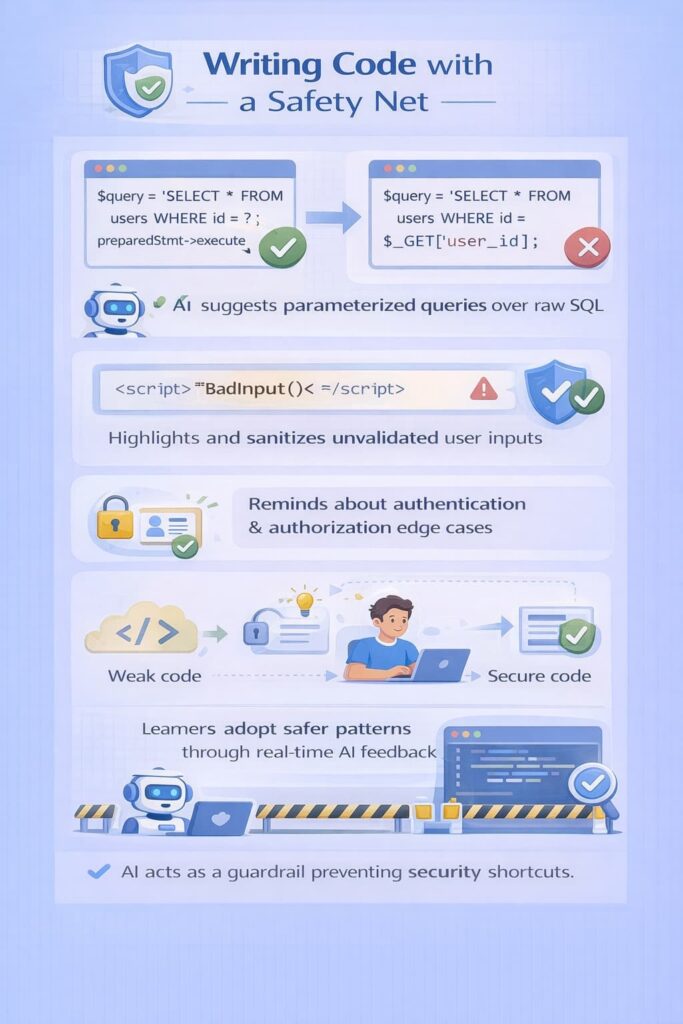
Security usually breaks when everyone’s rushing. We’ve seen it happen in our own bootcamp projects: the feature works, the demo passes, and only later does someone notice raw SQL queries or unchecked input sitting in production code. Once an integrated AI editor enters the picture, that pattern starts to change.
During secure coding labs, the editor quietly reinforces good habits:
- Suggests parameterized queries instead of string concatenation
- Highlights unvalidated user input and offers sanitization patterns
- Reminds you to handle authentication and authorization edge cases
We watch learners pick up these patterns almost by osmosis, because they see the same secure suggestion at the exact moment they’re about to ship a weaker version. Over time, the AI becomes a kind of guardrail. You still design the system, but you’re less likely to ship the shortcuts that come back as painful security findings later.
Debugging Without vs. With an Integrated AI Editor
| Debugging Task | Traditional Workflow | Integrated AI Editor Workflow |
| Syntax errors | Found after running the code | Flagged instantly while typing |
| Logic issues | Traced manually across files | Highlighted with context-aware hints |
| Error location | Interpreted from vague messages | Pointed to exact file and line |
| Feedback timing | Delayed and interruptive | Real-time and continuous |
| Developer focus | Constant context switching | Sustained flow and momentum |
In this comparison, the value of essential tools and editors is evident, as integrated environments provide real-time, contextual assistance that traditional setups lack.[2]
From Blank Page to Functional Scaffold
Starting from nothing can freeze people. We’ve seen students stare at an empty file, knowing they need an API endpoint, a data model, and some basic validation, but not knowing how to get moving without copying old code. An integrated AI editor breaks that paralysis by giving you a rough scaffold right when you need it.
In our secure app projects, we lean on it for:
- Generating boilerplate for controllers, routes, and models
- Laying out standard authentication flows
- Stubbing safe defaults for validation and error handling
You describe the endpoint, the data it touches, and any security constraints, and the editor builds a basic structure. Not perfect, not final, but solid enough that you can jump straight into refining logic and tightening security. That jump from blank page to “something that runs” changes how fast teams can prototype, compare designs, and learn from working code instead of stuck ideas.
Your Brain on Autopilot (The Good Kind)
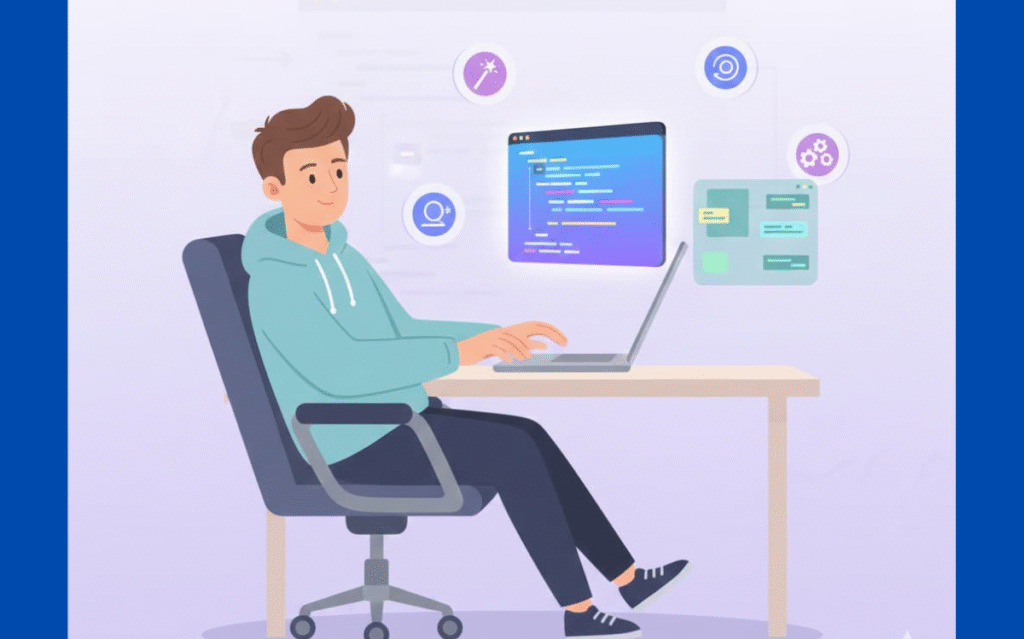
By the end of a long lab day, we see the same glazed look: students aren’t struggling with core concepts anymore, they’re just worn out from tiny details, imports, naming, indentation, refactors that never feel quite done. Once we add an integrated AI editor to their workflow, the fatigue curve looks very different.
The editor quietly picks up the low-level weight:
- Normalizes naming and formatting across files
- Proposes safe refactors when patterns repeat
- Reminds you about missing checks, tests, or error paths
Our learners keep more of their energy for the hard parts: modeling threats, validating inputs, designing secure flows. They end a session feeling like they solved real problems, not just babysat syntax. That shift, less grind, more thinking doesn’t just speed up one project, it helps people actually want to come back the next day and keep sharpening their secure coding skills.
For deeper reasoning and tackling complex bugs, the use of the best anthropic models for developers can further amplify this process, offering layered AI support beyond the editor
FAQ
Why does an integrated AI editor reduce editing time compared to separate tools?
An integrated AI editor combines drafting, rewriting, AI proofreading, and grammar checking in one place. You don’t switch between an AI writing tool, AI text editor, or style checker. Automated editing, real-time suggestions, and contextual awareness reduce repetitive work. This tighter workflow helps writers focus on ideas instead of managing tools.
How does AI-assisted writing improve clarity and flow during content creation?
AI-assisted writing uses a natural language editor and AI flow enhancer to spot unclear sentences early. It suggests better transitions, fixes structure, and improves coherence while you write. Unlike manual edits later, real-time guidance from an AI-powered editor keeps content readable, concise, and aligned with user intent from the start.
Can an AI content editor help maintain consistent tone and voice?
Yes. An AI content editor uses tone analyzers, voice and style editors, and consistency checkers to keep writing aligned. It detects tone shifts, uneven phrasing, and voice mismatches across sections. This is especially useful for teams, where a contextual editor helps maintain a unified style without constant manual review.
Why are integrated AI editors better for SEO-focused content workflows?
Integrated editors act as semantic SEO editors by handling keyword integration, topic clustering, and content relevance together. A topic-aware editor analyzes search intent while optimizing structure and flow. This avoids keyword stuffing and supports natural phrasing, helping content match SERP expectations without breaking readability or editorial quality.
How do AI-powered editors scale content work for teams and large projects?
AI-powered editors support batch editing, collaborative workflows, and editorial automation. A content workflow editor allows multiple users to edit, review, and optimize faster. Machine learning editors adapt over time, making them scalable for high-volume content while maintaining accuracy, consistency, and efficiency across teams.
Integrating an AI Editor into Your Life
You don’t have to change everything at once. Start small: let the editor generate unit test stubs or common data structures, and see how it thinks. As you work, notice which suggestions you trust and which you’d rather rewrite. Treat it like a partner, not a crutch. Keep one non-negotiable rule: review and understand every generated line before it touches core logic.
You’ll feel the time savings long before you fully realize how much you’ve gained. Ready to apply this mindset in practice? Join the Secure Coding Practices Bootcamp for hands-on secure development training.
References
- https://www.qodo.ai/reports/state-of-ai-code-quality/
- https://cybernews.com/editorial/how-ai-is-changing-software-development/