
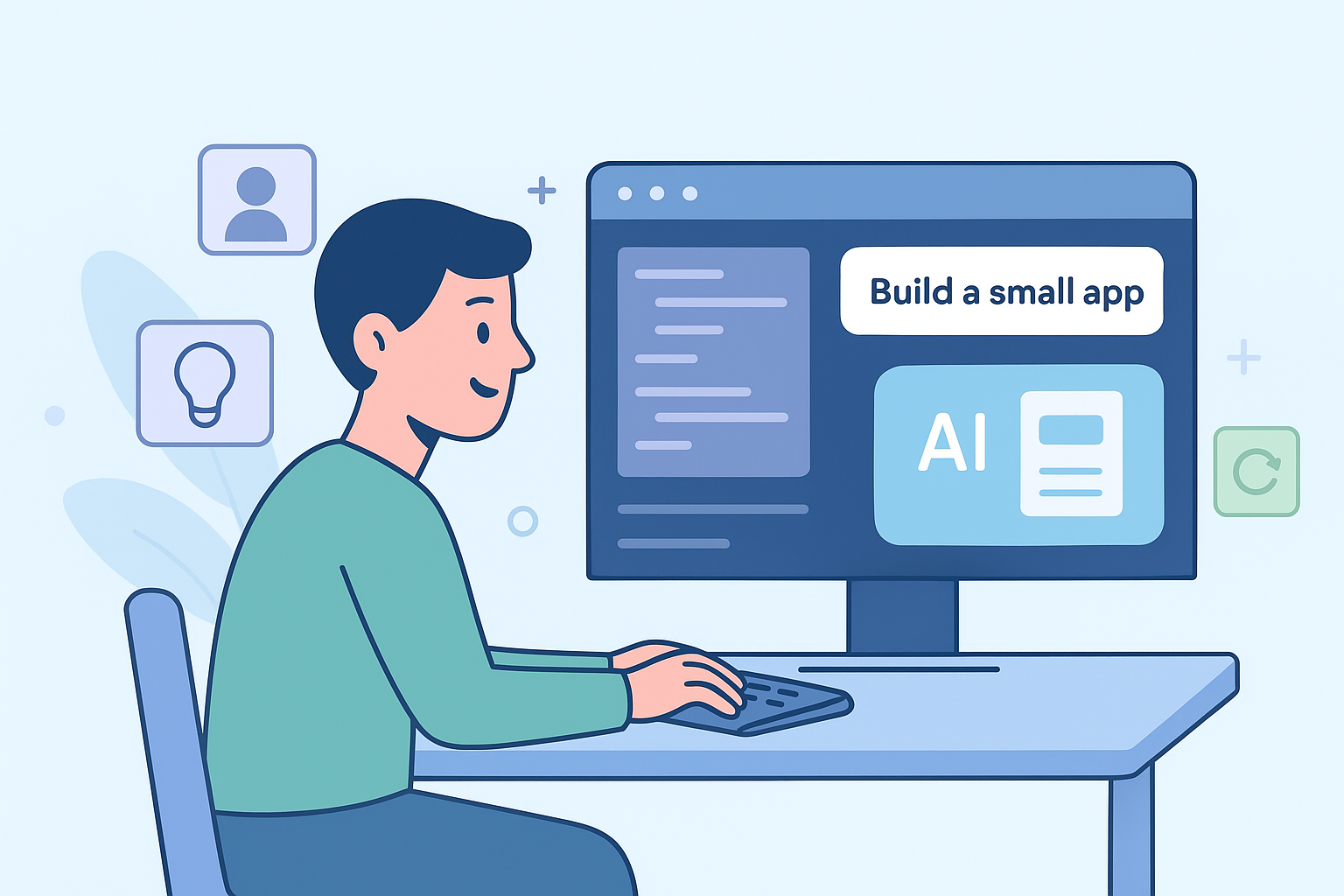

You can build your first real simple working app with basic safety considerations much sooner than you think, long before a bootcamp ends or a degree shows up on the wall. We see it every week: someone types what they want in plain English, and the AI turns that into working, working code with common patterns the AI generates.
It feels strange at first, but it’s not a trick, it’s a practical way to pair your ideas with a tireless coding partner. In our sessions, many beginners build a simple project in under an hour. Keep reading to see the exact steps we use to go from blank screen to live, secure web app.
Key Takeaways
- Start with a simple project, like a custom “Hello World” page, to learn the conversational flow.
- Use clear, descriptive language in your prompts; specificity is your greatest tool.
- Embrace an iterative process: describe, generate, test, and refine your prompts based on the output.
What You Actually Need to Begin
Forget everything you think you need to know about programming. You don’t need to understand variables, functions, or syntax. If you can describe an idea for a simple tool or a webpage, you have the fundamental skill required. Basic computer literacy, like knowing what a web browser is, is plenty. The only real prerequisite is a free account on a platform that supports this AI-assisted workflow. Tools like Replit or Lovable.ai offer this instantly in your browser, no complex installations needed. It’s about access, not expertise.
Setting Up Your Digital Workshop
Your environment is where the conversation with the AI happens, and it also shapes how smoothly you can start with ai-assisted coding. For absolute beginners, browser-based tools are the best choice. They remove the friction of downloading and configuring software. Creating a free Replit account and selecting a basic template, like an HTML/CSS/JavaScript project, gets you a working space in about five minutes.
The AI features are built right in. If you prefer a desktop application, Cursor is a popular option. It’s a version of the VS Code editor that integrates AI models directly into the coding interface. The setup is straightforward, taking maybe ten minutes of your time.
- Replit (Browser): Zero installation, instant start.
- Lovable (Browser): Focused on visual application building.
- Cursor (Desktop): More powerful, for when you’re ready to level up.
The goal is to minimize setup time so you can focus on the creative part.
Choosing Your First Creation
Credits: Tina Huang
Your first project shouldn’t be a complex social network, it should be something small, tangible, and rewarding. Many learners find momentum by trying a simple idea that feels like a best project for early progress. The classic “Hello World” webpage works, but you can give it a personal twist with themes, buttons, or snack suggestions.
Other great starter ideas include a snack recommender that suggests treats based on your mood, or a simple pricing calculator for a service. These projects teach you the core loop of vibe coding while producing a shareable result in about thirty minutes. Community reports show many first-timers succeed with small projects.
The Art of the Prompt
![[Getting Started with Vibe Coding] A person focused on creating a simple webpage, including an application that helps find and display snack information.](https://securecodingpractices.com/wp-content/uploads/2025/12/Getting-Started-with-Vibe-Coding2-1024x683.png)
This is the heart of vibe coding. You are directing the AI. The clarity of your direction dictates the quality of the output, and even beginners can feel the shift once they understand the vibe coding fundamentals. Instead of vague instructions, detailed descriptions help the AI generate cleaner, more useful output.
Below that, add a text input box with the placeholder ‘Enter your mood…’ and a green button that says ‘Find My Snack’.” You start with a specific vision. Then, you iterate. After seeing the initial code, you might prompt, “Now, make the button change to red when the mouse hovers over it.” Effective prompting can significantly improves the usefulness of the output.
Selecting Your AI Co-pilot
![[Getting Started with Vibe Coding] A person engrossed in the creative aspects of building a webpage, surrounded by coding tools and interfaces.](https://securecodingpractices.com/wp-content/uploads/2025/12/Getting-Started-with-Vibe-Coding3-1024x683.png)
Several AI models are excellent for this work. For beginners, models like Claude or ChatGPT are strong choices due to their robust code generation abilities and conversational nature. These models pair well with tools like Cursor. If your goal is to build a more visual application, Lovable is designed for that purpose. For quickly prototyping user interfaces, v0 is a specialized tool.
The free tiers of these services are more than sufficient for your initial projects. It’s common for people to try a couple of options and then stick with one that fits their style; most users eventually settle on one tool they prefer.
The Build Cycle in Action
![[Getting Started with Vibe Coding] A user-friendly interface demonstrating the creation of a simple webpage, with AI-generated content and interactive features.](https://securecodingpractices.com/wp-content/uploads/2025/12/Getting-Started-with-Vibe-Coding4.png)
Let’s walk through creating a simple app. You open your Replit workspace. In the AI chat, you type: “Create a snack recommender app. It should ask for my current mood (like happy, tired, stressed) and my dietary preference (like vegan, gluten-free). Then, it should recommend a snack.” The AI will generate the HTML, CSS, and JavaScript code for you. You click the “Run” button to see the live webpage. It works, but it’s basic.
Your next prompt: “Add a submit button. After you click it, display the snack suggestion in a list below the form.” You run it again. Now you have a more interactive app. Within 15 to 45 minutes, you can have a complete, though simple, application ready to share with a friend by using the built-in deployment tools.
Refining and Understanding the Output
The code the AI generates won’t always be perfect. That’s where the “refine” part of the cycle comes in. You test the app. If you get an error, you don’t need to know how to fix it. You just prompt the AI: “Debug this error message,” and paste the text of the error. The AI will usually correct the code. This iterative process, describe, generate, test, refine, is the core workflow.
To learn from the process, a powerful prompt is to ask, “Can you explain why you used this approach for the snack list?” This forces the AI to teach you the logic behind its choices. This method greatly reduces the time spent stuck on errors.
We should also touch on secure coding practices. When the AI generates code, it generally follows standard patterns. However, it’s a good habit to think about safety from the start. A simple way to incorporate this is to add to your prompt. For example, when building a form that takes user input, you could prompt, “Make sure the input from the mood field is sanitized to prevent basic script injection.”
This tells the AI to include code that protects against common vulnerabilities. It’s about baking safety into your descriptions. In an enterprise-scale trial, integrating AI-based code generation + automated review cut pull-request review cycles by ~32%, and led to a ~28% increase in code shipped to production. (1)
A New Relationship with Code
![[Getting Started with Vibe Coding] An illustrated comparison of traditional coding and Vibe Coding, showcasing the key differences and potential benefits of the Vibe Coding method.](https://securecodingpractices.com/wp-content/uploads/2025/12/Getting-Started-with-Vibe-Coding-infographic.png)
For those with traditional coding experience, vibe coding requires a mental shift. You move from writing code line-by-line to orchestrating it through conversation. You let the AI handle the boilerplate and repetitive syntax, freeing you to focus on the higher-level architecture and user experience. Many developers report much faster prototyping with AI support.
You still retain full control; you’re just reviewing and guiding code instead of typing every character. The best way to adapt is to practice on small features before tackling a whole application. AI-generated code can reduce boilerplate coding effort and repetitive tasks; documentation and repetitive code tasks often complete in half the time compared to manual coding. (2)
Where to Go from Here
The resources for learning are plentiful and largely free. Websites like Index.dev and newsletters from practitioners like Nicolle Weeks on Substack offer excellent guides. The r/vibecoding community on Reddit is a great place to see step-by-step examples from other beginners. Video tutorials on platforms like YouTube can walk you through the process visually. The learning curve is surprisingly shallow. Most learners say they understand the basics within their first week.
FAQ
How do I start beginner vibe coding if I’ve never built anything before?
You can begin with beginner vibe coding by using natural language prompts inside a simple vibe coding environment. Many non-coder app builder tools let you describe what you want, then use ai-assisted coding to shape your first vibe project. Start small, like a hello world vibe page, and learn by trying iterative prompting and testing what the ai code generation gives you.
What tools help me pick the right first vibe project to learn with?
A good first vibe project uses clear goals and short steps. Many learners try a snack recommender app or a pricing calculator project because they stay simple while showing how conversational collaboration works. You can test ideas in replit ghostwriter, cursor ai ide, or lovable ai builder to see which workflow feels natural for you.
How do natural language prompts actually guide ai-assisted coding?
Natural language prompts give llm coding agents the clues they need. You describe the layout, actions, or style you want, then refine ai code by asking for changes. With iterative prompting, you can spot issues, debug ai output, and adjust details. This makes ai-assisted coding feel like planning-driven coding instead of typing every line yourself.
What should I know about keeping track of changes in a vibe coding environment?
A vibe coding environment helps you watch each step as you build. Tools like codesee visualization, swimm code docs, or mintlify docs ai make it easier to follow updates. When you mix context engineering with test-driven vibe habits, you can read changes, update prompts, and keep your project stable while still moving fast.
How do I share a small app once the ai code generation looks right?
After testing and cleaning up errors, you can deploy vercel replit or similar hosting options. Many creators export a simple hello world vibe site or a snack recommender app to share with friends. You review the code, run a final debug ai output step, and publish. This helps you turn natural language prompts into something others can use.
Your First Step Into Vibe Coding Starts Now
The space between imagination and execution has never been narrower. Vibe coding transforms app-building into a conversation, one where your clarity, curiosity, and creativity guide the AI into producing real, working software. For beginners, this isn’t just a new method of coding; it’s an entry point into a world where you can prototype ideas without getting lost in syntax or configuration.
Your first app doesn’t need to be big. It just needs to be yours. Describe a small tool, iterate with the AI, refine the output, and watch how quickly a simple prompt grows into a functional project. Once you understand this flow, the path to more advanced features, and more ambitious ideas, becomes natural.
If you want to explore beyond building functional apps and start learning how to make them secure, the Secure Coding Practices Bootcamp is built to help you deepen those skills with practical, hands-on training tailored for real-world use.
References
- https://arxiv.org/abs/2509.19708
- https://technicaljournals.org/RJCSE/index.php/journal/article/download/90/86/88