
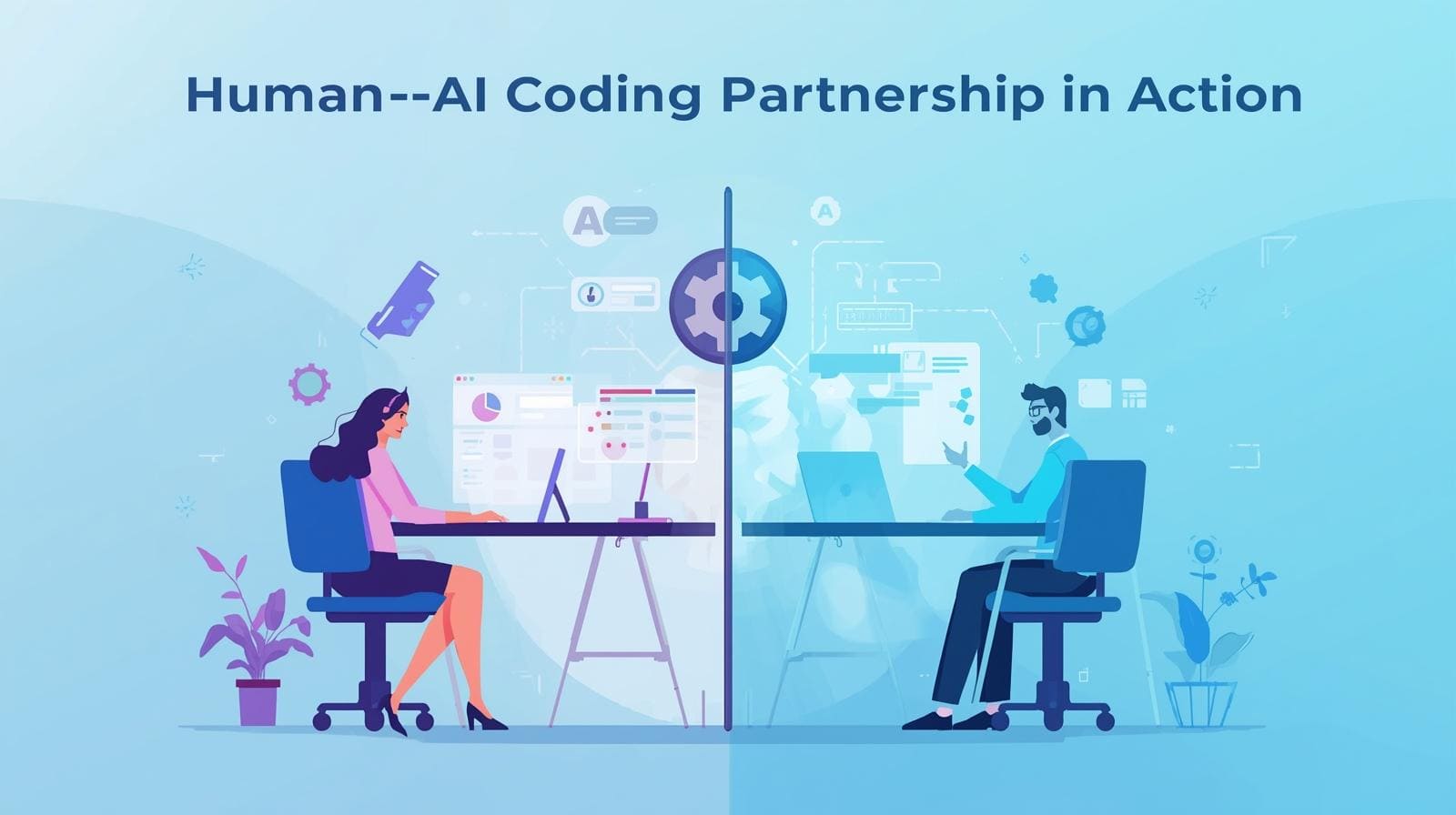

You’re not being replaced by AI. You’re gaining a powerful partner that works at machine speed while you stay in charge of the vision, the tradeoffs, and the hard calls.
Think of it less like handing over your job and more like directing a huge, tireless coding crew that never gets bored of boilerplate or refactors. You guide; it generates.
You judge; it iterates. That shift,from typing every line to directing intelligent tools,is changing how real software gets built. Keep reading to see how to turn that shift into a real advantage in your day-to-day work.
Key Takeaway
- AI handles speed and repetition; you provide strategy and context.
- Clear, specific prompts are the language of this new collaboration.
- Human oversight, especially in secure coding practices, remains non-negotiable.
The Promise of a New Teammate
The promise of a new teammate feels real the first time you see code appear from a single plain sentence. It starts with a small spark, a faint idea for a feature. Before, you’d sit in front of a blank editor, mentally laying out every layer you’d need to touch.
Now you describe it. You write a comment, one clear line about what you want. The AI reads the file, tracks the context, and proposes a structure that fits. Not magic, just pattern recognition at a massive scale, but it lands like a junior teammate who never sleeps, never sighs, and never gets bored.
Some patterns in this shift stand out:
- 30–50% productivity gains on many routine coding tasks, in fact, a controlled experiment with GitHub Copilot showed developers completed a JavaScript HTTP-server task 55% faster compared to those working without it. [1]
- Less time hunting syntax, more time shaping architecture
- Fewer stalls during context switches and refactors
The speed is useful, but the deeper change is mental. You save energy by not rebuilding the same API calls, not retyping boilerplate, not juggling every small detail in your head.
That energy moves to design, to edge cases, to tradeoffs that actually need your judgment. The AI drafts, researches, and accelerates. You stay the architect, the editor, the domain expert, curating what goes into the codebase.
Where the Partnership Comes to Life
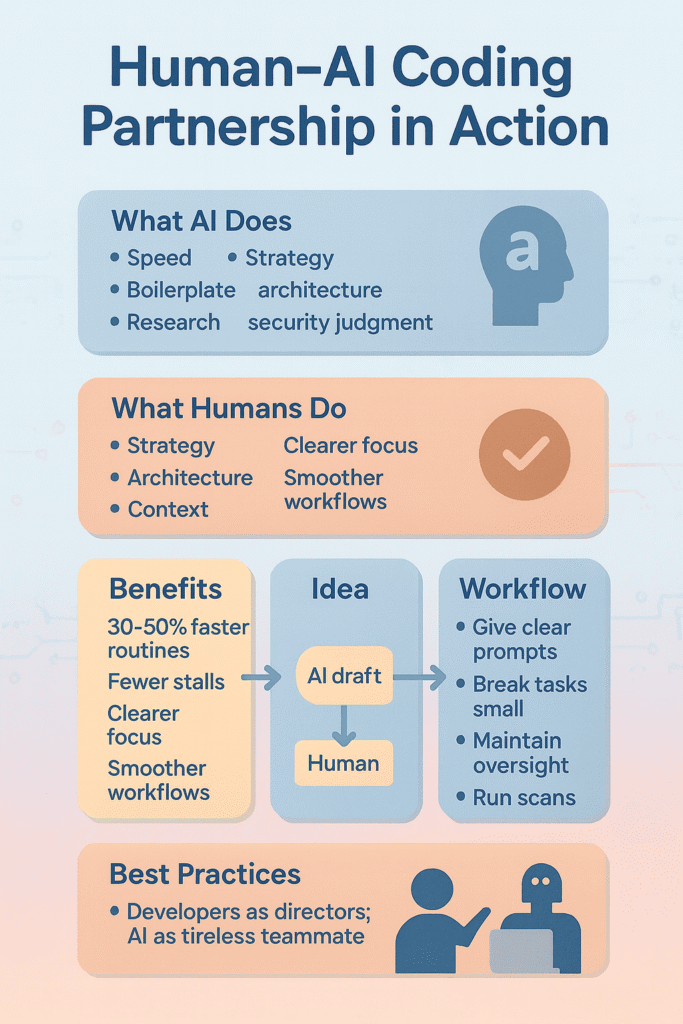
You really see the human–AI pairing when a vague idea turns into a working feature, step by step, with both sides doing what they’re best at. It’s not only about typing out a single function, it’s about guiding a requirement from half-formed notes to a reliable, tested part of the product.
From Idea to Implementation
You might begin with a rough block of customer feedback, full of mixed requests and side comments. The AI can help shape that into something more structured:
- Draft user stories from raw text
- Propose simple acceptance criteria
- Sketch basic UML-style flows or component outlines
Then it’s on you to refine all that, to add the real-world details the model can’t guess. For example, turning “the user should be able to save their progress” into a complete story that handles data validation, partial saves, race conditions, and error states.
During coding, the everyday rhythm changes too. You start naming a function, and the AI offers a full implementation.
Sometimes it even hints at a cleaner abstraction or a lighter algorithm based on patterns it has seen, similar to how some teams add small touches of vibe into their workflow for smoother dev momentum vibe approach. Your responsibility doesn’t shrink,you now:
- Confirm logic against your domain rules
- Check alignment with existing architecture and performance targets
- Decide when to accept, edit, or discard a suggestion
It feels a bit like a rolling code review that happens as you type.
Ensuring Quality and Security
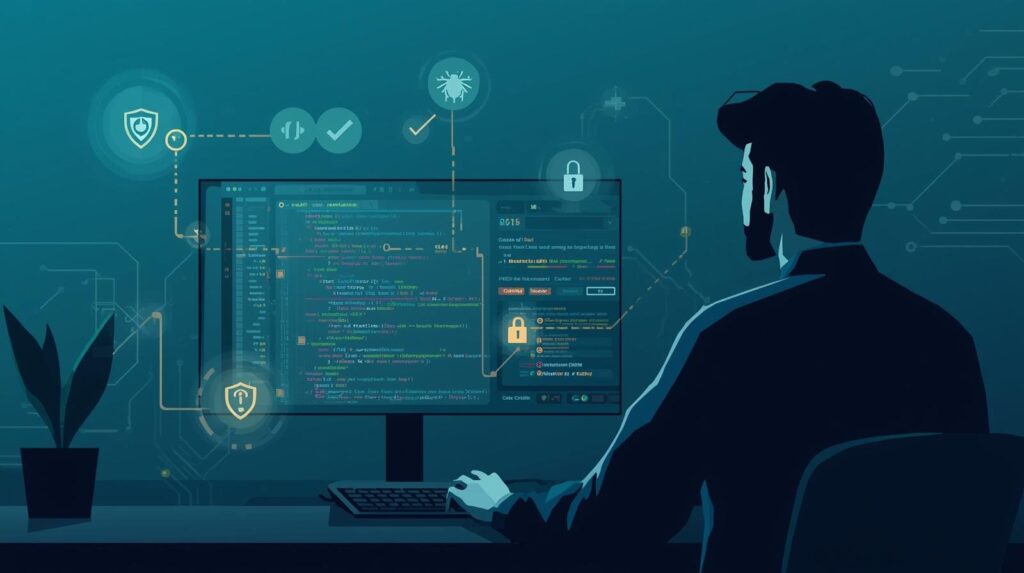
Testing and debugging turn into a paired exercise rather than a solo grind. The AI can quickly:
- Generate unit tests that cover common inputs and error branches
- Propose edge cases based on the function signature and usage
- Scan logs and stack traces to highlight likely failure points
Your work sits one level higher. You design the full testing strategy, including integration and end-to-end tests, and you interpret what the logs really mean in the context of the system. When something breaks, the AI might point to the line; you figure out the reason.
Security needs an even sharper human eye. While AI can follow general secure coding patterns,avoiding obvious injections, sanitizing inputs, warning on risky calls,it still doesn’t understand your exact threat model or compliance needs. That’s where we stay very deliberate:
- Review all AI-generated code as critically as human code
- Run static analysis and security scans, then interpret the findings
- Watch for subtle logic flaws or access control gaps the model can’t see
Even planning gets some quiet help. AI can look at the codebase and past commits to estimate complexity and flag modules that often cause delays.
These patterns often connect back to foundational habits, your own internal fundamentals that shape consistency in engineering thinking fundamentals mindset. You still decide what matters most, how to balance tradeoffs, and how to talk those through with your team and stakeholders. The model surfaces data; you set the course.
Making the Partnership Work for You

To collaborate effectively, you need to learn how to communicate. The quality of the AI’s output is directly tied to the quality of your input.
Think of your prompts as instructions for a very literal, but very smart, colleague. Instead of a vague “write a function to connect to the database,” provide a step-by-step prompt.
Specify the language, the database type, any authentication requirements, and error handling preferences. The more context you give, the more accurate the first draft will be.
It’s also helpful to work in short, focused bursts. AI tools have context windows, and their effectiveness can diminish if the conversation becomes too long and muddled.
Break down large tasks into subtasks. Start a fresh session for a new feature to keep the AI’s “attention” sharp. This mimics how we might work with a human partner, tackling one well-defined problem at a time.
Most importantly, never cede final authority. Human oversight is the bedrock of this model. This means:
- Conducting thorough code reviews on all AI-suggested code.
- Running security scans as an integral part of the integration process.
- Trusting your own judgment when something feels architecturally wrong.
Navigating the Inevitable Challenges
Source: KodeKloud
This new way of working isn’t without its risks. The biggest concern is overreliance. If you let the AI do too much, your own skills,the muscle memory of problem-solving,can atrophy. It’s a tool for augmentation, not replacement. Make a conscious effort to understand the code it generates, not just accept it.
There’s also the risk of bias and vulnerabilities being baked into the code. AI models are trained on public code, which includes both brilliant and flawed examples.
They can sometimes “hallucinate,” creating plausible-looking but incorrect or insecure code. This is again why our secure coding practices and human validation are non-negotiable.
Privacy is another consideration. Be aware of your organization’s policies about what code is shared with cloud-based AI services. For sensitive projects, on-premises or carefully configured solutions might be necessary.
You mitigate these challenges through continuous training, establishing clear ethical guidelines for AI use, and creating feedback loops where you correct the AI’s mistakes, helping it learn your team’s specific standards over time.
A More Creative Future for Developers
You can already feel the edges of the job changing. Developers are slowly stepping out of the narrow box of “just coders” and into roles that look more like directors, designers, and quiet strategists behind the screen.
The keyboard is still there, sure, but more of the work now is about choosing what’s worth building, how pieces fit together, and how to guide these new tools toward something that actually helps real people.
Some shifts are becoming clear:
- Junior developers can ramp up faster with guardrails and examples on demand
- Senior developers can think at a higher level, sketching systems instead of hand-coding every detail
- Teams can share patterns more easily, baked right into suggestions and templates
The future looks decidedly hybrid, not a contest between humans and AI, but a steady “humans with AI” rhythm. Today, about 84% of developers report using, or planning to use, AI tools as part of their development process, reflecting broad adoption globally. [2]
Many developers are realizing how this shift frees their mind to think more about the big picture rather than mechanical tasks big picture focus. The strongest teams will be the ones that know when to lean on the model for:
- Research, quick comparisons, and first drafts
- Boilerplate, repetitive wiring, and routine refactors
And when to step in with human strengths:
- Empathy for users and teammates
- Deep business and domain context
- Long-term architectural judgment
That’s where it turns into real partnership,each side doing what it does best, shaping software that’s faster to build, but still unmistakably guided by human intent.
FAQ
How can beginners understand human AI coding collaboration without feeling overwhelmed?
Beginners often want simple steps for explaining the human-AI coding partnership. You can start by using natural language prompts with a coding assistant tool that offers real-time code suggestions.
This helps you see how AI repetitive tasks support you while human judgment programming guides decisions. Over time, you’ll notice a smoother workflow and better confidence.
What should developers know before trying AI pair programming for the first time?
If you’re new to AI pair programming, it helps to learn how collaborative coding workflows work. Try using tools with AI code autocompletion or AI debugging assistance so you understand your role in the pAIr programming model.
You still provide human oversight coding while the AI speeds small steps. This balance keeps the process clear and safe.
How does human-AI software development improve teamwork for hybrid development teams?
Human-AI software development gives teams a shared rhythm. Humans lead human strategic direction while AI pattern recognition and code generation AI handle details like code refactoring AI.
This helps hybrid development teams work faster with fewer blockers. The AI junior teammate idea works because humans protect architectural choices while the AI boosts speed and accuracy in daily tasks.
How do developers stay safe when using multiple coding assistant tools together?
When you use multi-AI tool stacks, safety matters. You can rely on AI vulnerability detection, code security scans, and human validation code to reduce mistakes.
Human empathy coding helps keep choices thoughtful, while governance in AI coding and AI bias mitigation prevent problems. This mix supports secure code generation without slowing your work or limiting creativity.
How can explaining the human-AI coding partnership help developers grow over time?
Explaining the human-AI coding partnership helps developers see their role clearly. Humans bring human architectural coherence, human business context, and human-AI trust building.
AI offers rapid prototyping AI, code exploration AI, and workflow optimization AI. With steady AI feedback loops, developer skill evolution grows naturally. You learn to guide AI performance metrics and manage AI hallucination risks confidently.
Your First Pair Programming Session
The human-AI coding partnership is less a technology to master and more a new rhythm to learn. It asks you to be sharper in your intent, more careful in your review, and more deliberate in where you spend your energy.
The tools will keep improving, but your judgment stays at the center of every decision. Start small. Tomorrow, choose one repetitive task and hand part of it to the AI,draft a unit test, outline a refactor, or explore an API.
See how it feels, learn its pace, then decide where it fits in your workflow. If you want your next teammate to also be secure by design, you can join the Secure Coding Bootcamp and turn that partnership into safer, stronger code.
References
- https://github.blog/2022-09-07-research-quantifying-github-copilots-impact-on-developer-productivity-and-happiness/
- https://stackoverflow.co/company/press/archive/stack-overflow-2025-developer-survey/